跨境独立站开店
Inventory and fulfillment | How to do dropshipping with Shopify
This article explains how to implement dropshipping with Shopify and introduces some useful Shopify apps.



How to use a dropshipping app with Shopify
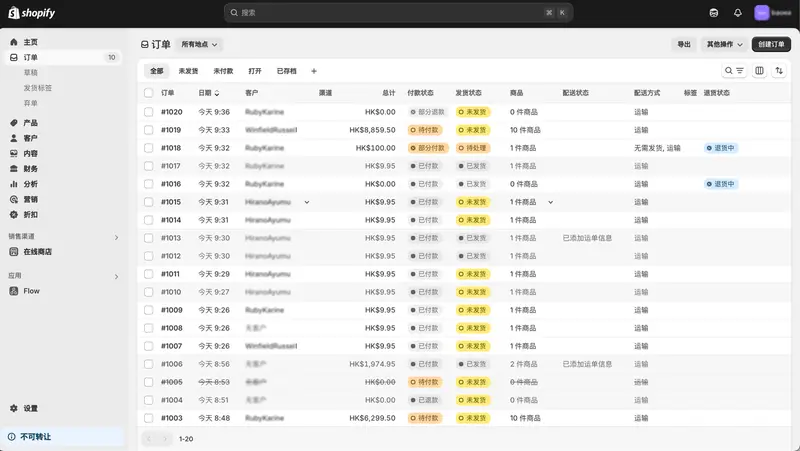
Shopify's dropshipping apps streamline operations by integrating your store with your supplier network, allowing you to import product information into your store and send order information to your suppliers. Many apps also include features to track product inventory and shipping status, which can be used to enhance customer support.
Features of dropshipping using the Shopify app
Using dropshipping apps allows you to handle products from suppliers you haven't previously worked with, enabling you to sell a wide range of products in a short amount of time. On the other hand, there's a risk of competition with other dropshippers because many stores sell the same products. To avoid this risk, the key is to differentiate yourself from competitors by selling high-demand niche products.
How to get started with dropshipping using an app
Create a Shopify store. A 3-day free trial period is available, making it easy even for those creating an e-commerce site for the first time. Follow the setup guide to configure basic settings such as the homepage, product pages, and navigation menu.
Top 4 Popular Shopify Dropshipping Apps
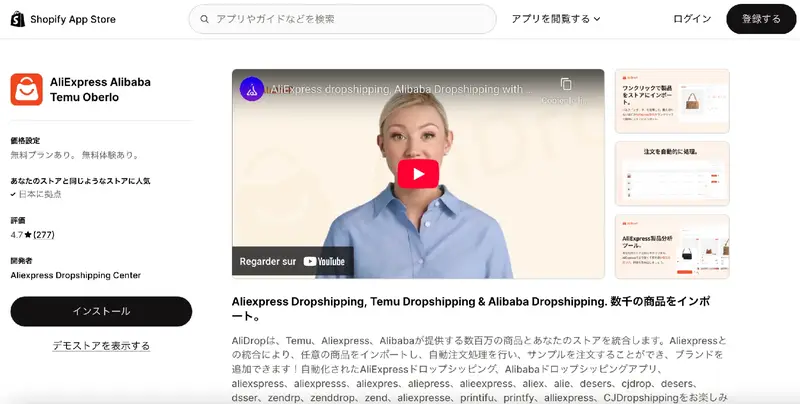
AliDrop is an app that integrates with AliExpress, the e-commerce marketplace operated by Alibaba. It allows you to sell millions of AliExpress products on your e-commerce site, including a wide selection of niche and trending items. It's free to get started and supports Japanese, making it ideal for those new to dropshipping. Furthermore, it allows for worldwide shipping, making it a great choice for website operators considering cross-border e-commerce.