跨境独立站开店
Schedule management apps: selections
Here are some recommended apps to help you manage your schedule. Manage your appointments efficiently, both for work and personal life, and make the most of your time.



1. Google Calendar
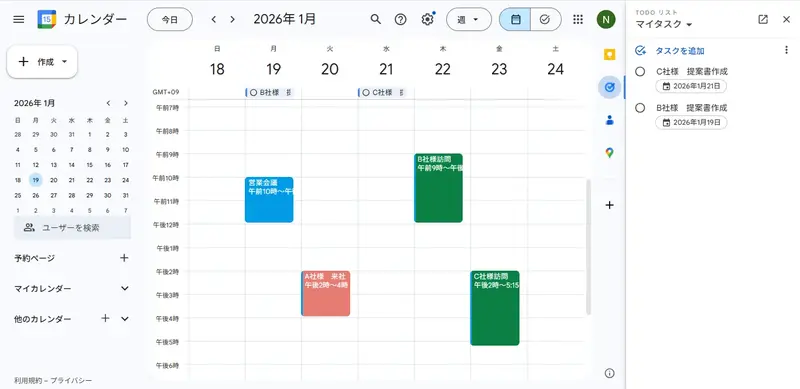
Google Calendar is a calendar app that offers a wide range of features, including personal schedule management, team schedule sharing, and efficient meeting management. Its key feature is its seamless integration with other Google apps such as Gmail, Google Meet, and Google Drive, linked to your Google account. This makes it easy to, for example, check your boss's schedule using the calendar sharing feature, then set up a meeting and simultaneously send the web conference URL via email.
2. Lifebear
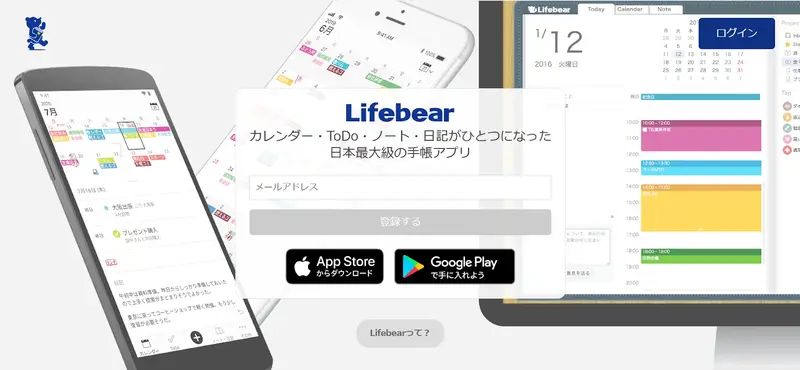
Lifebear is a planner app that combines a calendar, to-do list, notes, and diary into one. It allows for easy customization with color-coding and stamps based on the type of event, and includes a note-taking function for creating meeting minutes and a diary function for recording one entry per day. It can also be synced with Google Calendar to coordinate work and personal schedules.
3. TimeTree
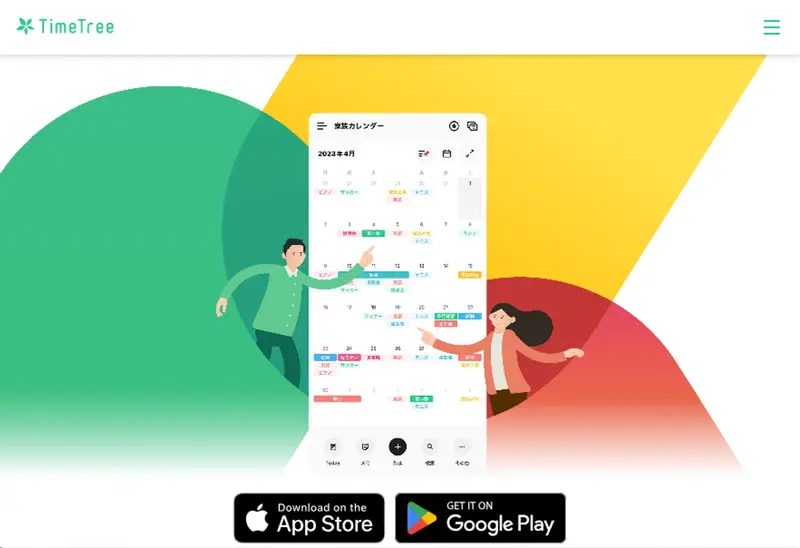
TimeTree is a calendar tool that allows you to share schedules with multiple people. You can set up calendars for each group, such as "family," "friends," and "colleagues," and when one member updates their schedule, other members are notified. It also has features such as group chat and photo sharing. For business use, you can register event and campaign dates in a public calendar, making it a useful announcement tool as it will appear in your followers' schedules.
4. My Calendar
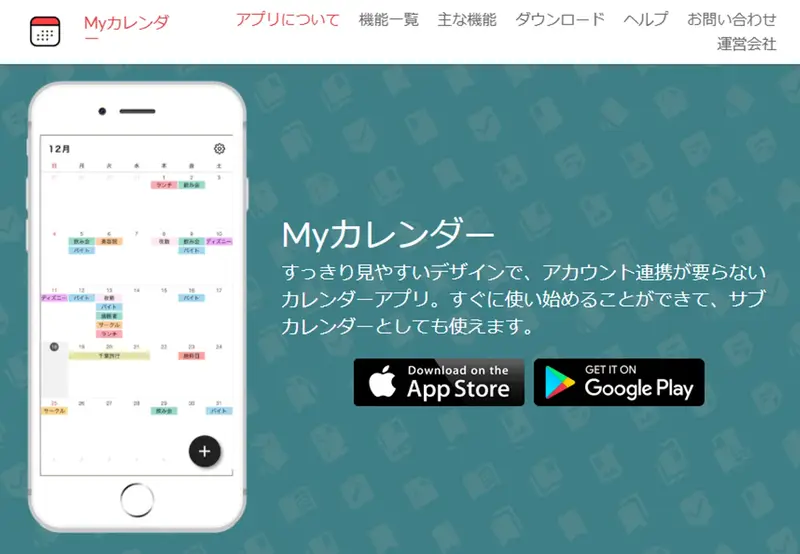
My Calendar is a calendar app with a simple, user-friendly design that can be used without account linking. It offers 21 color themes and allows you to set photos as background wallpapers. However, it does not have features for sharing schedules or syncing with Google Calendar or similar services.