跨境独立站开店
Comparison of SCM Systems and How to Choose the Right One
This article introduces the functions, benefits of implementing an SCM (Supply Chain Management) system, recommended services, and key points to consider when choosing one.



What is an SCM system?
SCM stands for Supply Chain Management, and it refers to the entire process from procuring goods and raw materials to delivering products to customers. For example, in order to maintain stable sales, it is necessary to always have a sufficient amount of inventory, but if inventory is too large, procurement and storage costs will increase. An SCM system is a tool for efficiently managing the supply chain by continuously making adjustments while maintaining a balance.
Reasons why you should implement an SCM system
The primary purpose of an SCM system is to provide integrated management of the entire process, from raw material procurement and manufacturing to sales and fulfillment, ensuring the goods reach the customer. For example, an SCM system can be used to automatically arrange orders with suppliers and deliveries from warehouses based on store POS data, ensuring goods arrive at stores before they sell out. Alternatively, if a customer inquires about the delivery status to the customer service department, the SCM system can determine the location of the delivery route without having to contact the warehouse responsible for shipping.
Main functions of the SCM system
Setting and monitoring KPIs: Establish performance indicators across the entire supply chain and continuously monitor their achievement.
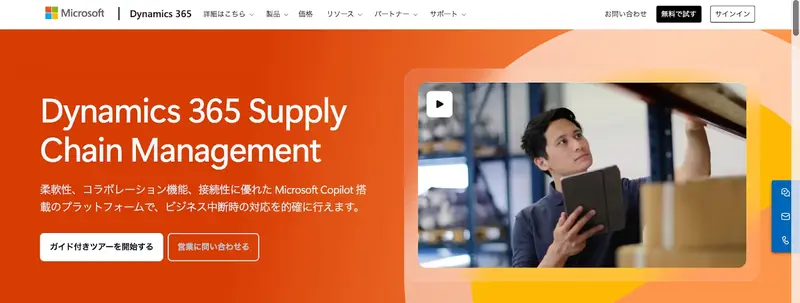
Dynamics 365 Supply Chain Management
Dynamics 365 Supply Chain Management is an SCM system provided by Microsoft Japan. It features AI-powered predictive analytics and automation to improve productivity, and its open platform allows for scalability to meet the specific business needs of each company. Other features include collaboration functions that allow for communication with suppliers and customers within the workflow, and an interface designed to be user-friendly even for those unfamiliar with the system.