跨境独立站开店
Shopify multilingual store setup: Product, navigation, and checkout copy verification
Translating product pages is only one part of a multilingual store. Navigation, filters, policies, and transaction notifications also influence whether a buyer completes a purchase.
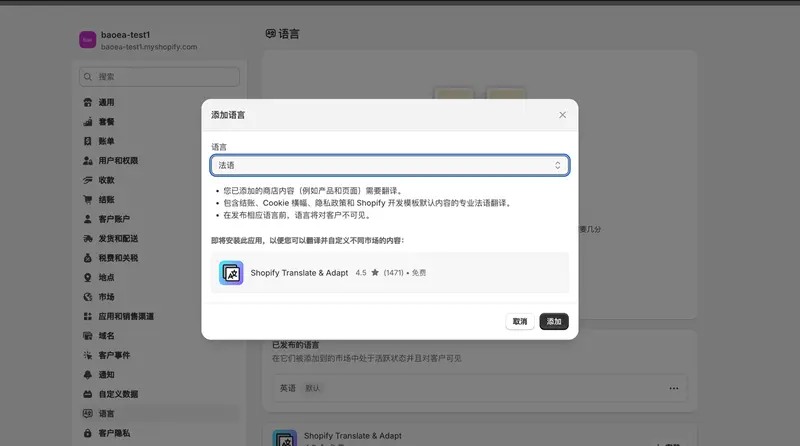
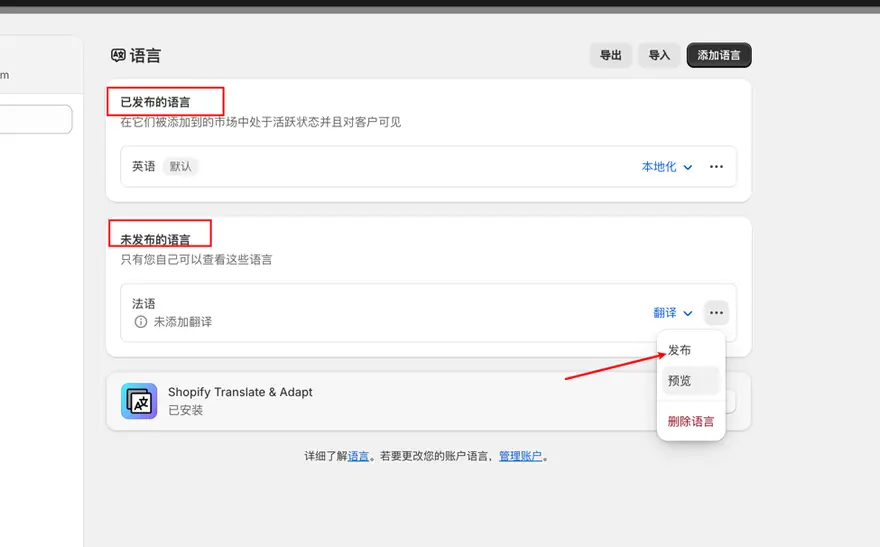
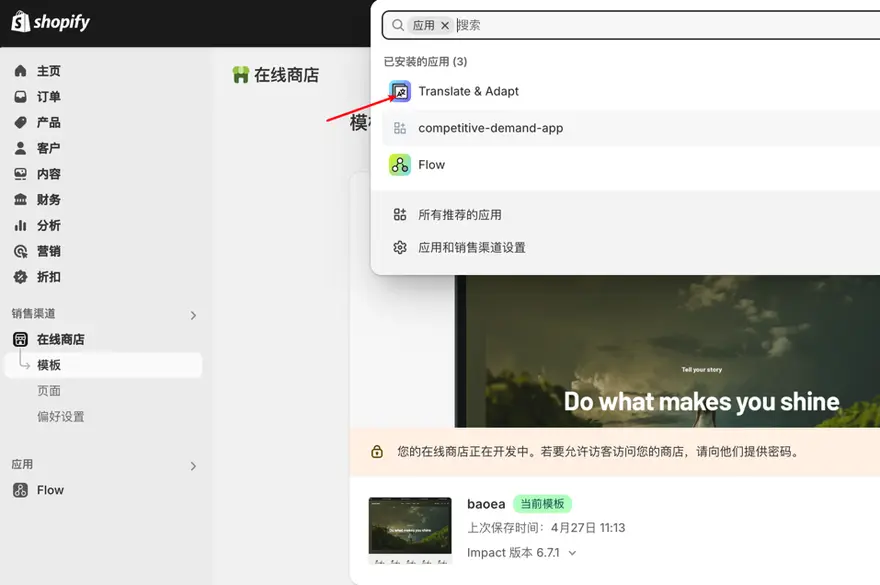
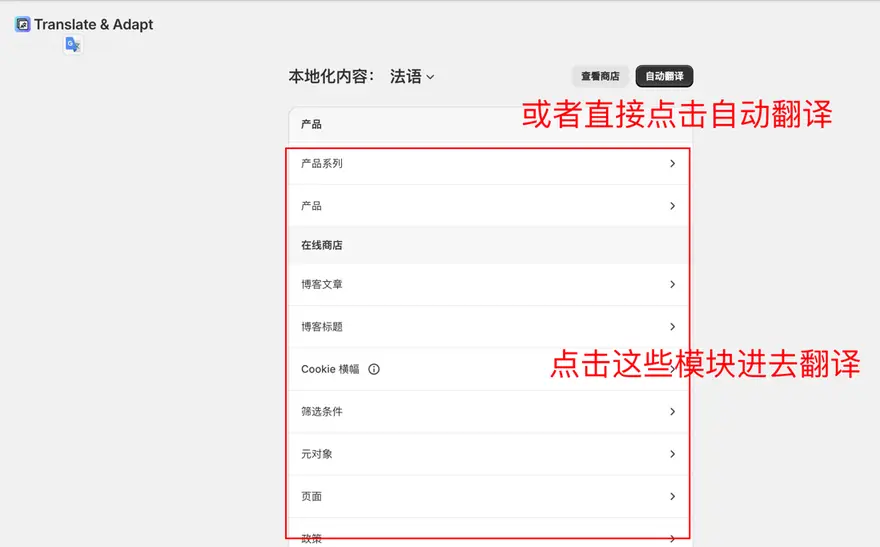
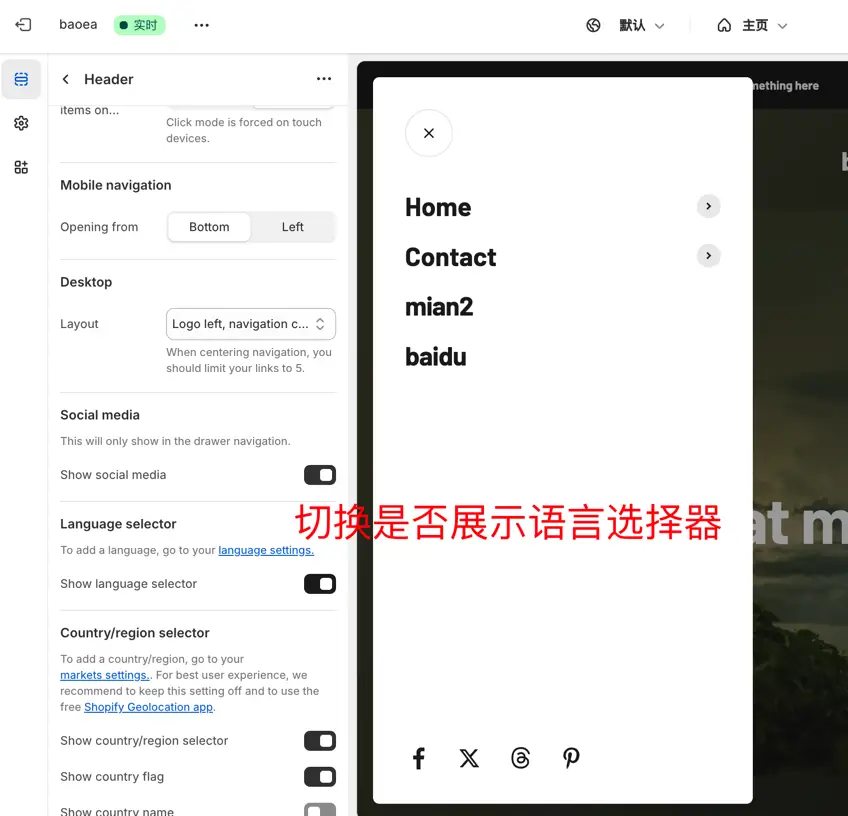
Determine the language range
First, outline the core paths for a target market: access the homepage, browse the series, select sizes, add to cart, and view shipping and return policies. Confirm page by page which text comes from the theme and which comes from the product, application, or system.
Glossary
List brand names, materials, sizes, packaging units, and model numbers that cannot be translated separately. Perform localization checks on size units and address formats to avoid mistranslating place names or technical parameters as standard text.
Check the switching results
Switch languages on the product details page and confirm you're still on the same product. Use your phone to check button overflow, text in images, the language of post-checkout notifications, and the indexes of pages in different languages.