跨境独立站开店
Shopify multi-currency display: list price, checkout currency, and refund difference.
The currency displayed on the product page, the currency the customer actually pays, and the currency the merchant finally settles in may differ, so each item needs to be checked.
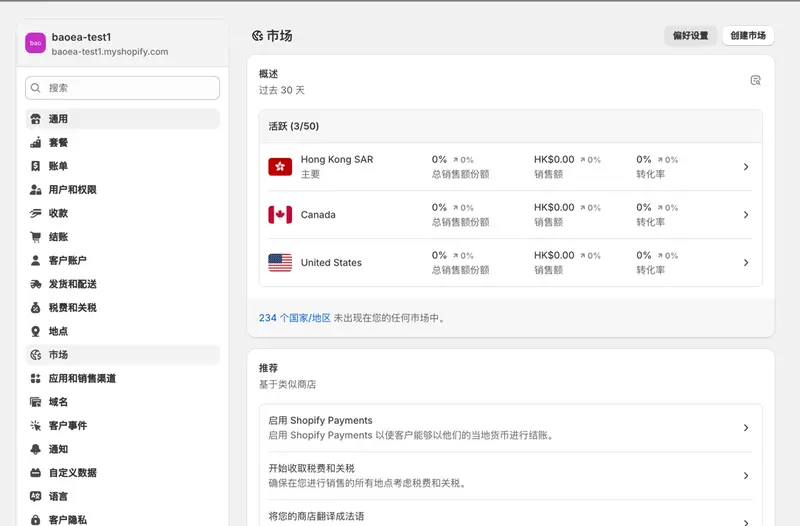
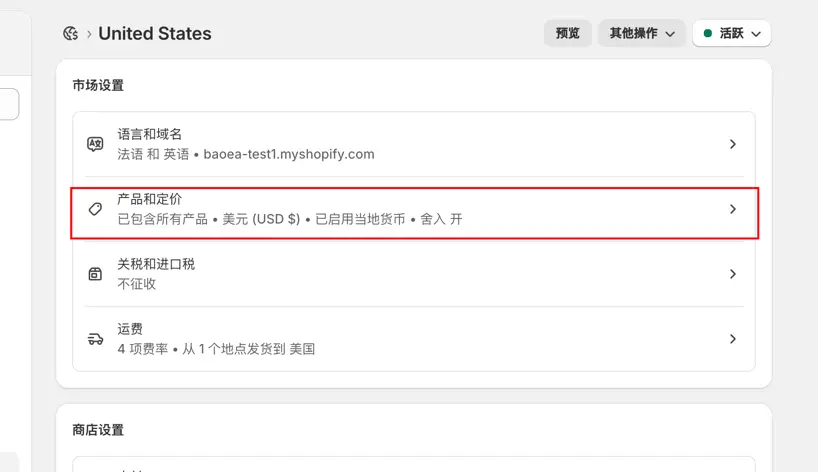
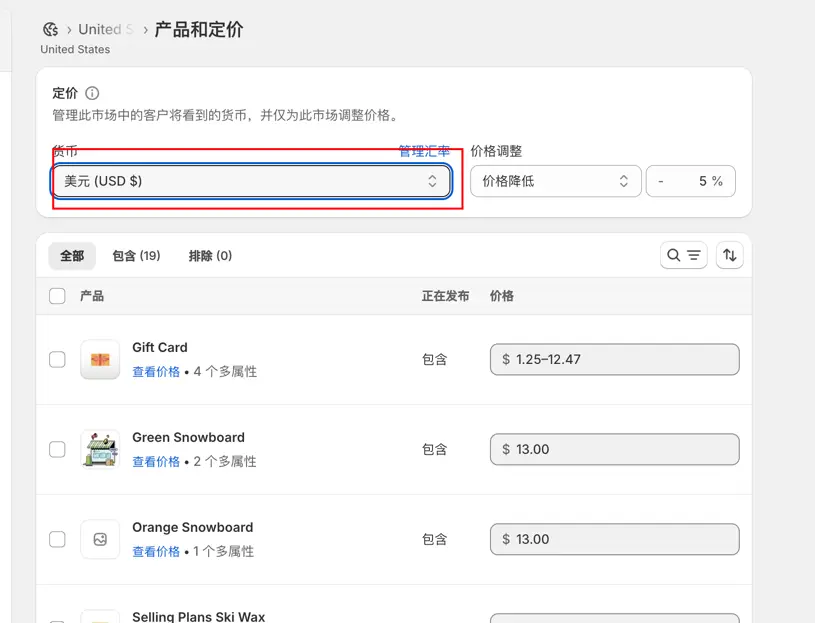
Confirm payment support scope
List your target markets, available payment channels, and the currencies you wish to display. First, check the location of your account and the supported payment methods, then determine whether the market will use a fixed price or a currency conversion.
Verification of display and rounding
Select one low-priced item and one high-priced item, and compare the prices on the list, product page, shopping cart, and checkout page. Pay special attention to whether the shipping fee threshold, overall order discount, and decimal rounding match the stated terms on the page.
Retain the basis for conversion
Save the order currency, amount, and settlement record at the time of the transaction. When a refund occurs, explain the exchange rate or handling fee difference according to the actual processing method of the payment channel, and avoid promising customers only the converted amount shown today.