跨境独立站开店
What is POS software? From its main functions and benefits to implementation methods.
This article provides a clear and concise explanation of POS software, from its basic functions to its advantages and disadvantages. While POS software is often perceived as expensive to implement, it's actually possible to get it for free. We hope this Shopify article will be helpful in your POS implementation.

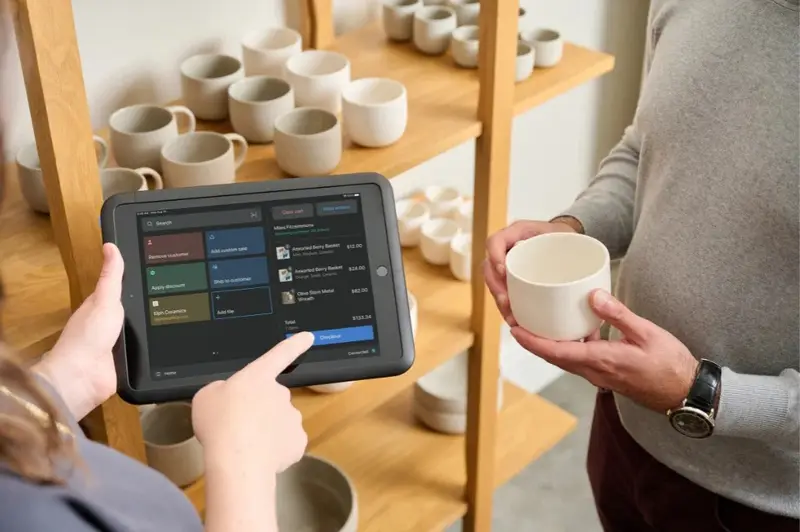
What is a POS system?
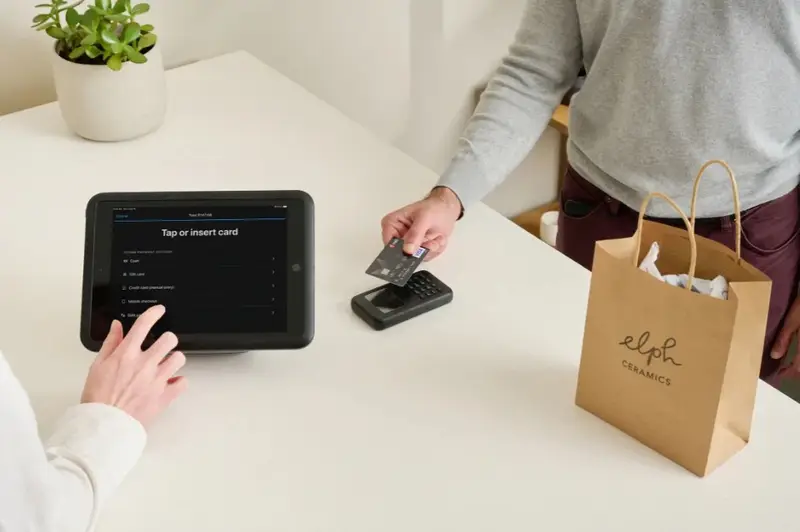
A POS system refers to the entire system that analyzes information about products sold, including hardware such as POS registers and POS software.
1. Accounting and sales management functions
POS systems provide basic accounting functions such as registering sales, calculating change, and issuing receipts and invoices. When you use a POS system, sales information such as "when," "which product," and "how many" were sold is recorded and managed in a database. Even if you have multiple stores or operate both physical stores and an e-commerce site, you can centrally manage sales in real time.
2. Payment function
POS systems support a wide range of payment methods, including credit cards, e-money, and QR codes. Supporting multiple payment options helps prevent lost sales opportunities and increases customer satisfaction. While typically a dedicated terminal is required for each payment method, some terminals support multiple payment methods in a single unit.
3. Product management function
By registering product information in the POS system, you can manage sales data and inventory status for each product in real time. This allows you to identify which products are selling well and which are undersold, and use this information for purchasing decisions and other purposes.