跨境独立站开店
How to develop Shopify apps and themes
Shopify apps and themes allow you to incorporate various unique features and designs into your Shopify platform. This article summarizes the basic information and useful tips needed for developing such Shopify apps and themes.
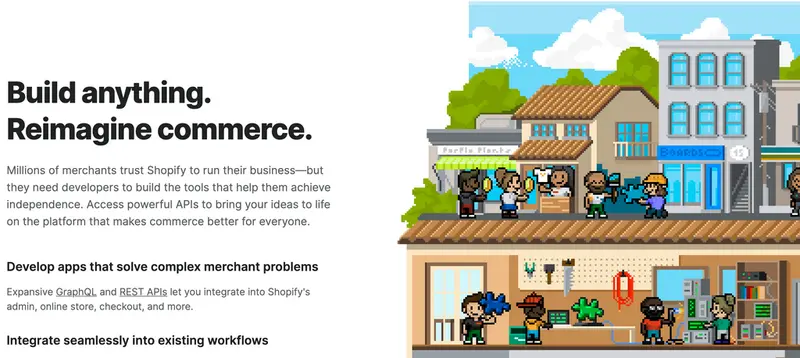
App Development Process
[Creating an external storefront without using a theme] > (If you want to build a storefront using an external website or mobile app)
Creating an app and obtaining credentials
Shopify CLI for apps (a command-line tool that automatically generates code for obtaining permissions and using Polaris, as described below)
Creating a process using an API
GraphQL is the recommended language for APIs. If you are new to GraphQL, please see the basic explanation of GraphQL.
Creating a UI using Polaris
To create a UI to embed in merchant management screens and POS apps, you use a UI library called Polaris. This allows you to create a UI with a design similar to Shopify and that is also compatible with mobile apps. To link the created UI with the Shopify screen, you use an SDK called App Bridge. In addition, to insert a custom menu into the admin screen, you set the app's URL in App extensions. By using App Bridge and App extensions, you can add app functionality to extension points other than the app's main screen, such as order management screens and POS app menus.