跨境独立站开店
How to make App Blocks responsive in Online Store 2.0
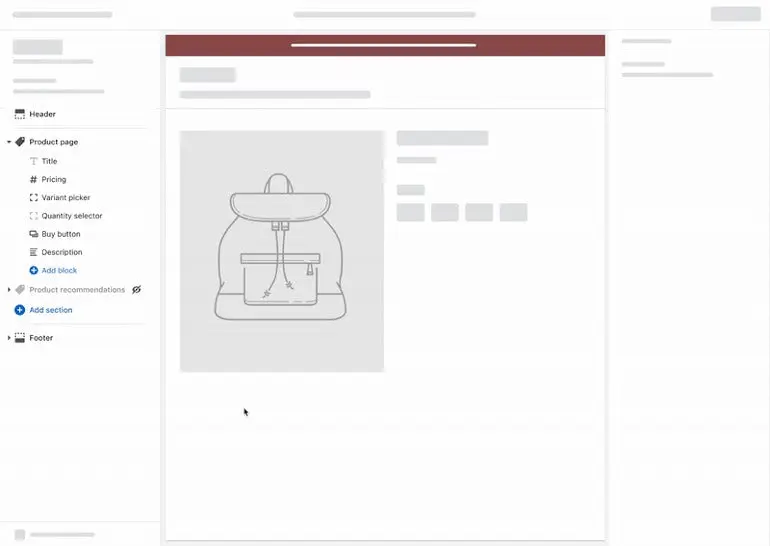
At Shopify Unite 2021, theme app extensions were announced for developers, allowing merchants to embed apps into their themes via app blocks. Theme app extensions completely change how merchants interact with your apps on the storefront.
Browser restrictions
Before we look at solutions for making app blocks responsive, let's take a quick look at standard web design solutions and why they don't work in certain situations.
Media queries
When it comes to responsive web design, media queries come to mind. Media queries apply CSS based on the device and browser size, most commonly the viewport size. For example, you can use media queries to render different websites on mobile and desktop.
Container query
Container queries solve this very problem. The proposed syntax will be familiar to developers who have used media queries before.
CSS Grid and CSS Functions
While not an elegant solution and not capable of resolving all the same cases as container queries, you can achieve container-level responsive layouts using tools already supported by browsers.