跨境独立站开店
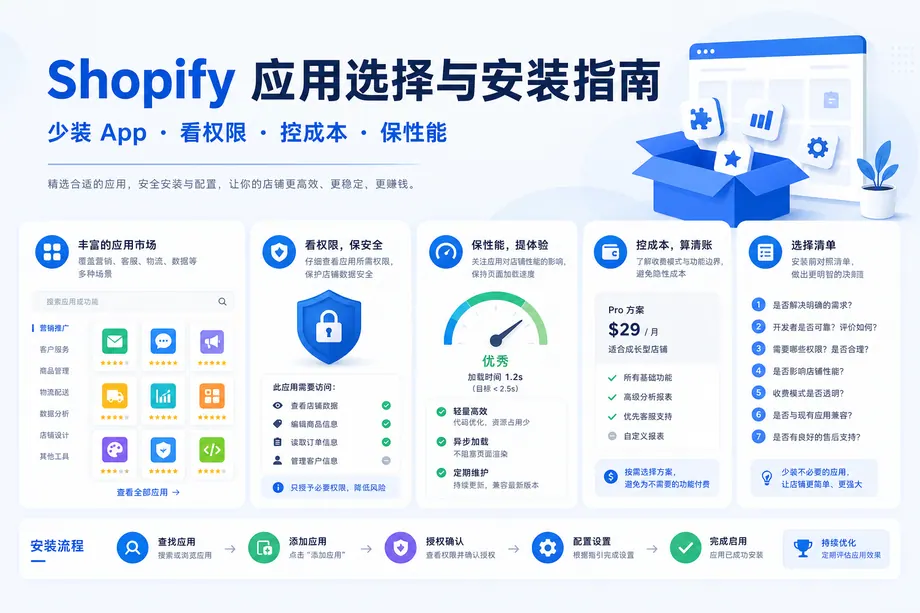
To ensure trust and quality on the Shopify app store
When Shopify merchants use apps from the Shopify ecosystem, they entrust critical business operations to developers. Therefore, maintaining a trustworthy and reliable app marketplace is a top priority. We ensure all app developers meet high standards. If they do not, we face the difficult decision of removing their app from the store or even from the platform.

What happens if the app doesn't meet the requirements?
To ensure the reliability of all apps in the Shopify ecosystem, we first need to set expectations. Developers must comply with the Partner Program Terms and Conditions, and all apps in the Shopify App Store must meet the Requirements List before they can be listed for installation.
Automatic scan
We regularly scan the app ecosystem to ensure that minimum requirements are met. Some of these scans are automated, following specific criteria that make detection and subsequent action easy. For example, we check if an app is failing OAuth checks and therefore cannot be installed on a merchant's store. If we detect such an issue, we remove the app from the list. This triggers an alert and an email requesting the developer to resolve the issue.
Investigation of fraud and abuse
Like any other platform, Shopify must deal with fraudulent users who abuse the system for profit. The Partner Operations team has seen numerous scenarios over the years and is working hard to prevent abuse as much as possible.
Why is this important?
Maintaining a safe and reliable app marketplace and ensuring merchants have a world-class technological foundation is essential to making commerce better for everyone. When apps violate policies and standards, the credibility of the marketplace itself can be damaged, so we need to make the best choices for the entire ecosystem.