跨境独立站开店
tips for creating a Shopify app that sells
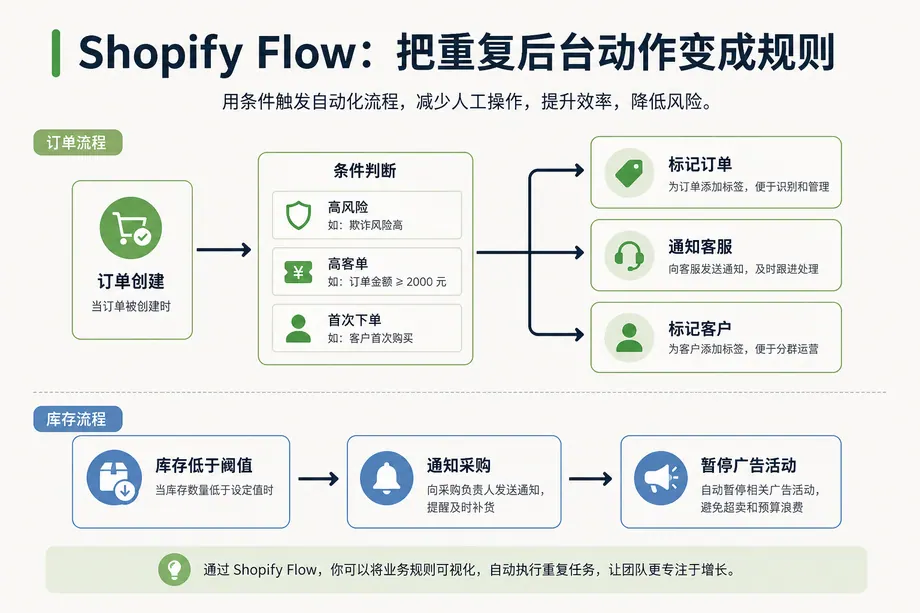
A major feature of the Shopify platform is that it can be improved and modified using third-party apps. By installing apps, merchants can extend the functionality of their storefront without having to modify the Shopify infrastructure itself.





Solving real-world problems
This may seem obvious, but it's a common mistake when designing a new app. Adding a feature to Shopify might feel like a groundbreaking discovery to you, but merchants might not feel the same way. And they might not spend their hard-earned money on it.
Design a simple user experience.
When designing something new, our focus tends to be on the visible aspects, such as color and visual layout. While creating a visually appealing app is undeniably important, we cannot ignore the invisible aspects either. That is, how is the product to use? Separating design from user experience is a sure path to failure, because from the user's perspective, they are the same thing.
Creating an authentic brand
No matter how good your Shopify app is, strategic positioning is essential for it to be chosen and used. In a market with a vast number of choices for users, the adage "just make it and customers will come" no longer applies. Having a plan to promote your product at launch is more important than ever, and the best first step is defining your app brand.
"Your app brand has the power to influence how merchants perceive quality, reliability, and trustworthiness, even without direct interaction."
Let's start by thinking of a name for the app. Some may think this is a trivial matter, but the name can sometimes determine whether someone clicks on it or leaves. Well-known organizations can leverage their brand recognition to attract merchant attention. However, most of us are not in the same position as these big players.