跨境独立站开店
WhatsApp Business Account Creation Guide
Learn how to sell products using your WhatsApp business account. We'll cover pricing tips, compelling listing techniques, and strategies for increasing sales.

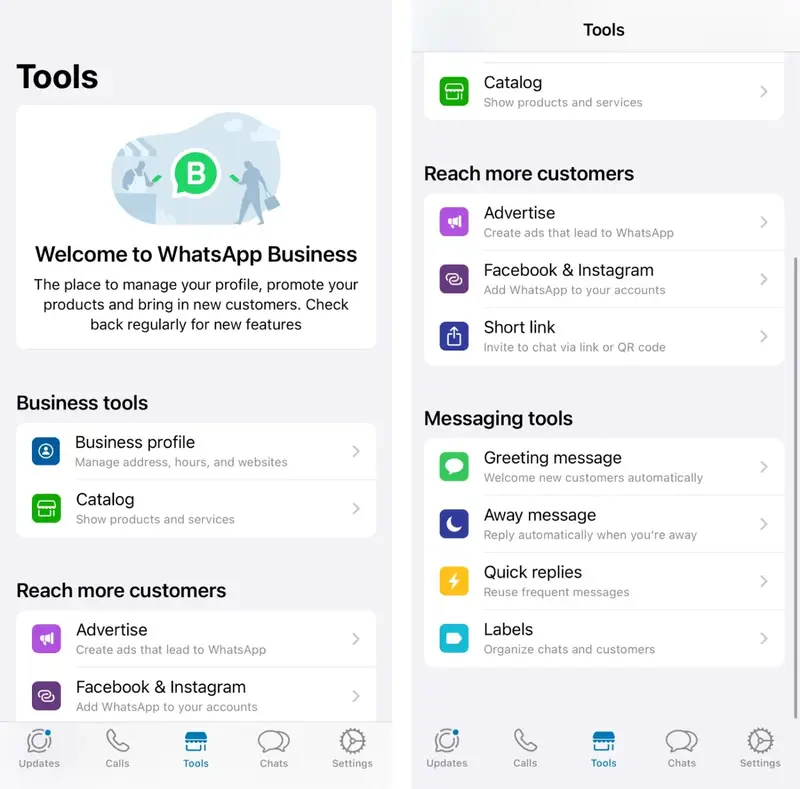

What is a WhatsApp Business Account?
WhatsApp Business Accounts, offered free of charge by Meta, allow you to manage customer interactions and showcase products through a digital catalog. Features such as quick replies and automated greeting messages enhance customer service.
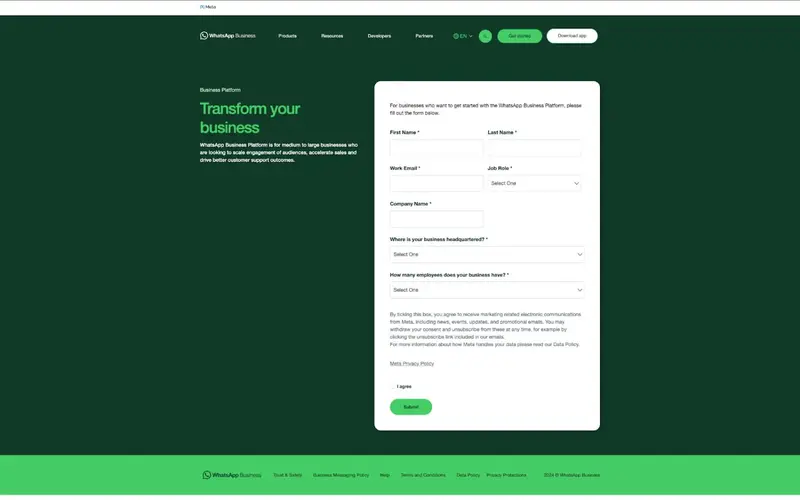
What is WhatsApp Business Platform?
If your business account has more than five team members, you can upgrade to WhatsApp Business Platform. This is an enhanced version that adds tools while retaining all the basic functionality.
How to set up a WhatsApp business account
1. Download the WhatsApp Business app from your smartphone's app store (iOS or Android).
How to use WhatsApp for business
To transform your WhatsApp account into a powerful business marketing strategy, simply sending promotional messages isn't enough. It's crucial to build meaningful interactions that foster trust.