跨境独立站开店
How to ship internationally with Shopify and the app
For those who want to ship internationally with Shopify, we've compiled a guide on how to set up international shipping on Shopify. We also introduce useful apps for sending products overseas. This is a must-read for anyone planning to launch a cross-border e-commerce site with Shopify.




Why Shopify is suitable for international shipping
Shopify is suitable for international shipping because it makes it easy to calculate shipping costs and customs duties, and to switch currencies and languages. As a global commerce platform, Shopify allows you to easily create an online store and start cross-border e-commerce, and its key features useful for international shipping include the following:
Features that are helpful for international shipping procedures
You can add a feature to the app that makes it easy to calculate shipping costs and customs duties, which is useful for international shipping. Normally, when shipping goods overseas, you have to handle tasks such as calculating shipping costs, creating shipping labels and invoices, and calculating customs duties and taxes yourself. However, by adding the international shipping function to the app, you can simply enter the size and weight of the product and the destination, and the app will automatically calculate shipping costs and taxes.
Payment function usable overseas
Shopify offers a variety of payment methods that can be used internationally, including Shopify Payments, PayPal, and Apple Pay. Therefore, with Shopify, you can start selling to international customers immediately without having to add new payment methods.
Easy Rates Japan Post
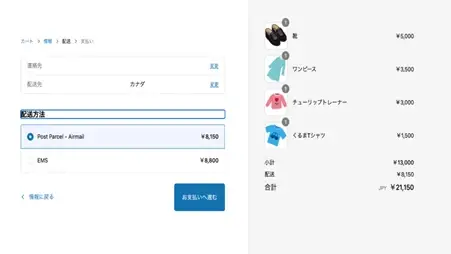
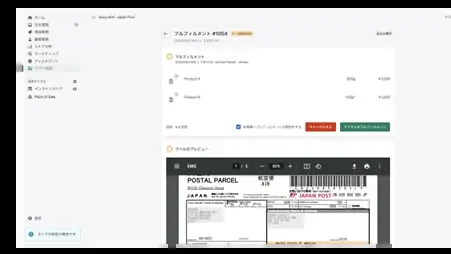
Easy Rates Japan Post is an app that automates the tedious process of calculating international shipping costs. It automatically calculates Japan Post's shipping methods and rates, displaying them on the checkout screen (payment screen). Furthermore, all rates are automatically synchronized with Japan Post's servers, so customers always know the latest rates and don't have to worry about whether the correct rates are being applied.