跨境独立站开店
How to register your business on Apple Maps
This guide will show you how to register your business on Apple Maps. Learn how to set up and optimize your store information to help increase your visibility in your local area.

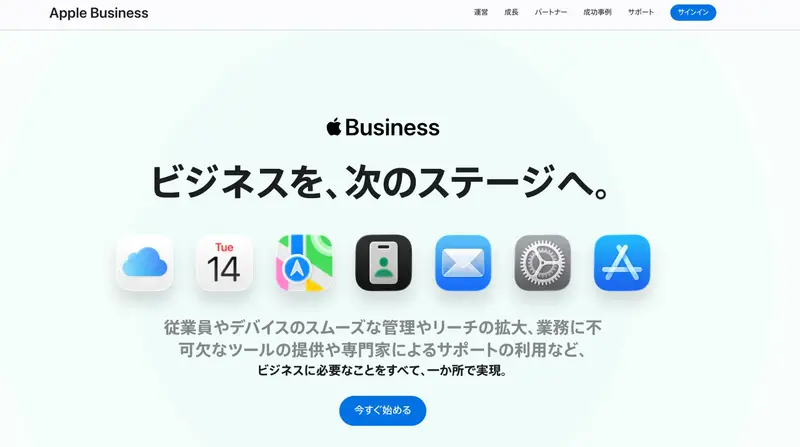


What is Apple Business?
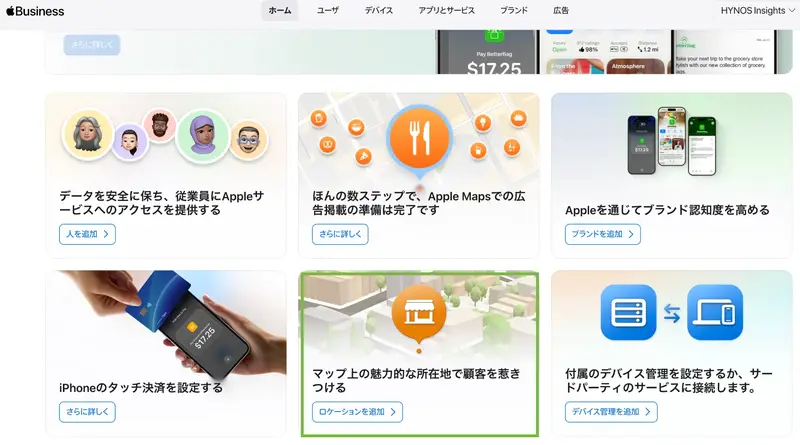
Apple Business is a free business information management platform provided by Apple. It allows you to register or update basic information such as store name, address, business hours, phone number, website, and photos, ensuring that users of Apple Maps always have the most up-to-date and accurate information.
Benefits of listing your business on Apple Maps
By using Apple Business to register your business on Apple Maps, you can gain various benefits, such as increased brand awareness and customer acquisition among many Apple users, and proper management of your store information.
1. Sign in to Apple Business
Access Apple Business and sign in with the email address and password registered to your Apple account. If you don't have an Apple account, please sign up from "Get Started Now".
3. Set store information
In Step 5, business verification, you may be asked to submit the following documents depending on the situation. If the information in the submitted documents does not match the registration details, verification may not be completed. Please check the information you entered before applying for verification.