 跨境独立站开店
Turn an idea
into a store.
From your first product to your first order. Compare Shopify tools, check offers and follow a practical store launch checklist.

Products & tools
View all
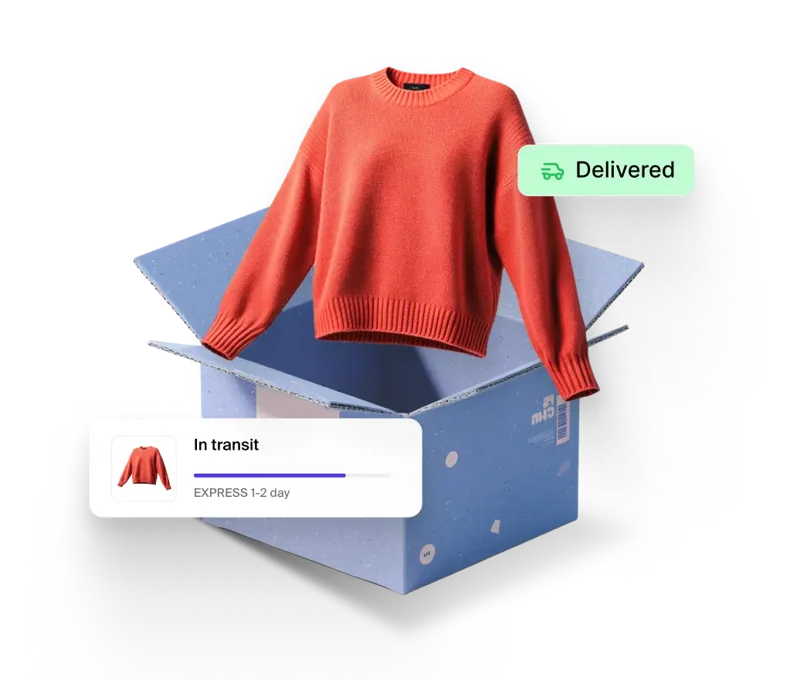
Shopify Shipping Management: Shipping Labels, Pickup and Order Tracking


Shopify Plus Enterprise Solution: Customized Checkout, B2B Catalog and Contract Budgeting

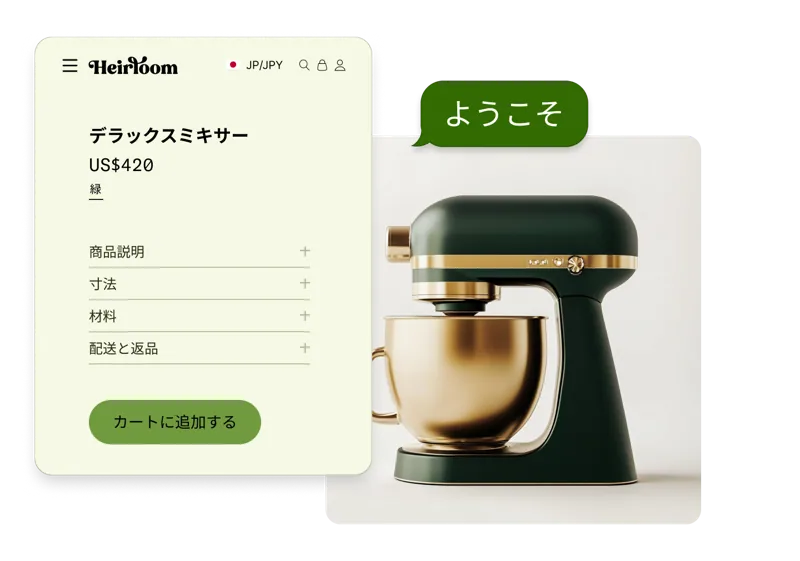
Shopify Markets Multi-Market Management: Regional Catalogs, Pricing, and Shopping Experience


Shopify Grow Packages: Comparison of Small Team Employee Accounts and Upgrade Costs
From idea to launch
Choose a stage and check off the tasks you have finished. Your progress is saved in this browser.

Choose a need you can verify
Start with one buying situation for one audience. Identify the trigger, the criteria shoppers compare and the point where they abandon a purchase.
Work through these checks

Build a comparable cost sheet
Put subscriptions, apps, payments and fulfilment in one sheet. Label the market, currency and billing period so the budget reflects different sales volumes.
Work through these checks

Define your store name and voice
Review the experience across email, product pages and policies. A recognisable name, visual style and tone help shoppers connect those touchpoints.
Work through these checks
Offers and trials
View all
Shopify Free Registration and Trial Offers: Verify Region and Renewal Terms Before Signing Up
The registration link will display applicable promotions based on your actual access region. Before starting the trial, note the offer period, applicable plans, and subscription price after the trial period as given on the page.
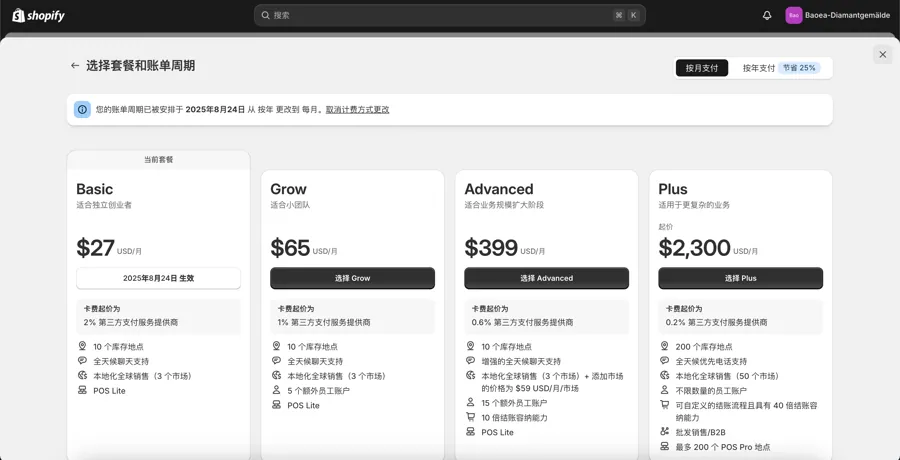
Shopify free registration and trial offers: check your first bill
Record the trial end date, promotional billing period and first regular charge when signing up.

Prepare a complete product record
Complete one product before designing a bulk import. A structured record makes future edits to size, variants and images easier.
Work through these checks
Build a navigable storefront
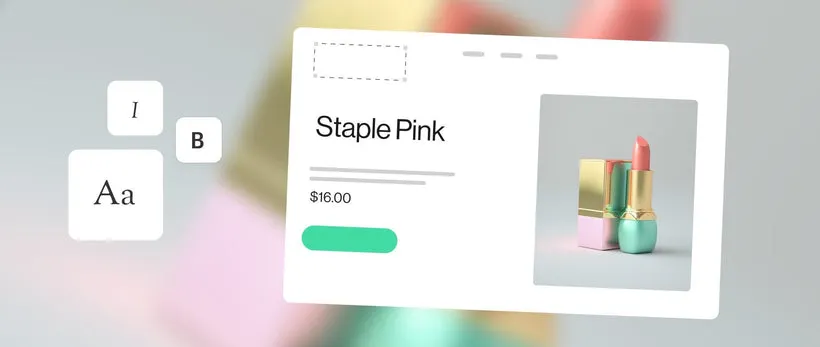
Treat the home page, collection, product page and cart as a single journey. Walk through it on a phone to catch issues a desktop review can miss.
Work through these checks

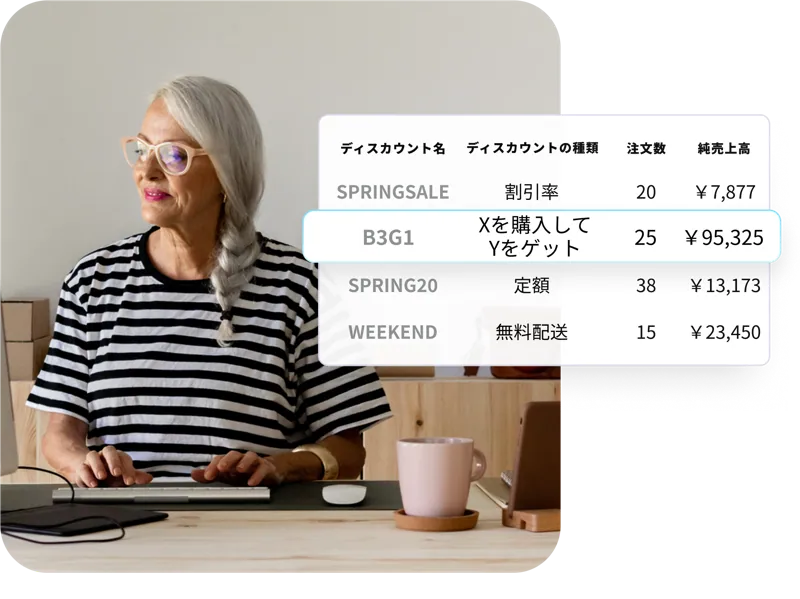
Define a promotion shoppers can understand
Write the threshold, scope and expiry together. Then build several carts to confirm the advertised behaviour.
Work through these checks
Reviews and comparisons
View all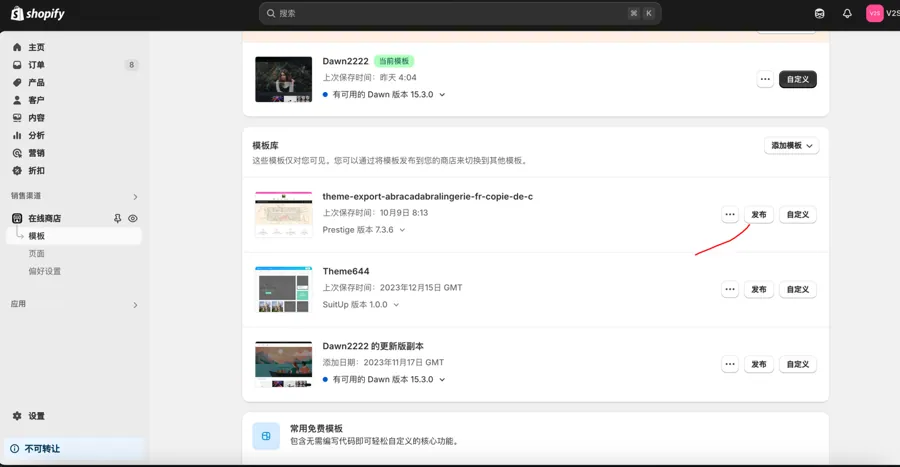
Paid Shopify theme licences for multiple stores and migrations
Match each theme file and purchase record to its intended store before a launch or migration.
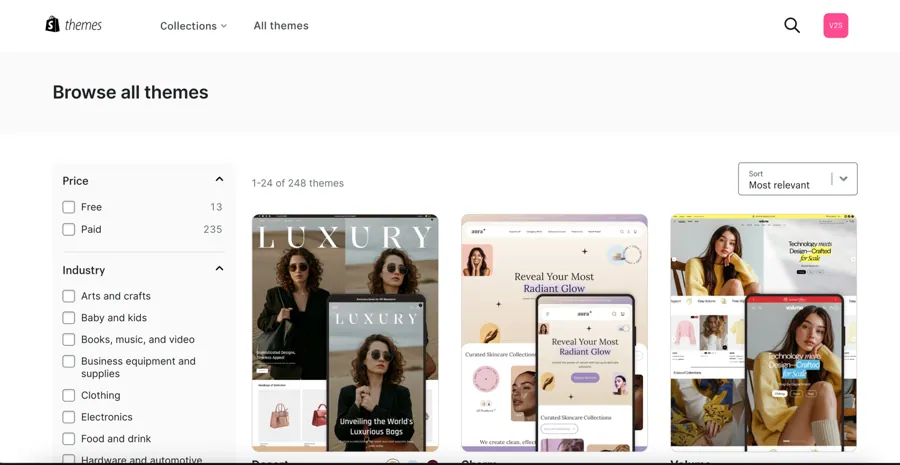
Shopify theme previews: what to check before publishing a replacement
Preview two themes with the same store content and compare the buying journey before publishing.
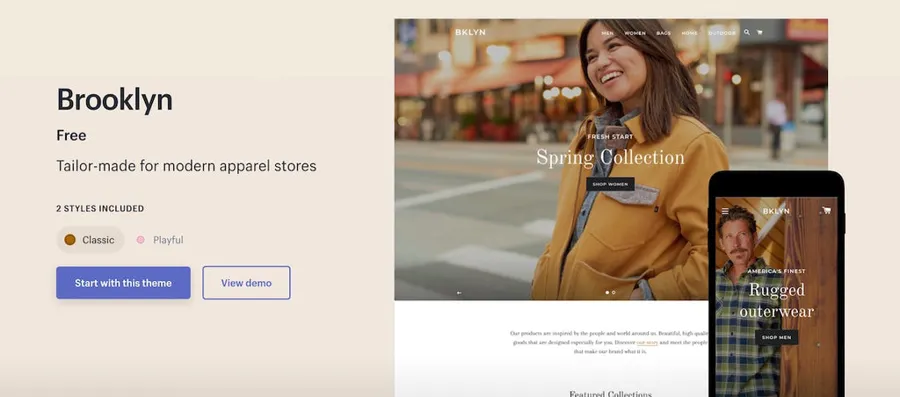
Reviewing a legacy Brooklyn storefront before a theme migration
Inventory cart behaviour, order notes and branding in a Brooklyn store before replacing its theme.
Reviewing the Shop order-tracking experience after checkout
Merchants see a fulfillment dashboard while customers see email, an order page and sometimes an app. The original walkthrough examined how early versions of Shop linked package tracking with a route back to the store.

Auditing a Shopify product page from the first image to checkout
A shopper arriving from an ad may never have visited the homepage. A product page audit starts with three questions: what is being sold, which variant is suitable and what happens after purchase.
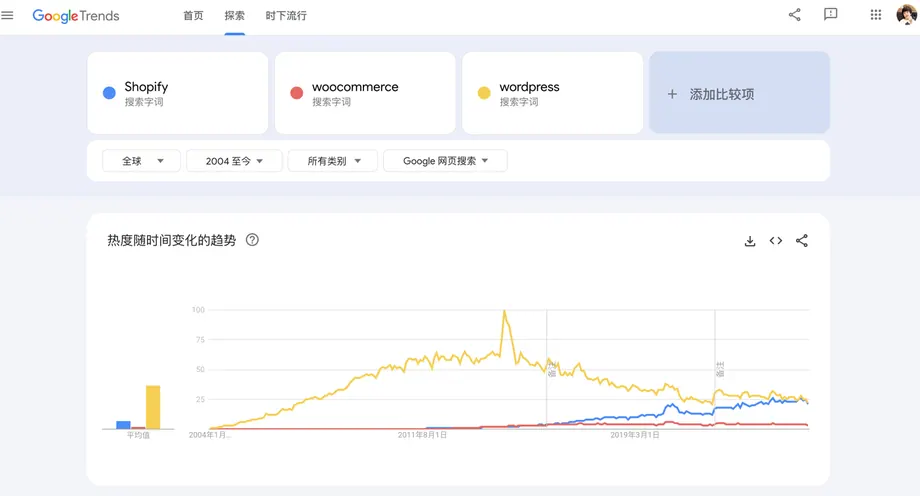
Shopify vs. WordPress and WooCommerce: Costs, Maintenance and Migration
Both platforms can sell the same product. Compare who will run the hosting, maintain integrations, respond to faults and cover the ongoing cost after launch.
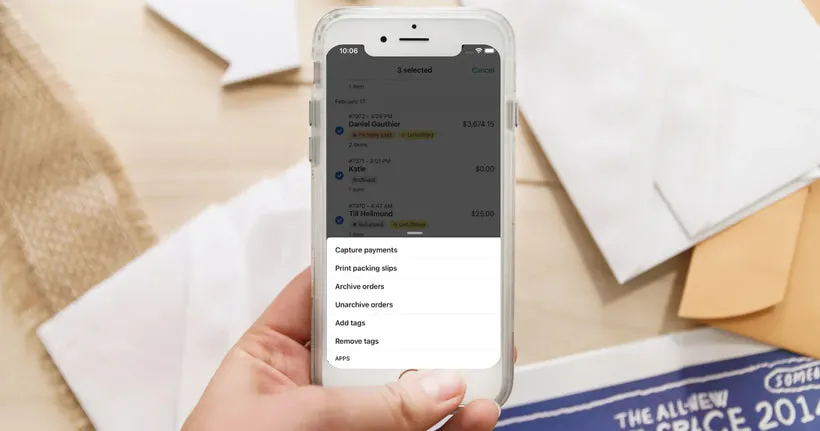
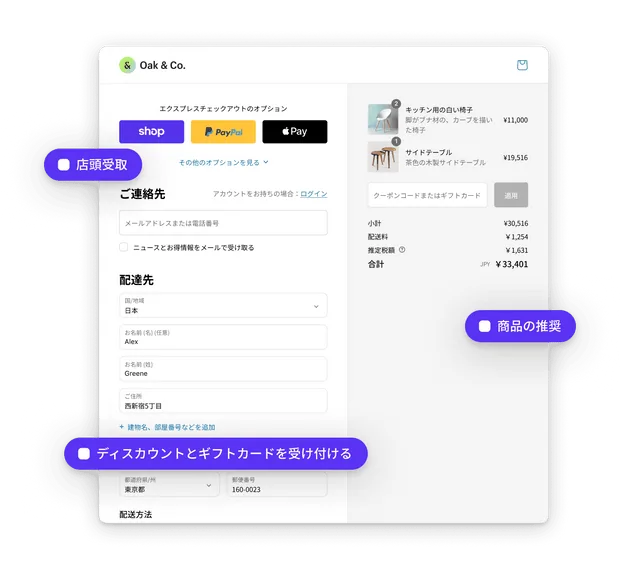
Review checkout and payment
Check amounts, currency, shipping options and confirmations for each target market. Trace successful, failed and cancelled payments separately.
Work through these checks

Make shipping costs and timelines explicit
Estimate shipping for representative packages and destinations. State processing and carrier transit times separately.
Work through these checks

Plan stock and fulfilment
Trace an item from shelf to customer. Assign responsibility for stock adjustments, tracking updates and customer contact during shortages.
Work through these checks
Store setup and operations
View all
Shopify Size Link case study: showing scale for each variant
A studio photograph can make three sizes of a pet bed look identical. An early Size Link example translated the measured length, width and height into a box that a shopper could view on a phone.
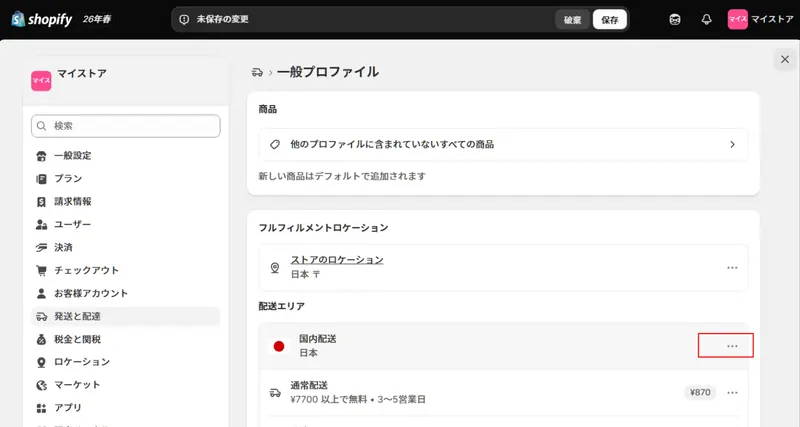
Testing Shopify shipping rates by region, product and cart value
A shipping rule needs an eligible product set, a destination and an order condition. Goods shipped from different locations or by different methods may need separate treatment.
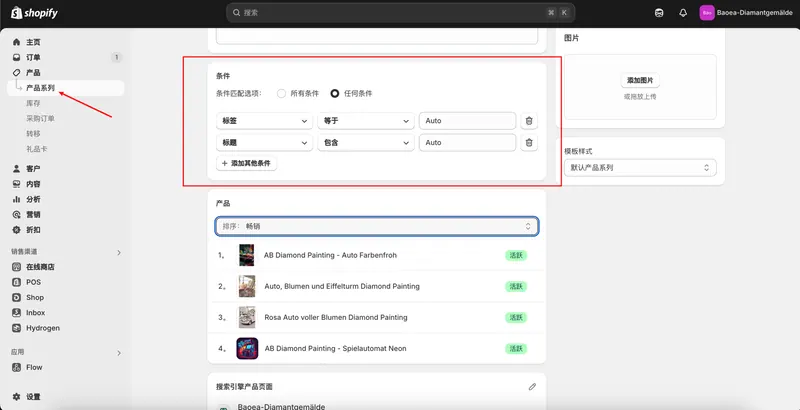
Shopify collection SEO and navigation by shopping intent
The same items can be grouped by material, use or audience. When two collections contain nearly identical selections, identify the separate buyer questions each page would answer before maintaining both.

Ordering Shopify product media for collections and variants
A collection card often displays a single image. Choose a lead photo that identifies the item before adding alternative angles, a size reference and any demonstration media.

Publishing Shopify store policies and checking footer links
After saving shipping, returns and privacy policies, make sure shoppers can reach them along the buying journey. Give each page a clear footer label and verify that its link resolves to the store's current version.
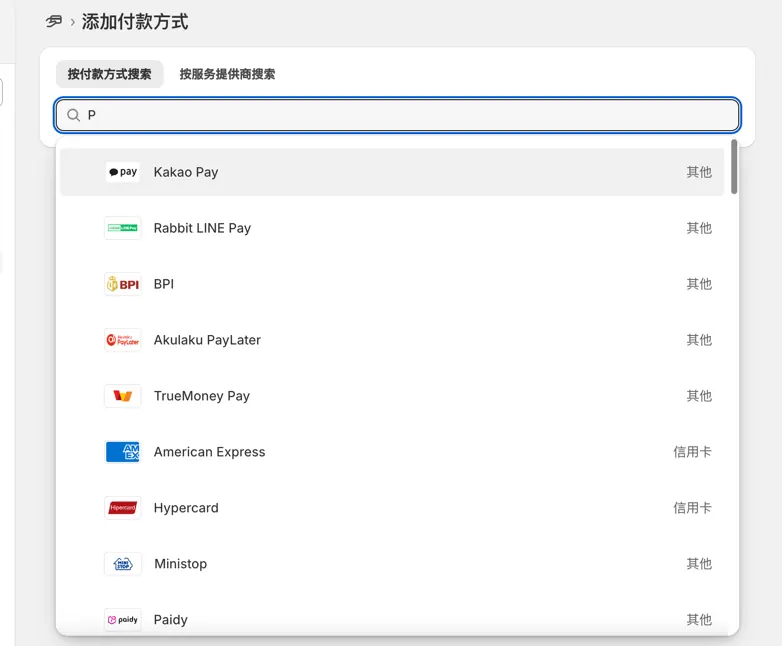
Configuring Shopify payment methods and checking the checkout experience
Online processors and cash on delivery follow different workflows. A processor normally requires a merchant account and settlement settings. Cash on delivery depends on the store's own collection and fulfillment arrangements.

Connect email and customer service
Review the messages customers receive at confirmation, dispatch and refund, and identify the inbox that receives their replies.
Work through these checks

Plan the first acquisition content
Begin with a question shoppers already ask. Choose a product page, comparison or how-to, then connect it to a relevant next step.
Work through these checks
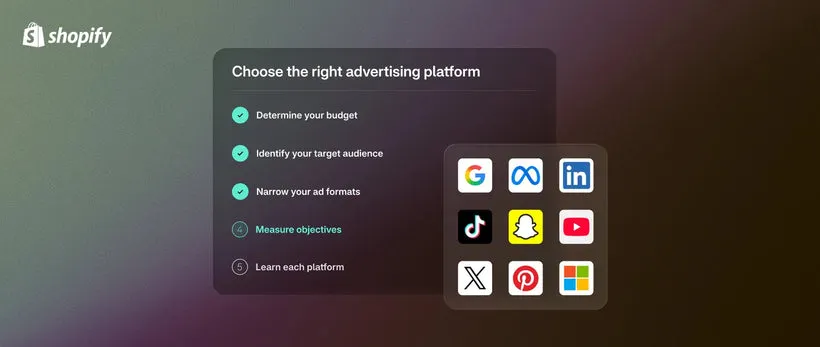
Run the final launch check
Ask someone outside the build team to start from the home page and complete a purchase journey. Record sticking points, devices and URLs.
Work through these checks
Popular products in the last 30 days
View allShopify Plus Enterprise Solution: Customized Checkout, B2B Catalog and Contract Budgeting
Shopify Markets Multi-Market Management: Regional Catalogs, Pricing, and Shopping Experience

Interpret the first week of store data
Read visits, product views, cart additions, checkouts and purchases as one path. Use early samples to spot issues and wait for comparable periods before drawing conclusions.
Work through these checks
Commerce news
View all
What is Cyber Monday? When is it? How is it different from Black Friday?
This article explains the meaning and origin of Cyber Monday, how it differs from Black Friday, and also introduces the benefits of holding a BFCM sale, promotional ideas, and key points for a successful BFCM.

What is BFCM? The meaning and strategy of Black Friday and Cyber Monday
Black Friday and Cyber Monday (BFCM) are major shopping events. Here, we'll introduce the characteristics of BFCM and tips for successfully running BFCM sales online.

Shopify Winter 'Edition Coming Soon - Behind the Scenes of Shopify Editions Development
We will release the latest version of Shopify Editions on January 31, 2024 (US time, February 1 in Japan). Shopify Editions publishes a product roadmap twice a year, in winter and summer, covering products shipped over the past six months. Why does SHOPIFY create the products we have today, and how does SHOPIFY approach product development and product strategy?

Introducing Shopify Unite's highlighting feature.
Shopify Unite 2019 has begun! Shopify Unite is the world's largest e-commerce conference, where Shopify partners and developers from around the globe gather in Toronto every year to forge new connections and discuss the future of commerce. Shopify Unite is also where we announce new features that will further enhance your business. In this article, we'll bring you a look at the new features announced at Shopify Unite.

Shopify Payments JCB Fee Reduction Announcement
Shopify Payments' JCB transaction fee has been reduced from 0.6% to 0.80% depending on your Shopify plan. The new fee applies to new users and users who change their plans from February 9, 2024 onwards. JCB accounts for approximately 28% of transactions in Japan and is effective for improving conversions. Please take advantage of this opportunity.
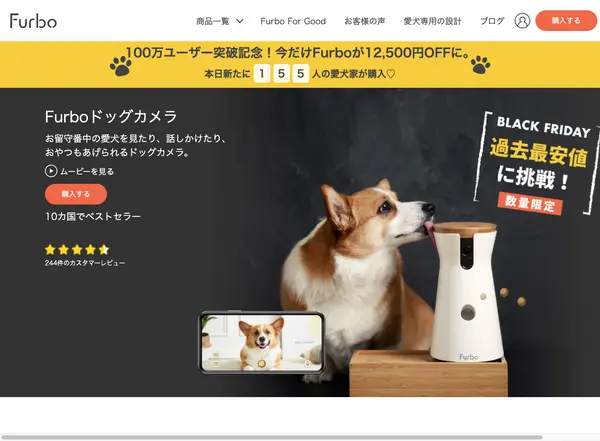
Venue C: Books, eBooks, Art, Interior Decor, Bedding, Jewelry, Accessories, and Others
This venue showcases the Shopify Japan BFCM Sale 2021, featuring stores offering books, ebooks, music, art, home decor, bedding, jewelry, accessories, and other items on sale.
Continue by category
View allBrowse by brand
View allWhat is holding up your launch?
Tell us about your market, products and the decision you are working on.