跨境独立站开店
Reviews
Shopify theme previews: what to check before publishing a replacement
Preview two themes with the same store content and compare the buying journey before publishing.
Check Shopify registration offers in your regionSee current offer
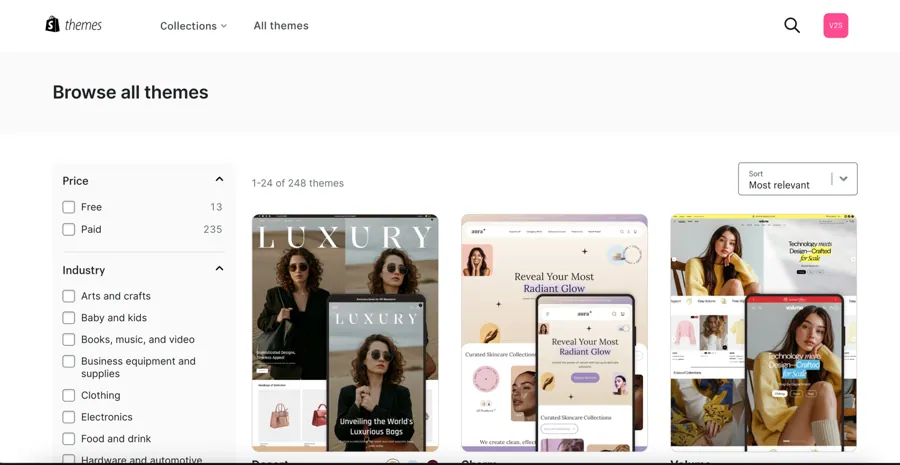
Prepare comparable previews
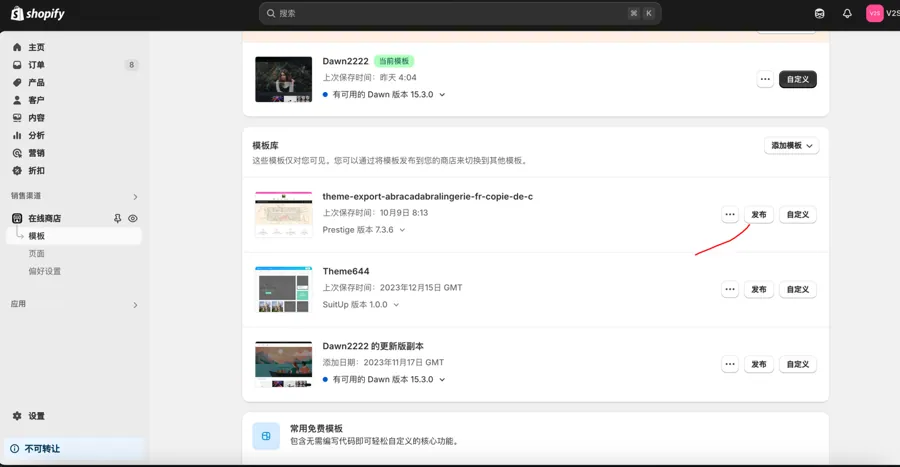
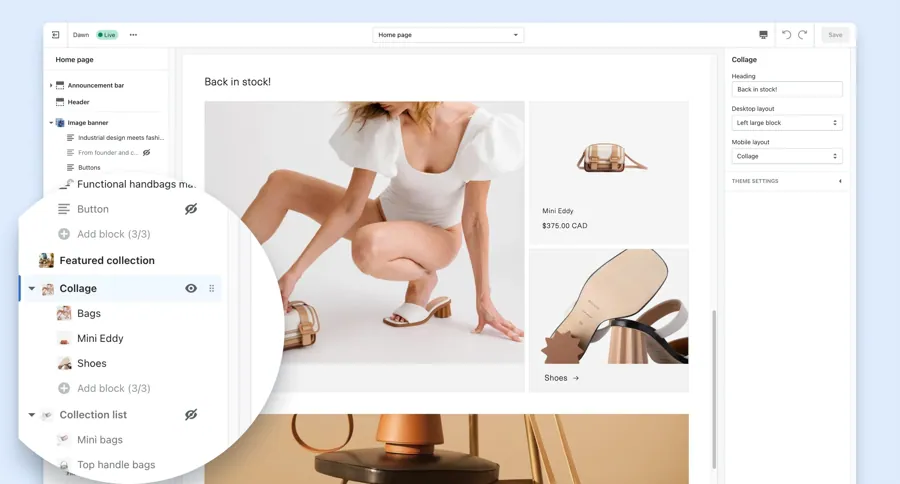
Keep the candidate theme unpublished in the theme library. Open both versions with the same long product title, collection and navigation menu. Record which layouts need rebuilding and which settings require manual transfer.
Test buyer tasks
Find a collection, select a variant, locate shipping information and add the item to the cart. Check menu depth on desktop and touch targets on mobile. Resolve differences that would block a purchase first.
Plan the switch
Record the previous theme and version and keep a rollback copy. Check any licence charge before publishing. After the switch, start at the storefront home page and repeat the complete buying journey.