跨境独立站开店
Shopify Checkout functionality: Address entry, Quick Pay, and Pickup Check
The checkout process involves handling the address, shipping, and payment steps after the shopping cart is loaded. After the product page is displayed correctly, you still need to complete the entire checkout process on your mobile phone.
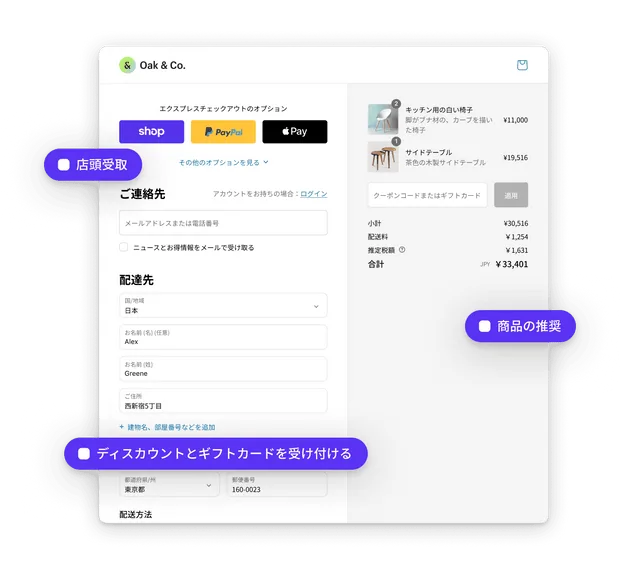
The checkout process involves handling the address, shipping, and payment steps after the shopping cart is loaded. After the product page is displayed correctly, you still need to complete the entire checkout process on your mobile phone.
Selection and Applicable Scenarios
The source page lists options for address auto-completion, quick checkout, and in-store pickup. The specific items that are visible depend on the store's enabled payment and delivery settings. These should be checked in the order they are actually displayed to the buyer, not just by verifying backend switches.
Verification steps before activation
Compare whether the name, address, and delivery method are retained using both the regular checkout and the enabled quick checkout. Try again with a zip code that does not support delivery, and confirm that the prompt helps the customer return to make changes.