 跨境独立站开店
What is TikTok? Key points you should know
TikTok is a hugely popular app. Here, we'll introduce some tips for understanding how TikTok works and its user base. Let's use TikTok to establish your audience.

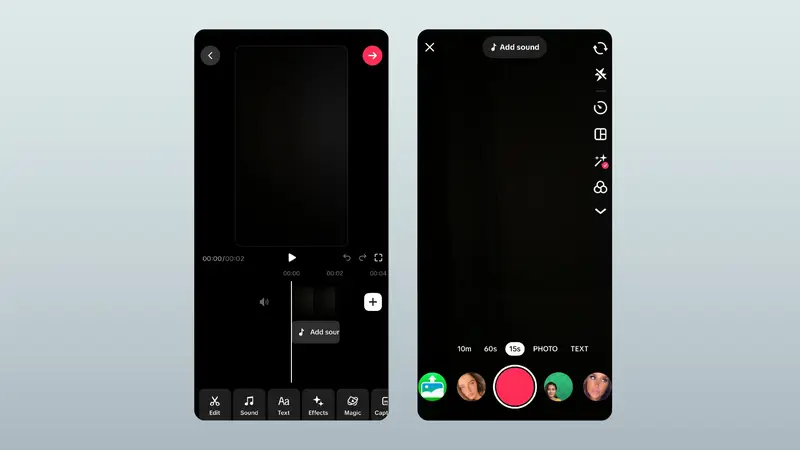
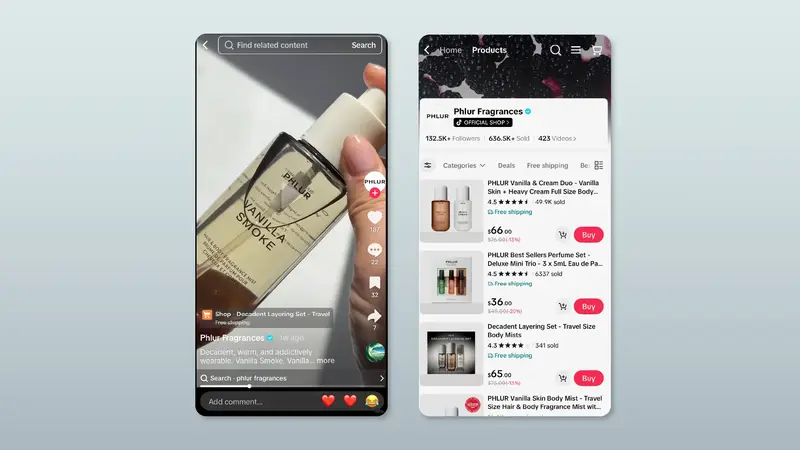
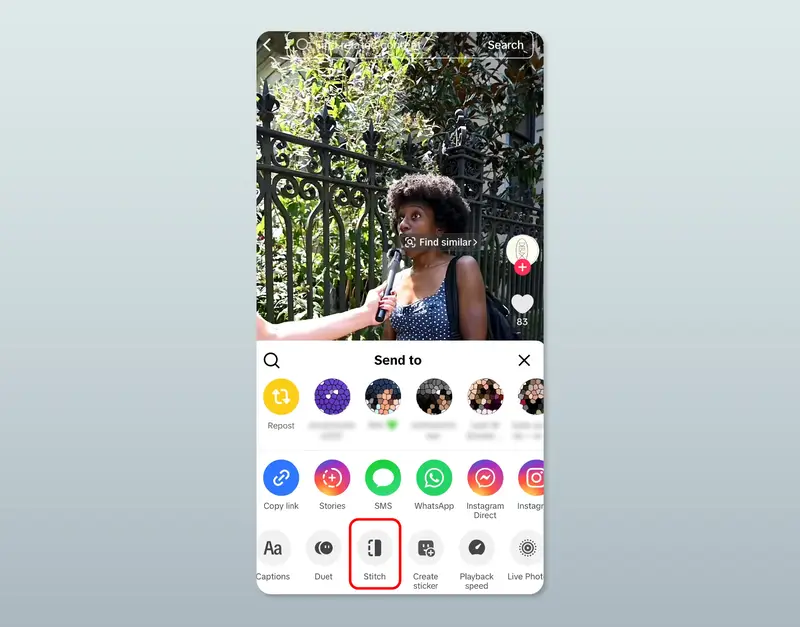
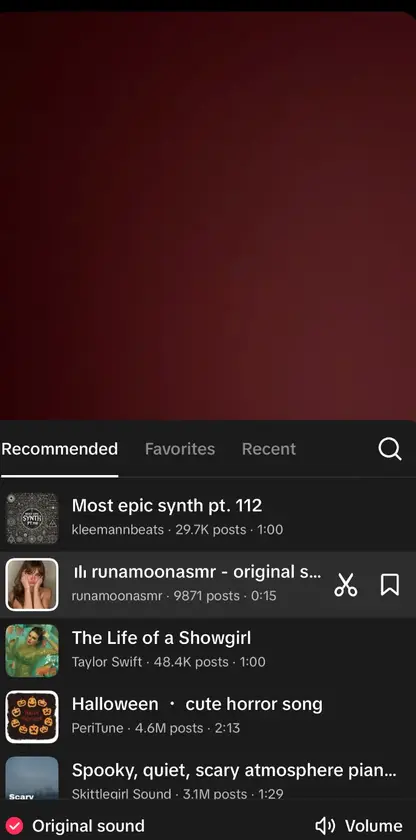
What is TikTok? An overview
TikTok is a video-centric social media platform with approximately 1.99 billion active users worldwide. While primarily used via its mobile app, it is also accessible through a web browser. The majority of content on the platform consists of user-generated content (UGC), which are short videos of three minutes or less.
Basic usage of TikTok
TikTok has multiple feeds, including "Following," "For You," and "STEM." You can switch between them at the top of the screen. The "Following" feed displays content from accounts you follow, the "For You" feed suggests content tailored to your preferences using TikTok's algorithm, and the STEM feed delivers educational content related to science, technology, engineering, and mathematics. The content of each feed is completely different.
How TikTok Works: The Core of its Algorithm
TikTok's algorithm determines which videos appear in a user's "Recommended" feed. To deliver content that users are likely to enjoy, the algorithm utilizes the following ranking factors:
The history and future prospects of TikTok
Originally, TikTok consisted of two separate apps: Musical.ly and Douyin. Entrepreneur Alex Zhu launched Musical.ly in 2014, specializing in lip-sync videos, and two years later, the Chinese company ByteDance released the video-sharing app Douyin.


