跨境独立站开店
This article introduces how to write a welcome email that will attract subscribers, along with examples.
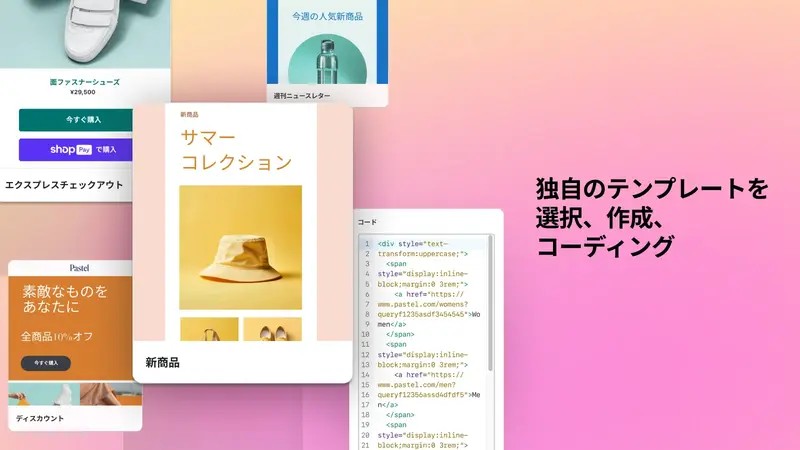
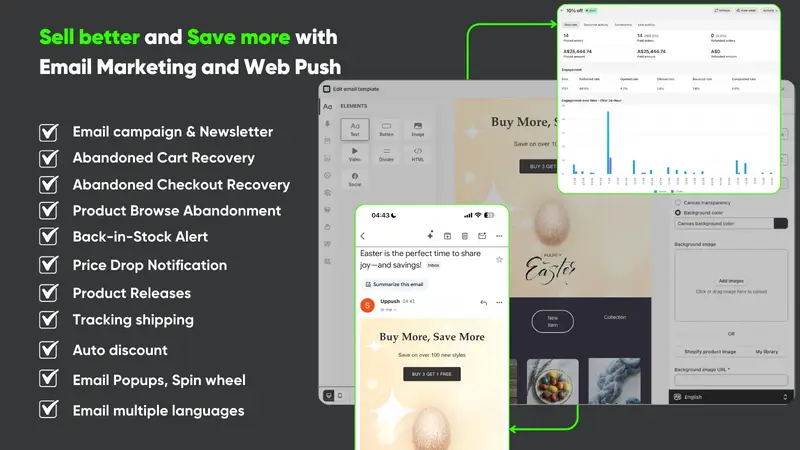
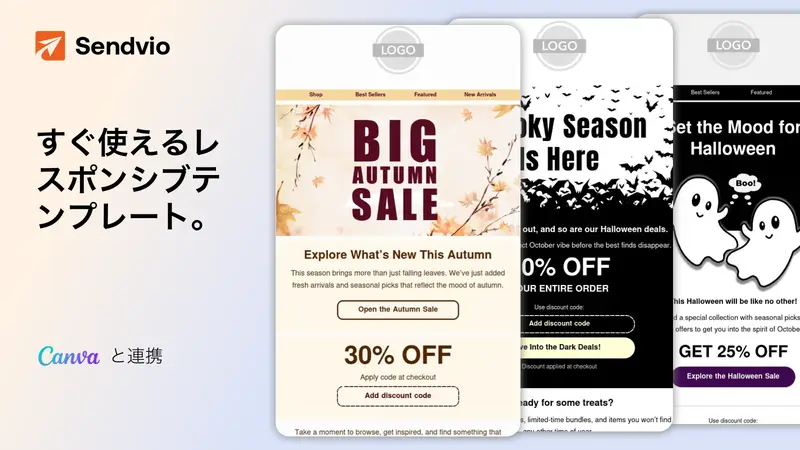
Email marketing is one of the most cost-effective marketing channels. Email marketing strategies, such as newsletters with eye-catching visuals and persuasive abandoned cart emails, often encourage visitors to revisit e-commerce sites to browse products again.




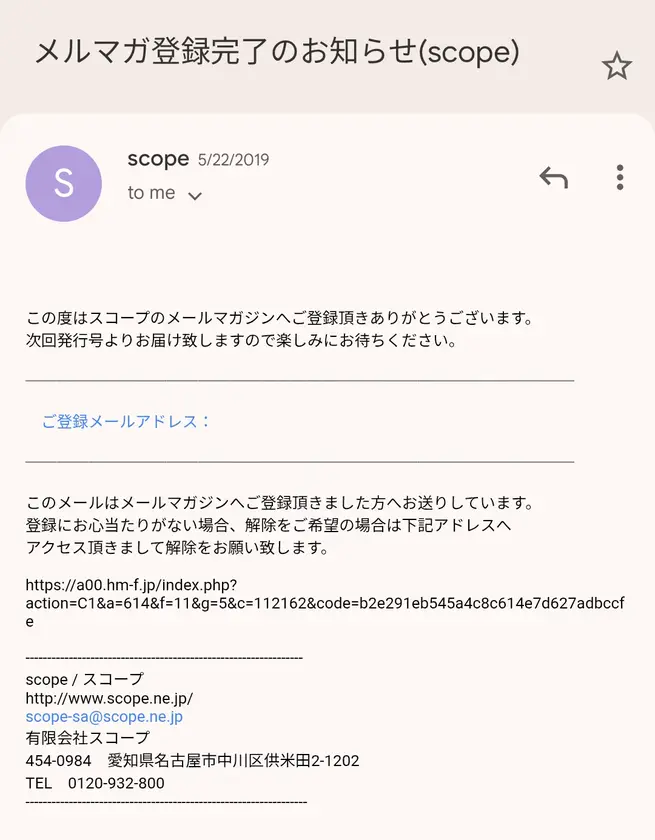


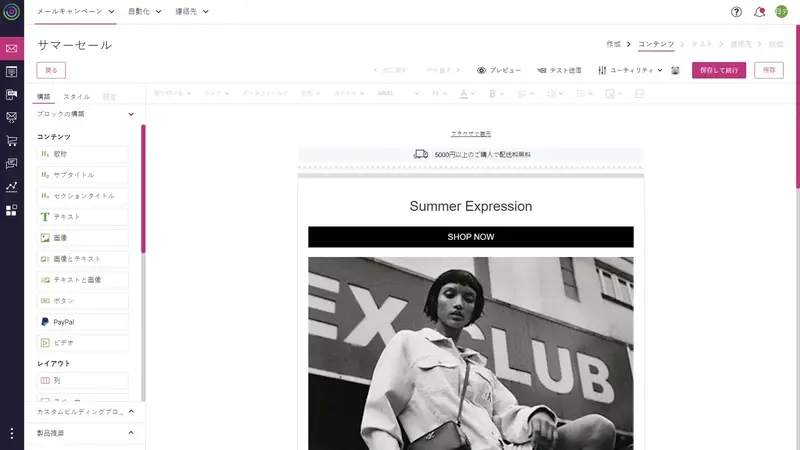
What is a welcome email?
A welcome email is the first automated email sent to users who have signed up for a newsletter or become a member. Its purpose is to introduce the brand or company and convey important information, and it also includes elements such as explaining the shop's system to help subscribers purchase products with confidence and promoting sales by highlighting the appeal of the products.
Branding effect can be obtained
The welcome email that newsletter subscribers receive first is ideal for determining the first impression and shaping the brand or company's image. It can be used as a branding strategy because it conveys the brand's or company's characteristics through its logo, colors, and writing style. Including the company's philosophy and brand story is also a good idea.
You can leverage a high engagement rate.
By leveraging the high engagement rate of welcome emails, you can efficiently promote the products and information you want to share with your customers.
Building trust
A welcome email containing the information customers need instills a sense of security, reinforces the impression that the company reliably delivers necessary information, and makes it easier to build trust in the shop. It is also effective to answer questions that new customers may have and include helpful links such as the return policy and FAQ page.