跨境独立站开店
How to build an e-commerce store by coding a website
You don't need to be a professional web developer to create your own website.
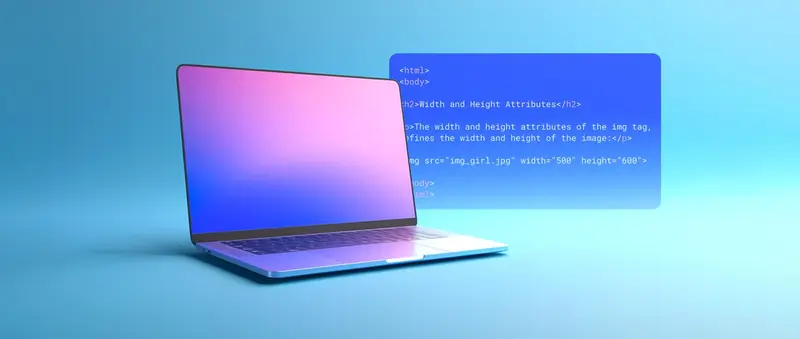
How to build a website
Building a website can sometimes be surprisingly easy. The first thing you need to decide is how involved you want to be in the process. While all of the following options can be outsourced to professional developers, the difference lies in how much control and customization you want for each webpage, and how that will affect both the site's development and its post-construction state.
Website Builder
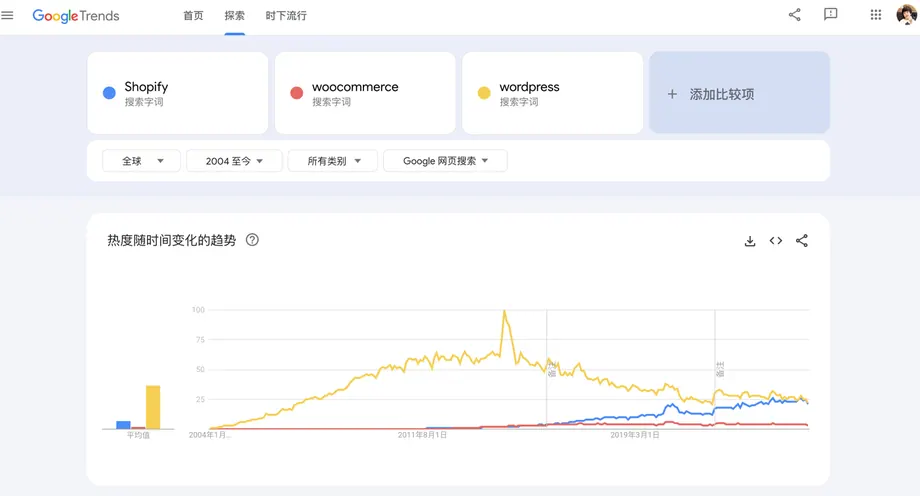
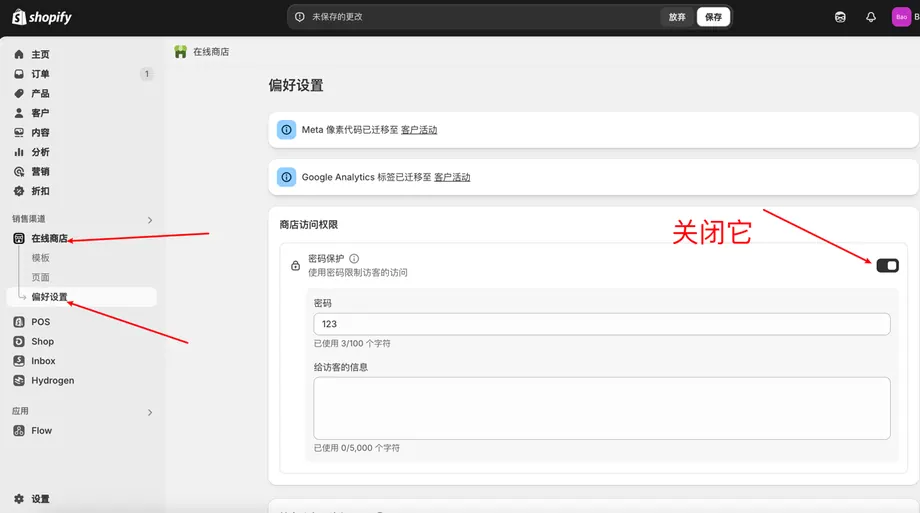
Website builders like Squarespace, Wix, and Shopify are no-code tools that allow you to drag and drop design elements, even if you don't have much technical skill. These platforms offer professional design templates as well as a rich library of plugins that can implement advanced features on your website.
Content Management System
Content management systems (CMSs) like WordPress emerged earlier than many website builders and were designed to efficiently manage content databases. Using a CMS often requires basic coding, and most CMS platforms support a variety of plugins that can extend their functionality.
DIY (Do-It-Yourself)
To code your own website, you need to learn HTML (Hypertext Markup Language), CSS (Cascading Style Sheets), and JavaScript. We'll explain each of them.