 跨境独立站开店
A Complete Guide to Using Google Shopping Ads
Many e-commerce businesses focus on selling on giant marketplaces like Amazon, but they often face challenges such as fierce price competition and the commoditization of their brands. On the other hand, search engines like Google are extremely valuable channels for reaching potential customers with a clear intention to buy.
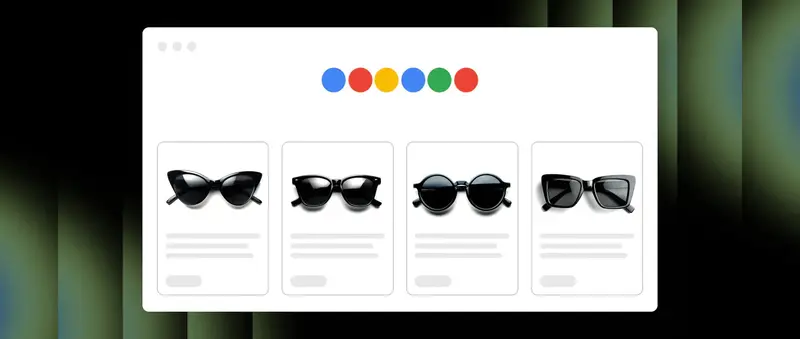
What are Google Shopping ads?
Google Shopping ads are image-based ad formats that appear at the top of search results pages or in the "Shopping" tab when a user searches for a specific product on Google. Users can compare product images, prices, brand names, and review ratings at a glance, and clicking on an ad takes them directly to the product page on the advertiser's (retailer's) e-commerce site.
How Google Shopping Ads work and the benefits they offer to e-commerce businesses
Google Shopping ads are unique in that they are delivered based on data called "product feeds" registered in Google Merchant Center, rather than advertisers setting keywords. Google automatically matches users' search terms with information in the product feeds and displays the product ads it deems most relevant.
For Shopify stores: Google Shopping Ads setup instructions
If you're using Shopify, you can significantly simplify the complex setup process by utilizing the "Google & YouTube" app. Here, we'll explain the setup process step-by-step for Shopify store owners.
Step 1: Create and link your Google Merchant Center account.
To run Google Shopping ads, you first need a Google Merchant Center account, which is the platform for submitting product information to Google.



