 跨境独立站开店
What is Tap to Pay? A summary of how it works and how to use it.
With Tap to Pay, you can make payments using only your smartphone. This page provides a clear explanation of how to use contactless payment, which is becoming increasingly popular in Japan. Learn more about Tap to Pay, which allows you to pay securely with just a touch, here.

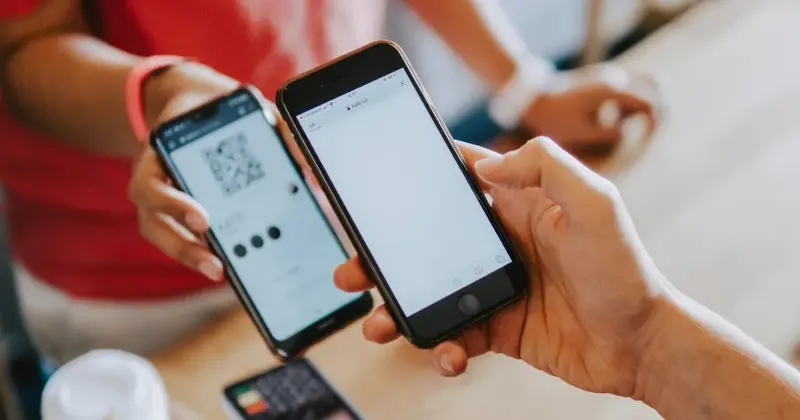

This article summarizes Tap to Pay, a secure payment method that allows you to pay simply by touching your device.
Tap to Pay, which allows businesses to accept payments via contactless payment even without a dedicated terminal, is attracting attention.
This article explains the basics of Tap to Pay payments, how to use them, and the benefits of implementing them.
What is Tap to Pay?
Tap to Pay is a contactless payment method that allows payments to be completed simply by lightly tapping a compatible device such as a credit card, debit card, smartphone, or smartwatch on a payment terminal. It primarily utilizes NFC (Near Field Communication) technology and is widely adopted as a fast and convenient payment method.
Benefits of implementing Tap to Pay
There are no initial costs for introducing the devices.
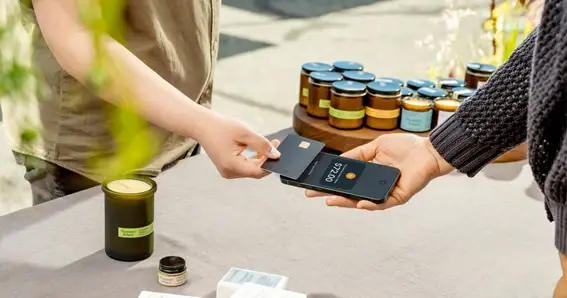
Since iPhones and iPads can be used as payment terminals, there is no need to purchase a dedicated POS terminal, thus eliminating the cost of renting or buying a terminal.
If you have an NFC-enabled device such as a smartphone, you can use it as a payment terminal, allowing you to start operations without additional hardware or complex settings.
It has the same advantages as contactless payment.
Tap to Pay offers the same benefits as regular contactless payments, including the following:
- Since it only requires a tap, payments can be processed without making customers wait.
- Payment can be made hygienically while minimizing contact with others.
- Since there is no exchange of card numbers or PINs, customers can pay with peace of mind.
If payment procedures are complicated or customers feel uneasy about the payment method, it can lead to a decrease in their willingness to purchase. Therefore, it is important to provide a secure and smooth payment method.
Is Tap to Pay safe?
Tap to Pay is a secure payment method. During a transaction, your card information itself is never directly transmitted to the merchant or payment terminal. Instead, it uses temporary data called a one-time token to process the transaction. This mechanism significantly reduces the risk of card number misuse.
Furthermore, using Apple Pay or Google Pay adds an extra layer of security through authentication processes such as Face ID, Touch ID, or the device's passcode. In addition, contactless payments eliminate the need to hand over a card, thus reducing the risk of information theft or forgery.
Types of contactless payment methods that support Tap to Pay
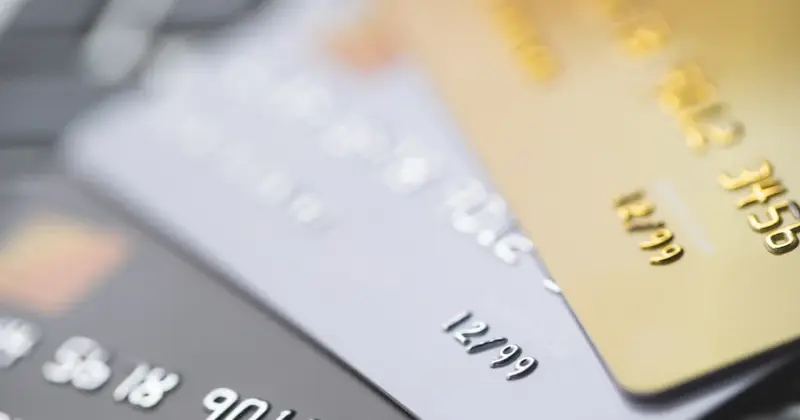
- credit card
- Debit card
If your credit card has a wave-shaped "contactless payment mark" called the Ripple mark, you can use contactless payment.
Unlike mobile payment services, credit card tap-to-pay can be used overseas.
A debit card is a card that deducts the amount spent directly from your bank account. Because it cannot be used if there are insufficient funds in your account, it has the advantage of preventing overspending. Like credit cards, debit cards that support contactless payment will have a ripple mark.
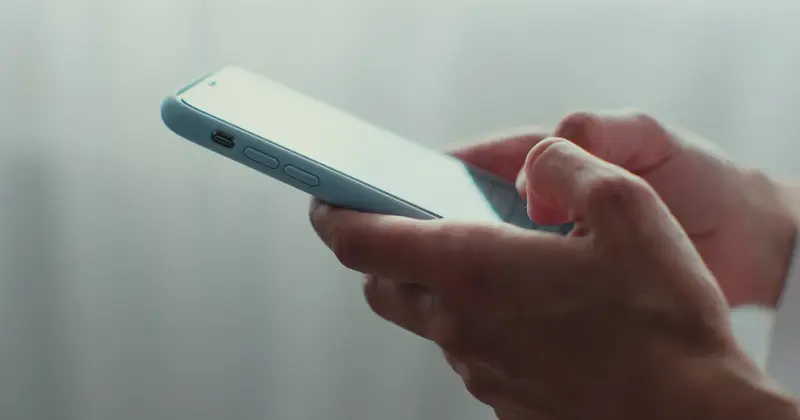
Tap to Pay can be used if you have Apple Pay on your iPhone or Google Pay™ on your Android device. By using these apps to register your credit card or e-money on your iPhone or Android device, you can make contactless payments with your smartphone.
How to accept Tap to Pay payments
- Download the dedicated app for Tap to Pay to your device.
- You can either manually enter the price of the product, or scan the product and display the price.
- We ask the buyer to have a contactless payment card or smartphone ready.
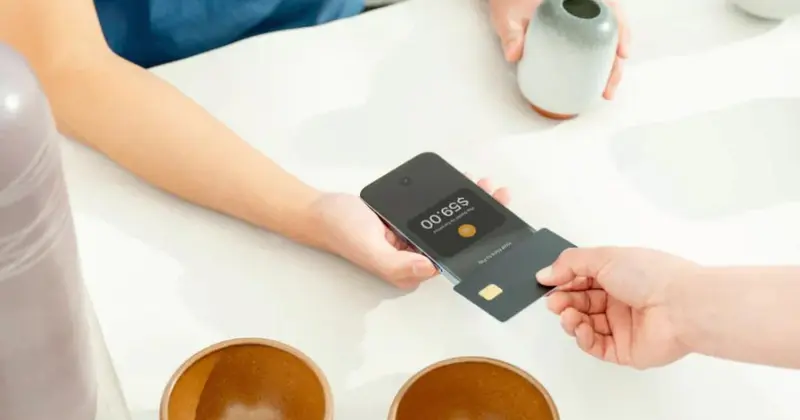
- Payment is completed by holding a contactless payment card or smartphone over the reader on the payment terminal.
The process for implementing Tap to Pay is simple. You will need to create an account when downloading the dedicated app, but you will not need to purchase a special device or pay any contract fees.
Points to note when using Tap to Pay payment
There is a usage limit for Tap to Pay payments.
Tap to Pay payments have a limit on the amount that can be paid at once. For credit cards, the limit is usually around 10,000 yen. This is to prevent fraudulent use of Tap to Pay for large purchases; payments exceeding this limit will require a PIN or signature. The limit varies depending on the card issuer, payment device, and store.
The store pays the fee.
While there are no fees for buyers, stores pay a transaction fee to the payment company based on the sales. Some stores avoid Tap to Pay because of the high transaction fees.
Contactless payments have been gaining attention in recent years due to their ability to process payments quickly and allow for hygienic, contactless transactions.
Compatible devices include contactless cards and smart devices that support Apple Pay and Google Pay, and stores can implement it without dedicated terminals. It offers many benefits, such as cost reduction, improved operational efficiency, and increased customer satisfaction, and its use has been expanding in Japan since 2024. "Tap to Pay" can be described as an innovative payment method that meets the needs of modern consumers.
Frequently Asked Questions about Tap to Pay
Tap to Pay is a contactless payment method that allows you to complete a payment simply by lightly touching a compatible card, smartphone, or smartwatch to a payment terminal. This technology utilizes NFC (Near Field Communication) and has become widely adopted as a fast, convenient, and highly secure payment method.
Tap to Pay employs tokenization technology, ensuring security by preventing the direct sharing of card numbers during payment. Furthermore, the use of one-time tokens significantly reduces the risk of card information misuse. When using Apple Pay or Google Pay, additional authentication processes such as Face ID or Touch ID are added, further enhancing security.
Share this article
- Share on Facebook
- Share on X
- Share on LinkedIn



