 跨境独立站开店
Marketing | How to use social proof in marketing
Converting cold traffic into customers is not easy. It's rare for someone visiting your site for the first time to instantly become a customer. First, you need to build trust. However, you can accelerate this process by leveraging social proof. This is one of the most effective ways to build trust in e-commerce businesses, and its effectiveness is likely to become even more powerful as you grow.











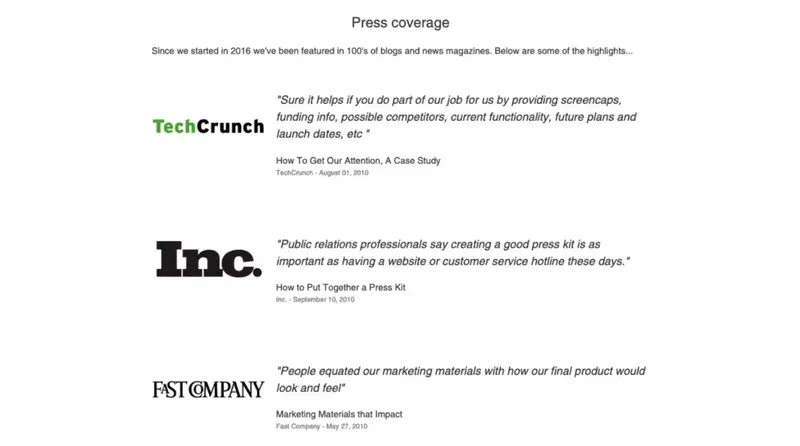
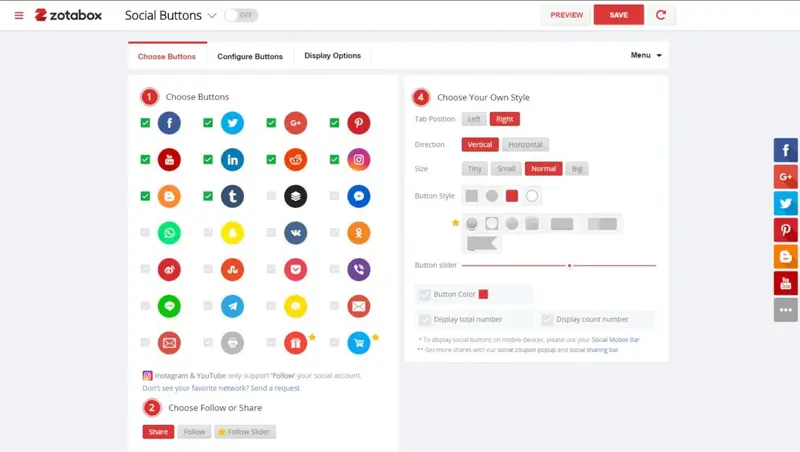
Social proof mechanism
Social proof is a psychological phenomenon popularized by Dr. Robert Cialdini, characterized by the tendency to base one's judgments on the opinions and actions of others. Also known as informational social influence, it involves using other people's experiences as evidence to justify consumer choices.
Why social proof is important
Even without knowing about social proof, everyone has likely been influenced by various decisions, big and small, throughout their lives. Let's use social proof to attract people's attention by leveraging the allure of following the wisdom of the crowd. People are naturally interested in what is happening, why it is happening, and what the right actions or reactions are.
Six types of social proof
Social proof can be generated on any online platform you are present on. It can appear in a variety of forms, including your website and your preferred social networks, and can cover the different behaviors of different groups of people.
1. The wisdom of the crowd
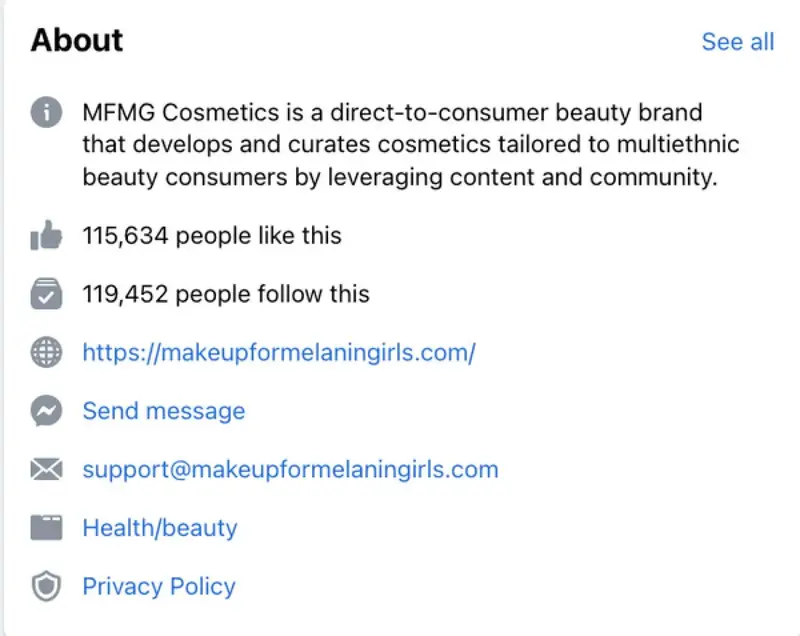
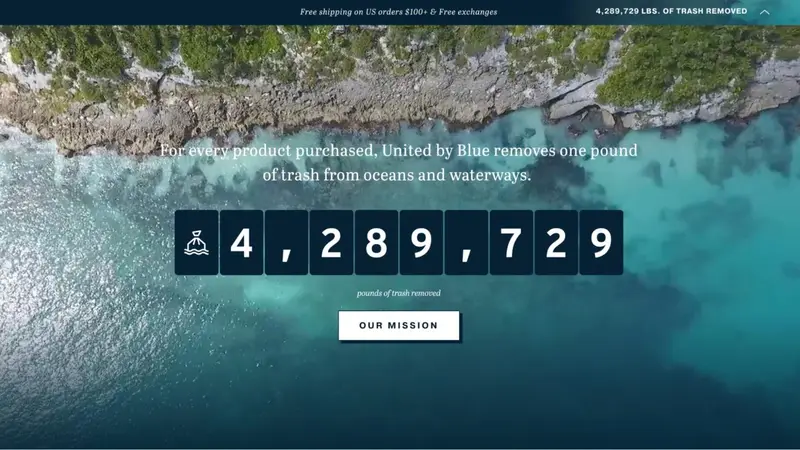
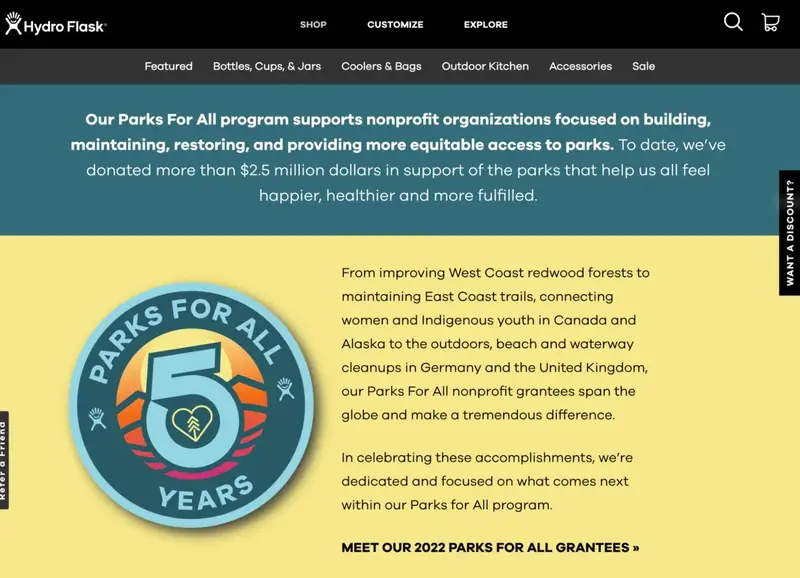
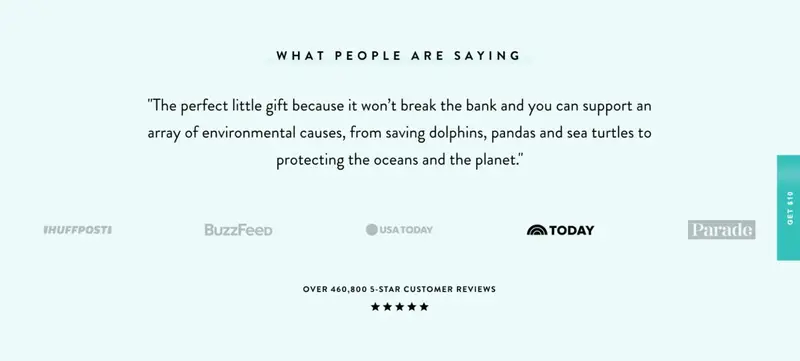
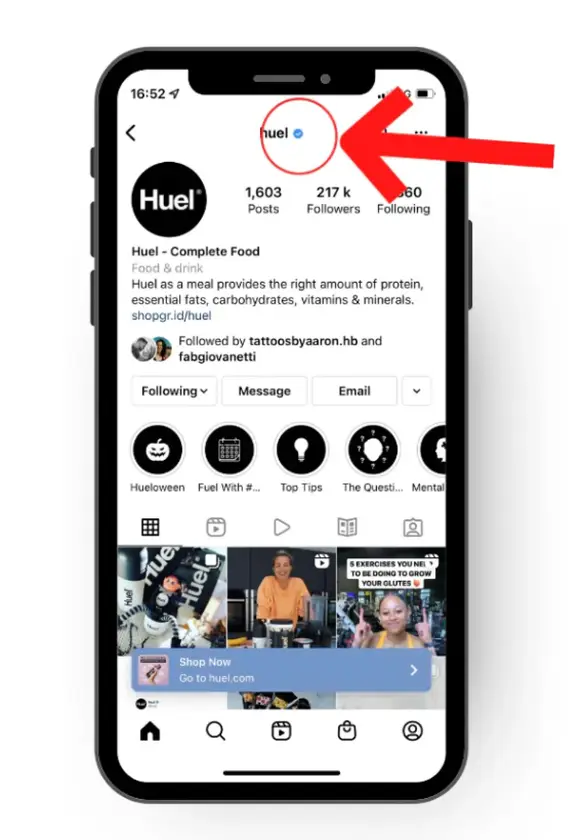
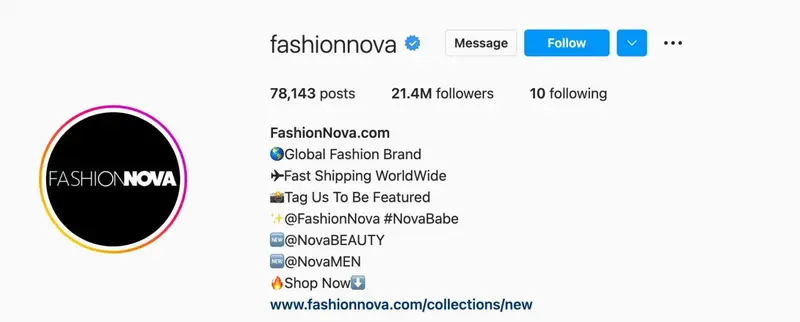
Quantitative metrics that demonstrate a brand's popularity are a form of social proof, which gives potential customers confidence in purchasing from you.


