 跨境独立站开店
What are social listening tools? Features, tools, and how to choose the right one.
This article explains the basic functions and usage of social listening tools. Learn how to choose the right tool and understand the features of each to help you better understand your customers.







What are social listening tools?
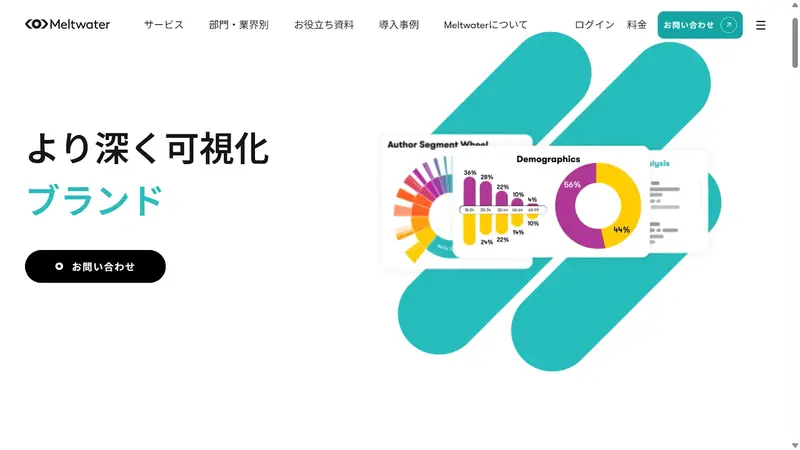
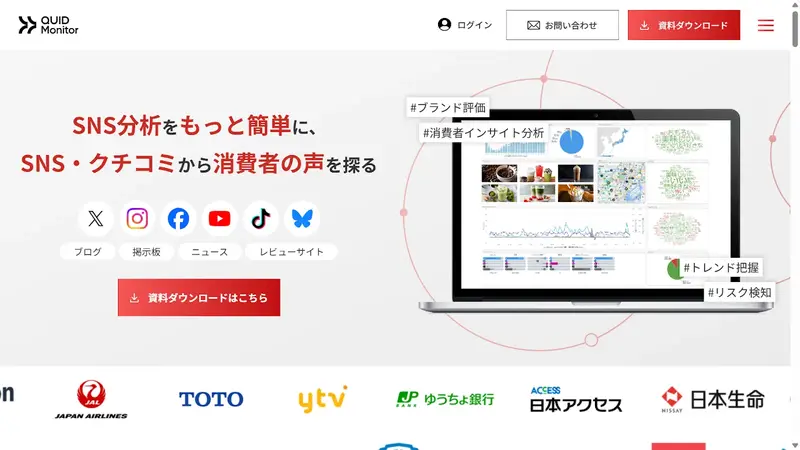
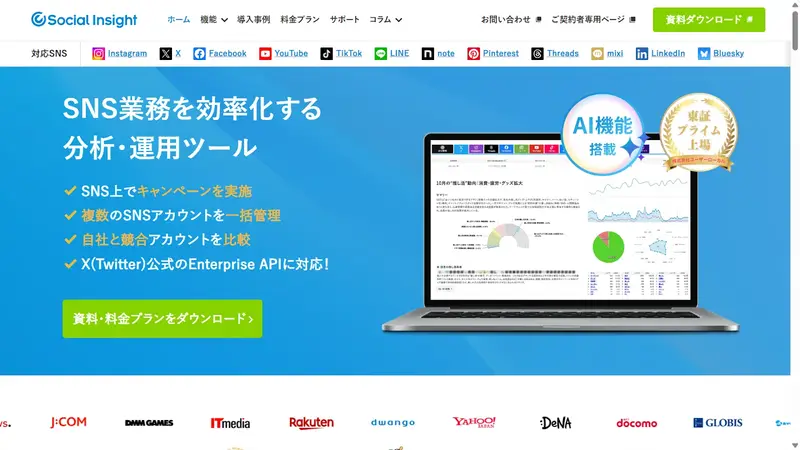
Social listening tools are tools that collect and analyze information posted on social media, blogs, message boards, and review sites to understand consumer opinions and market trends. They automate the process of monitoring and analyzing posts on social platforms, allowing for the efficient extraction of information relevant to a company's products and services from vast amounts of data.
Why social listening is gaining attention
The rise of social listening is largely due to the widespread use of smartphones and social media. Users now routinely share their opinions and experiences online, allowing companies to acquire a massive amount of consumer feedback from the internet.
The difference between social listening and social monitoring
Social listening and social monitoring are similar concepts, but they differ in their purpose and scope of application. Social listening is a method of broadly analyzing mentions of a brand to understand customer needs, conduct market analysis, and gain a better understanding of the target audience.
What social listening tools can do and their basic functions
Social listening tools collect and analyze vast amounts of data from social media to visualize consumer voices and market trends that can be used for marketing and product development. This section outlines the main uses (what they can do) and the basic functions that support them.


