 跨境独立站开店
Success stories of social commerce and a guide to using each social media platform effectively.
This article introduces successful social commerce case studies, features, and major social networking platforms. Learn how to use them effectively and identify key success factors to boost your sales.


What is social commerce?
Social commerce is a system for selling goods and services on social media. It refers to a method of utilizing social media not merely as a platform for disseminating information, but as a sales channel that supports everything from product awareness to purchase.
1. Toyooka City, Hyogo Prefecture
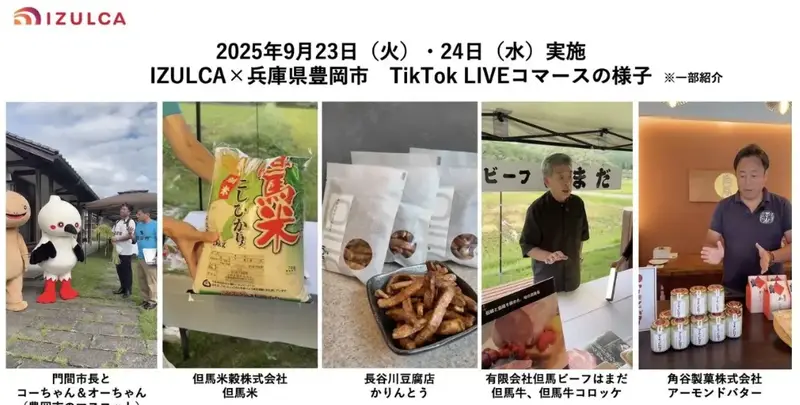
Toyooka City in Hyogo Prefecture collaborated with IZULCA, an official TikTok Shop partner, to conduct live commerce for local products using TikTok Shop. The mayor of Toyooka and local business owners appeared in the live stream to introduce Toyooka-produced rice and specialty products, and to answer comments and questions from viewers in real time while selling the products. In addition, 14 short videos were posted before the live stream to promote the appeal of the products and the local area, and coupons were distributed and additional sales were made during the live stream.
2. Cellest
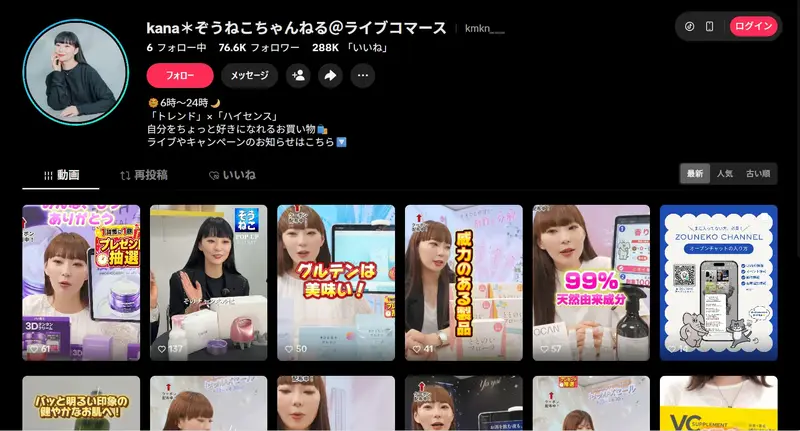
Cellest, a company that operates live commerce businesses, has introduced TikTok Shop to its "Zouneko Channel," creating a purchasing experience where users can complete everything from watching live streams to purchasing products within the app.
3. Taste source
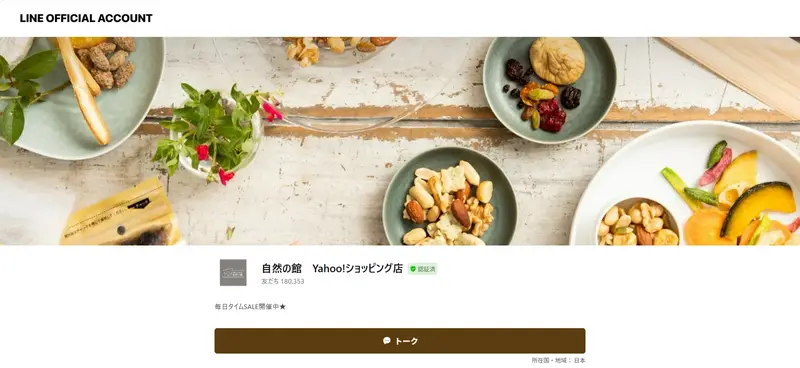
Food manufacturer Ajigen has revamped the operation of its official LINE account for its "Shizen no Yakata Yahoo! Shopping Store" and is working to increase sales through message distribution. Previously, information was only distributed on the day of the sale, but the distribution design has been changed to include advance notice the day before, coupon distribution in the morning of the day, and reminder messages in the afternoon of the day. In addition, they have optimized the content and display order of messages by using a carousel-type card message and placing the product they want to promote the most on the first card.


