 跨境独立站开店
What is a web crawler? How to use it for e-commerce and tools
This article explains the meaning and mechanism of web crawlers. Learn how to utilize them on e-commerce sites and discover recommended tools to improve your website from a search engine perspective.


What is a web crawler?
A web crawler is a program that automatically traverses the internet, collecting information such as HTML, images, and links from web pages. The process of following links within a page to discover other pages and exploring every corner of the web is likened to the crawling motion of an insect, and this entire process is called "crawling."
How web crawlers work
Search engine web crawlers read the HTML of the web pages they access and discover new pages by following the links within those pages. Search engines analyze the information they collect in this way and register it in their index. Therefore, links within a page are important for SEO because they provide search engines with clues to understand the site structure and the relationships between pages.
Supports proper crawling by search engines
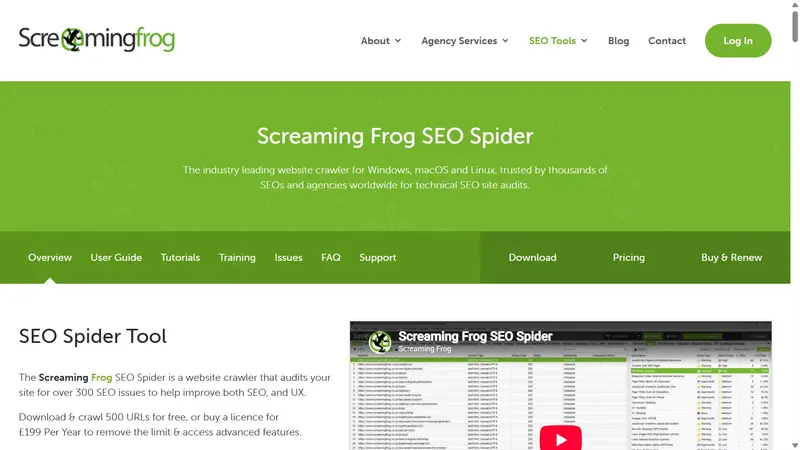
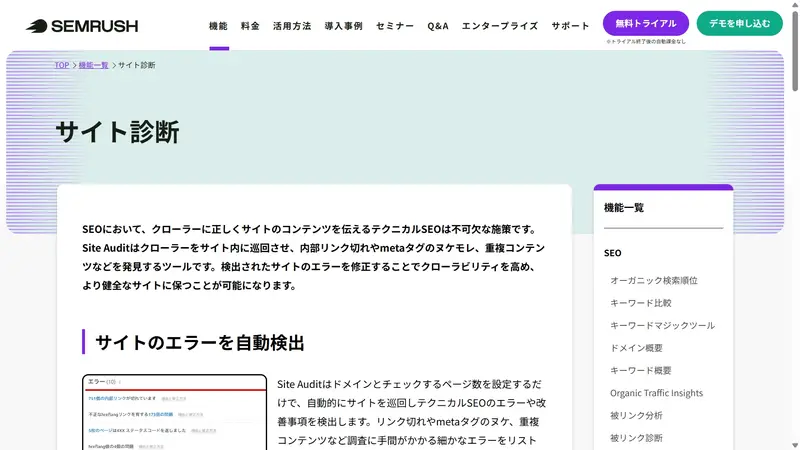
By using a web crawler tool to analyze your website in a way similar to search engines, you can check for any issues that might be hindering crawling and indexing. For example, you can identify cases where the robots.txt file, which specifies the scope of crawling for search engines, is not properly configured, or where there are no internal links to pages you want search engines to crawl. In e-commerce SEO, it's crucial to create category pages and connect them with internal links so that search engines can crawl the often enormous number of product pages.
You can organize old or unnecessary pages.
Using a web crawler tool to navigate your site will allow you to see a list of currently accessible pages. You may find pages that the site administrator had forgotten about, such as past campaign pages or pages for discontinued products. By decluttering unnecessary pages, you make it easier for users and search engines to find the information they need, and the reduction in data size will also lead to a faster site. When decommissioning a page, redirect it to a successor page if one exists, or simply delete it if there isn't one.



