跨境独立站开店
How do I choose and install a Shopify theme?
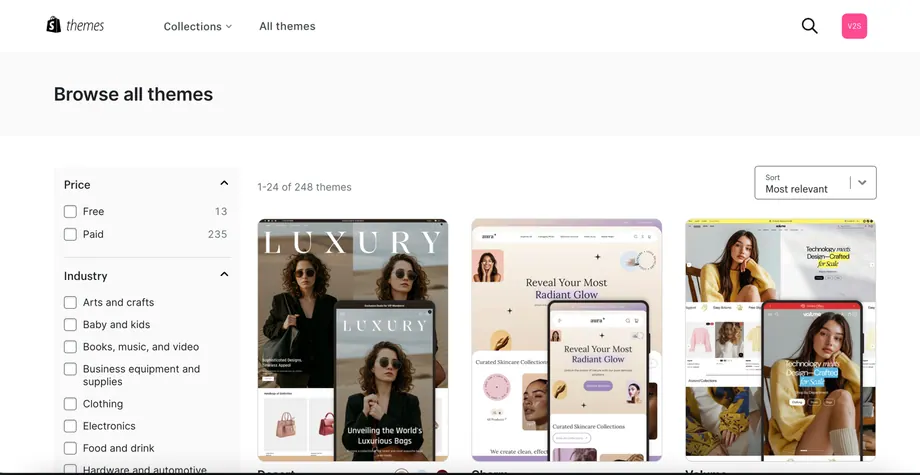
How to choose a Shopify template? How to install a Shopify template? There are 4 ways to choose a Shopify store template and 4 things to note; my personal suggestion is: beginners should use the official free templates first; step-by-step instructions for installing a Shopify template; introduction to each function in the template.

Personal suggestion
Some paid templates offer better features and effects than the official free templates, but I suggest waiting until your store's revenue increases or you have more confidence in your Shopify independent website before considering paid templates.
Shopify template installation
First, log in to your Shopify admin panel. In the online store section on the left-hand side, click on "Templates." The default template installed is the free Dawn template.
Functions in the template
Preview - Preview the template on your Shopify website's front end; it's how your Shopify website visitors will see your store.