What is Shopify Messaging? A summary of how to use and set it up.
Shopify Messaging (formerly Shopify Mail) is a convenient email newsletter feature from Shopify. This article will introduce the features, uses, and setup methods of Shopify Messaging.
You can send up to 10,000 emails per month for free, and you can easily create emails using a variety of templates.
Features of Shopify Messaging
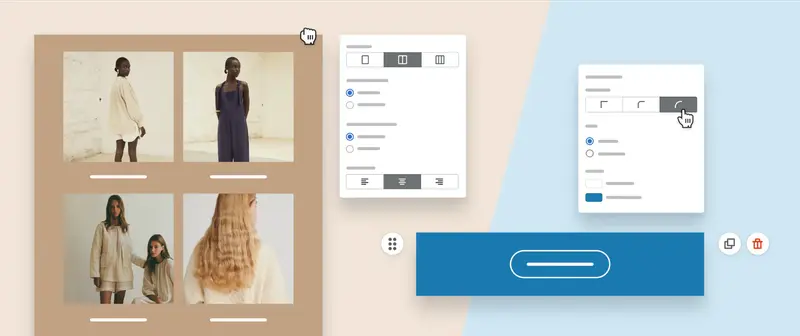
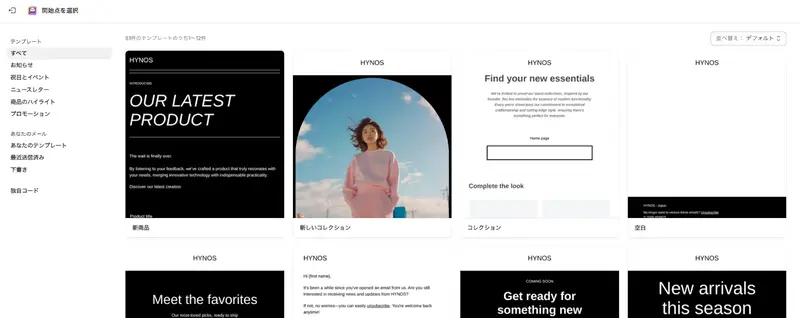
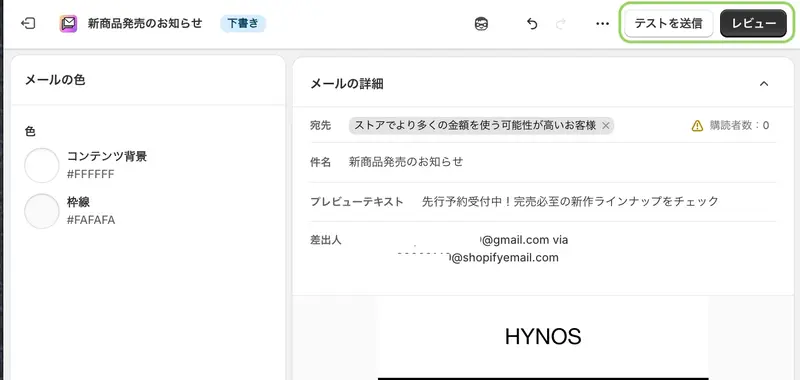
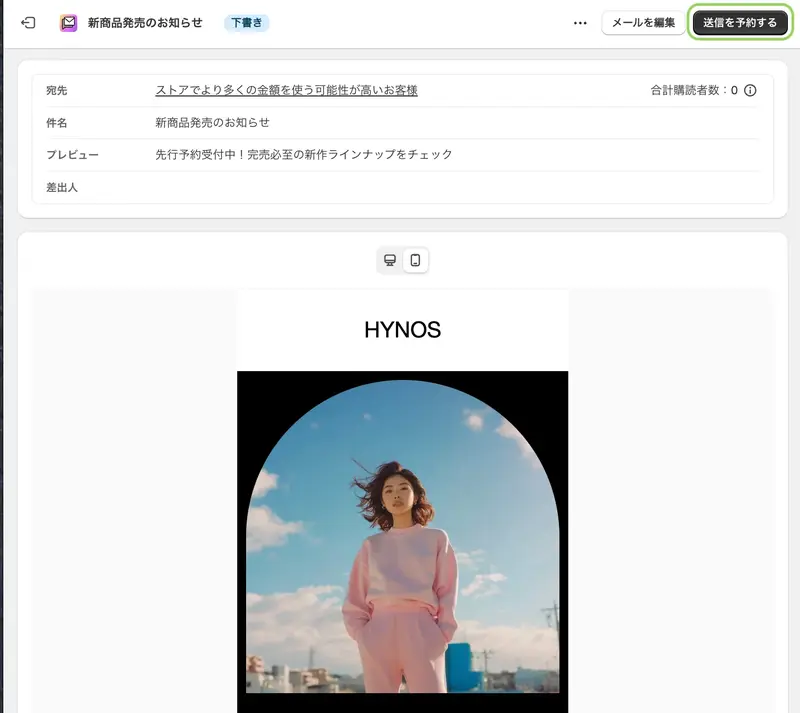
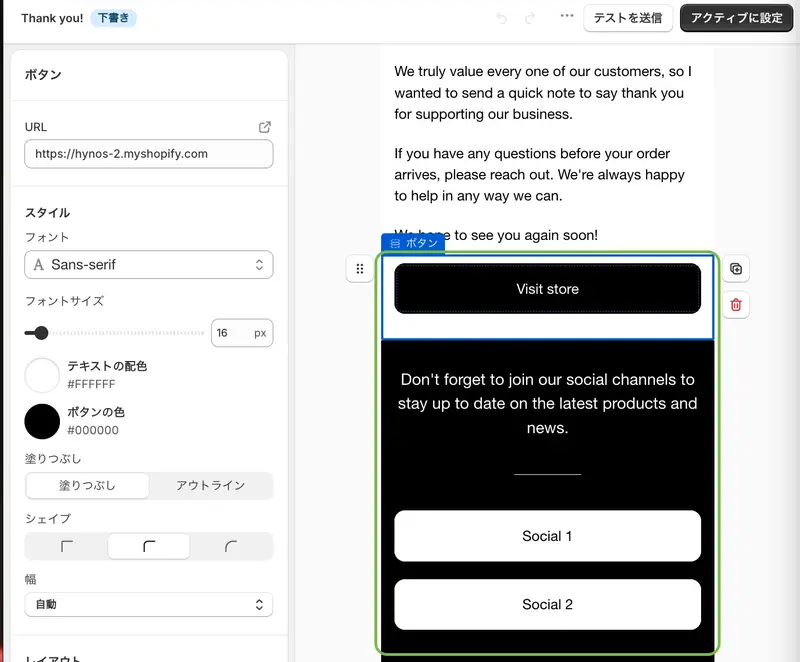
Easy customization with a wide variety of templates: A wide selection of email templates is available to suit various needs, and customization such as adding text and photos is easy.
1. Create a campaign
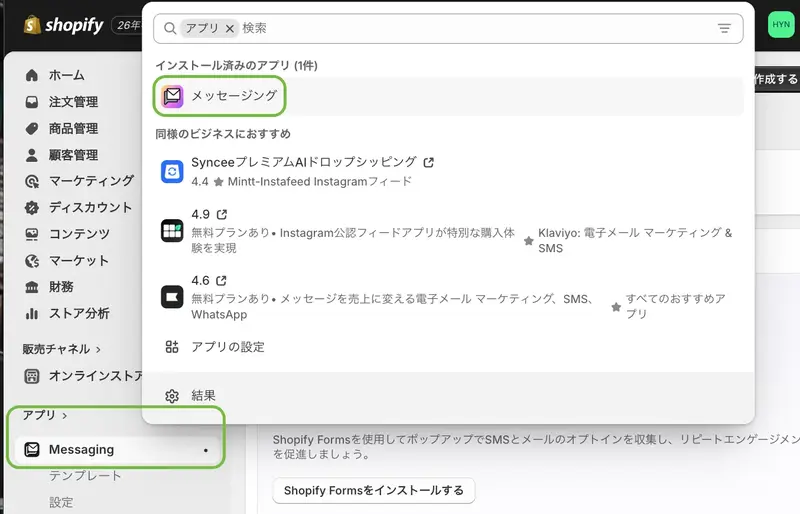
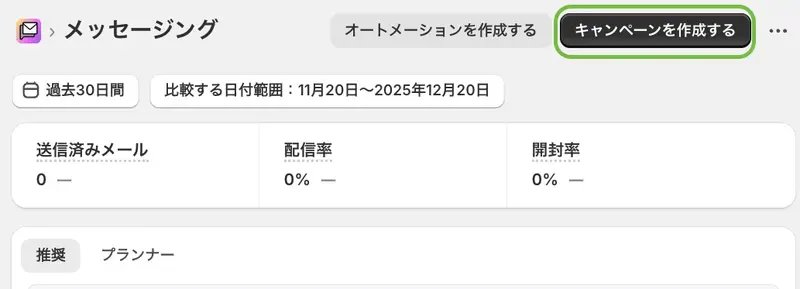
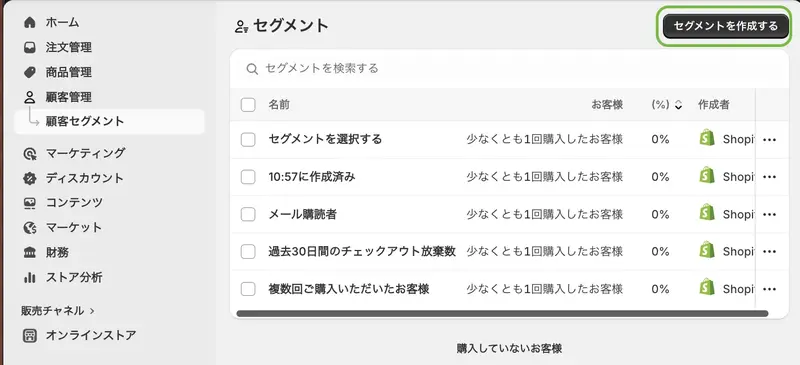
Click "Create a campaign" in the upper right corner of the messaging screen to begin setting up a new Shopify Messaging delivery.
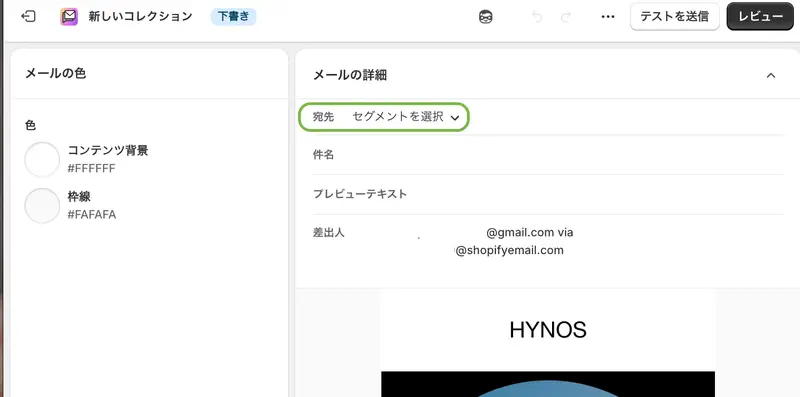
3. Setting the destination
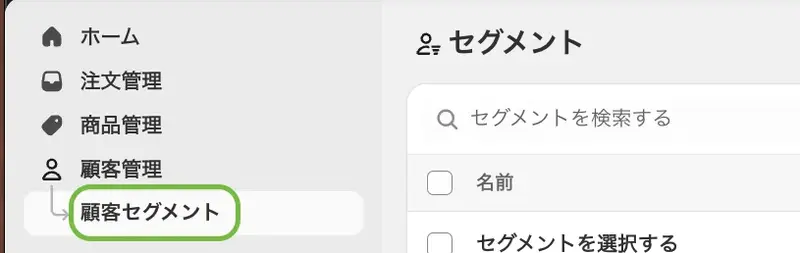
Select the customer segment to send the message to from the displayed list (you can also select segments created in customer management).
Customer segmentation involves first determining the operational actions to be taken, and then selecting the criteria. A segment should be able to explain why these customers received the same message.
How to install TikTok Pixel on your Shopify standalone website? Log in to your Shopify admin panel, click on "Channels" on the left, select TikTok in the pop-up window and install it, add a channel, link and log in to your TikTok For Business account, confirm, and finally confirm again in your TikTok Ads admin panel. Log in to your TikTok admin panel and click on "Assets" > […].
This beginner's guide to TikTok advertising shares: the requirements for opening a TikTok advertising account (domestic company qualifications) and common reasons for approval failures; preliminary preparations - website setup, payment processing, sourcing and logistics, product selection, installing the TikTok pixel, and opening a TikTok advertising account; and the step-by-step process for creating a TikTok ad - promotion goals, target audience types, event optimization, ad placement, audience targeting, budget, and bid.
How do I register an Instagram account and create an Instagram profile? Download the Instagram app from the App Store (or Android app store), complete the registration, tap "Edit Profile," and add your website link and bio (or other URLs).
 跨境独立站开店