跨境独立站开店
ways to optimize your ads with Shop Campaigns
This guide explains how to set Customer Acquisition Costs (CACs), target highly engaged audiences, expand reach, and grow your customer base across key channels.
What are Shop Campaigns?
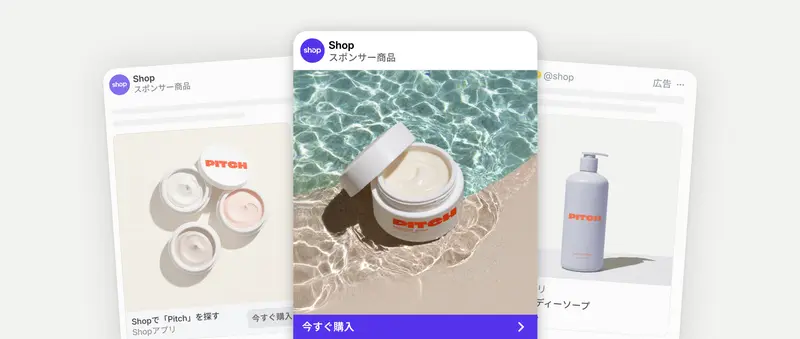
Shop Campaigns is a system that allows you to run ads risk-free by leveraging the ads provided by Shop. Simply set a payout per customer, and it will find the right buyers from Shop, other merchants' online stores, and across platforms like Meta and Google. Furthermore, you only incur charges when a conversion occurs.
1. Reduce the time spent on trial and error.
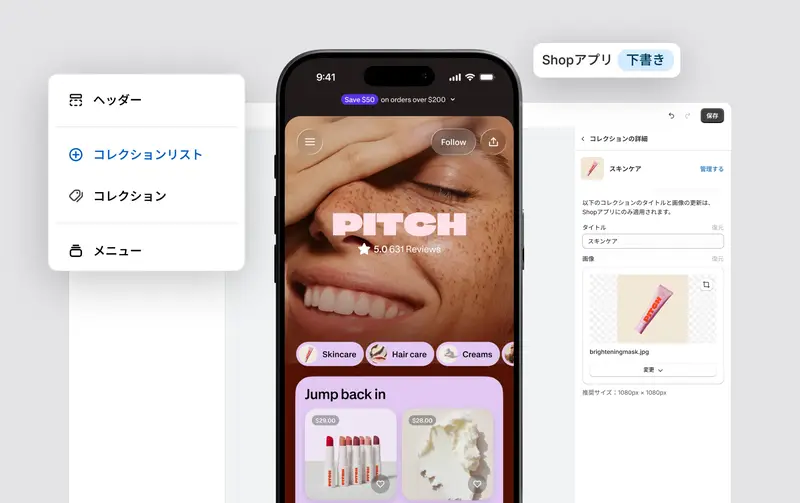
You can create a campaign in less than two minutes in the [Advertising] section of the Shop channel. Avoid trial and error and use recommended parameters for optimal settings. These recommendations reflect average order volume, industry, and Shop's relevance algorithm, allowing you to get started quickly on a solid foundation.
2. Target audiences with high interest.
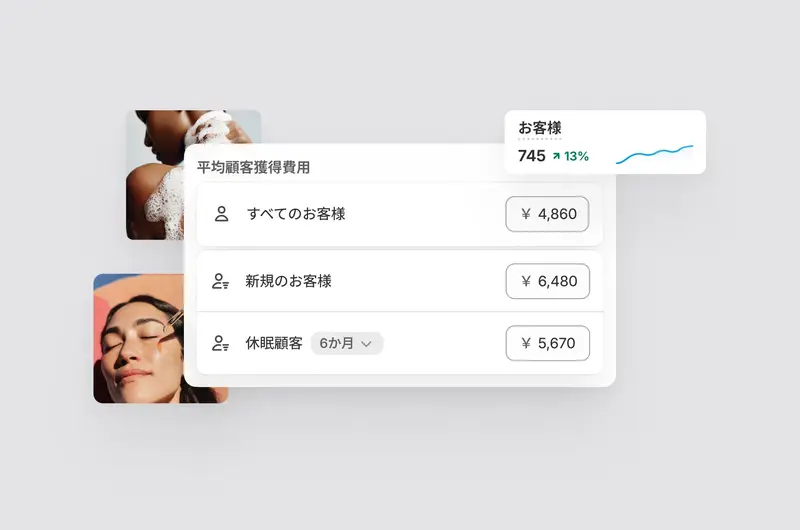
Shop Campaigns are designed to help you achieve the biggest possible growth. The price you set for "All Customers" is the base price you're willing to pay per conversion. From there, you can add custom pricing to prioritize higher-value segments, such as new customers or dormant customers who haven't made a purchase in a while.
3. Carefully set your target average order value (tAOV) and budget.
Target average order value helps optimize campaign delivery across the platform and maintain returns aligned with your goals. Adjusting customer acquisition cost (CAC) and order value displays an estimated return on ad spend (ROAS) in the estimates panel, which can be used as a guide when setting up your campaigns. Note that the ROAS estimate is a combined figure across all segment types; a breakdown by audience can be viewed in the results dashboard.