跨境独立站开店
What is a Shopify buy button? How to customize and embed it.
This article explains what a Shopify buy button is, how to create one, how to customize it, and how to embed it.
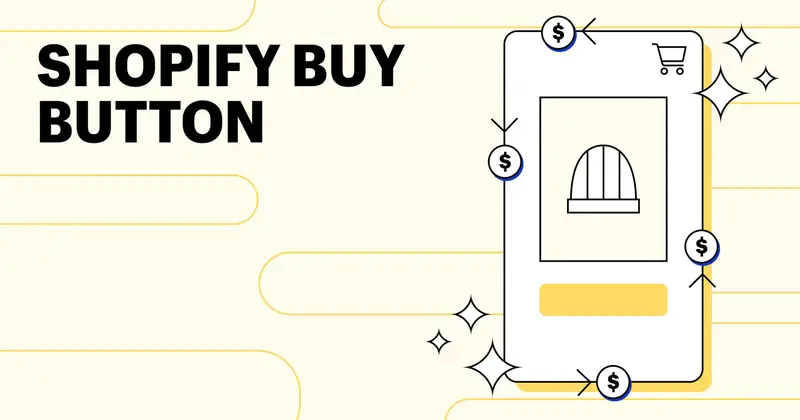



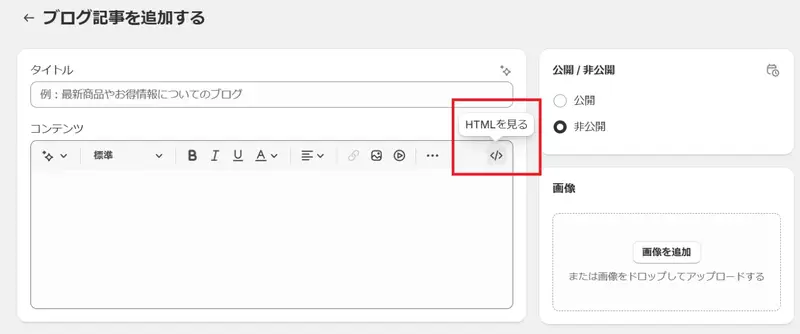
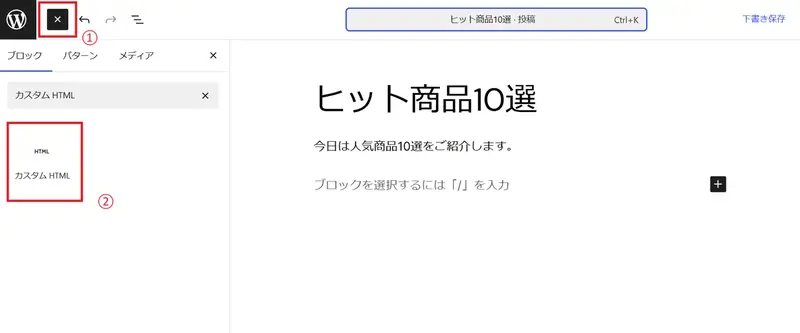
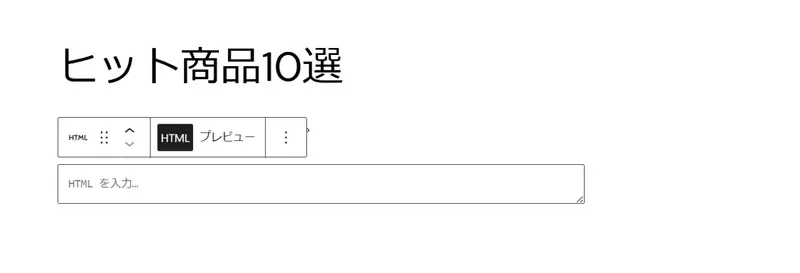
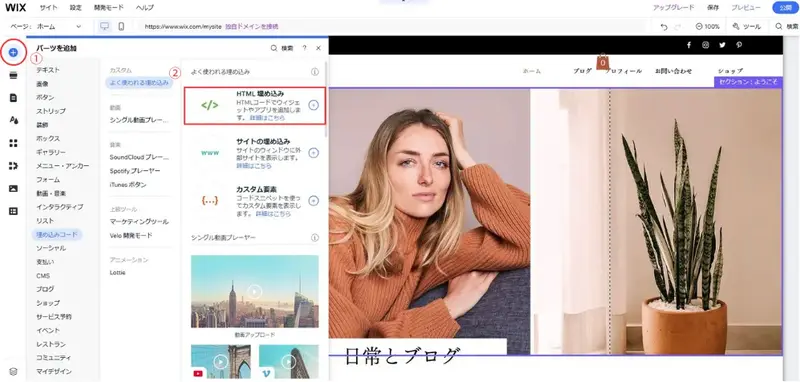


What is a Shopify purchase button?
Shopify's Buy Button feature allows you to add a shopping cart and payment functionality to your website or blog. By displaying product images, descriptions, prices, and clickable buttons on your existing website, users can purchase products and services directly from the page they are viewing.
Places where Shopify's buy button is easy to use
The "Buy Now" button allows you to add shopping cart functionality to pages that users are already visiting. It's particularly useful on pages like the following:
Blog posts and content pages
Embedding purchase buttons within articles related to products allows readers to buy directly when they become interested. For example, in a candle-making tutorial article, you could place purchase buttons for materials and tools within the article itself. Readers don't need to open a separate tab or search for products in a store.
Landing page
Buy buttons are also suitable for landing pages aimed at new product launches, seasonal campaigns, and attracting traffic from advertisements. When the page's objective is focused on a single action, adding a buy button reduces the number of steps from ad click to purchase completion.