 跨境独立站开店
What are Facebook Dynamic Ads? Benefits and Setup Instructions
This guide explains how to create and configure creatives for Facebook Dynamic Ads (Advantage+ Catalog Ads), as well as how to integrate them with your Shopify store.






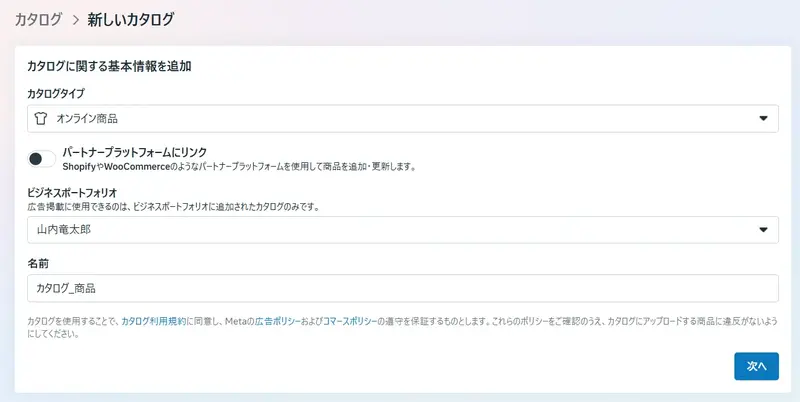
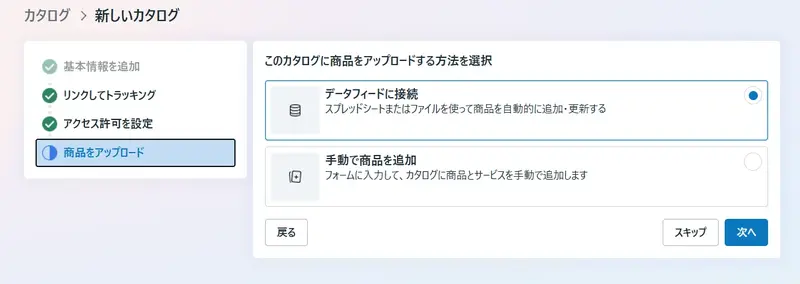
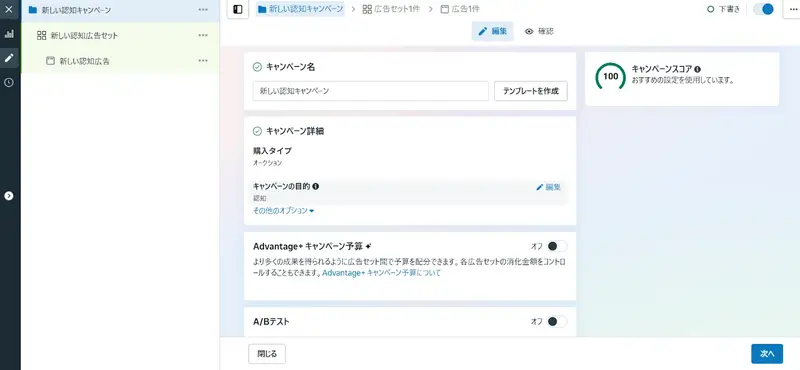
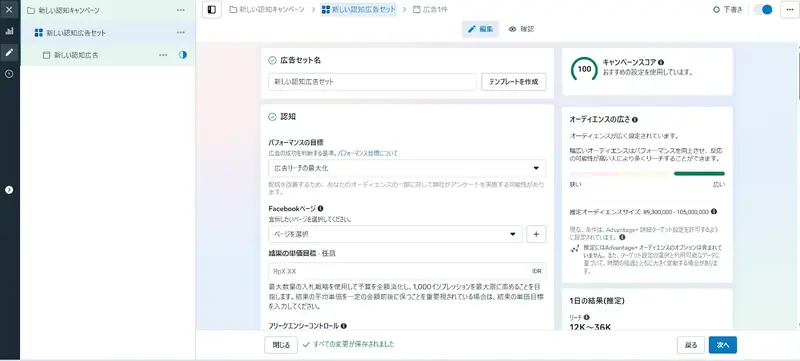


What are Facebook Dynamic Ads?
Facebook Dynamic Ads is a system provided by Meta Inc. (formerly Facebook Inc.) that automatically generates and delivers product advertisements based on users' interests on platforms such as Facebook and Instagram. It is also known as Meta Advantage+.
Single image/video format
The single image/video format is an advertising format consisting of a single image or video, text, and a call to action (CTA) button. It's easy to create and allows you to directly convey the appeal of your product or brand.
Carousel format
The carousel format is an advertising format that arranges multiple images or videos side by side, similar to Instagram ads. Its key feature is the ability to display multiple products side-by-side, allowing for a comprehensive presentation of the entire product line. This also benefits consumers by making it easier to compare products. Furthermore, it can be used to explain how to use a product sequentially or to introduce each feature individually.
Collection format
The collection format is an advertising format that places the main video or image in the upper half of the screen and displays images of related products in the lower half. Tapping the video or image in the upper half displays it in full screen, and tapping the smaller images in the lower half takes you to the product page on the website. Designed with a mobile-first approach, it is characterized by its ability to prevent users from leaving the page while ensuring a seamless purchase path.


