跨境独立站开店
Store design | How to use Shopify Theme Blocks
When creating a Shopify storefront experience, it's crucial to give merchants the option to customize themes, expanding the possibilities of their stores. Shopify developers can incorporate diverse flexibility into themes by using section blocks to add functionality, giving merchants control over their store design.
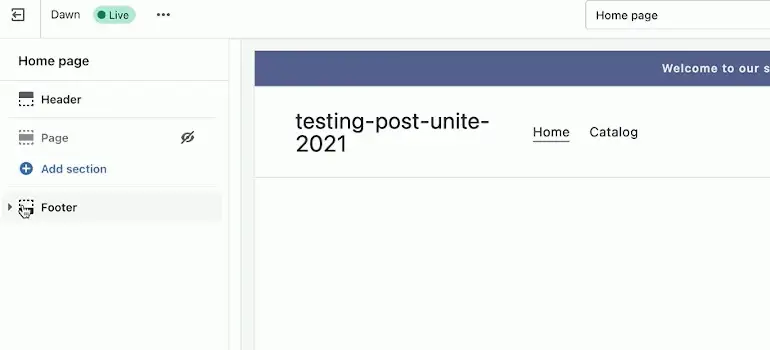
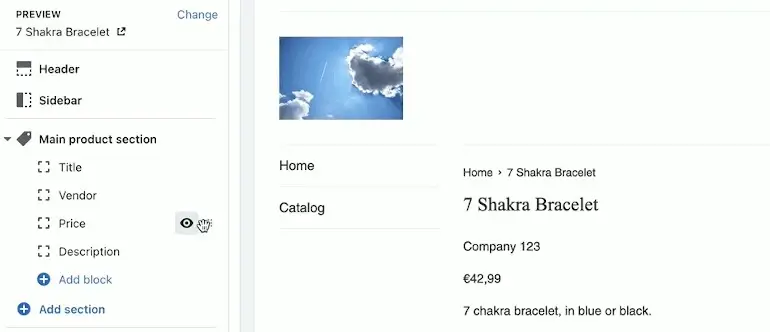
What are Theme Blocks?
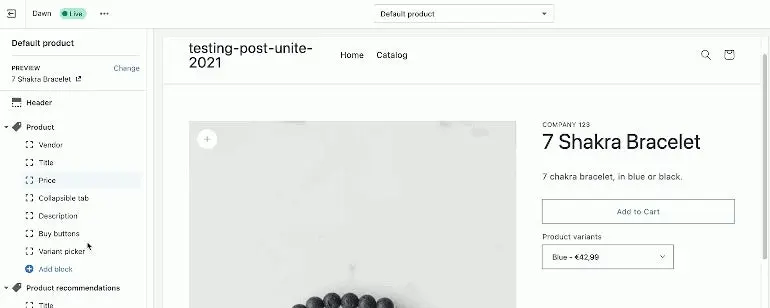
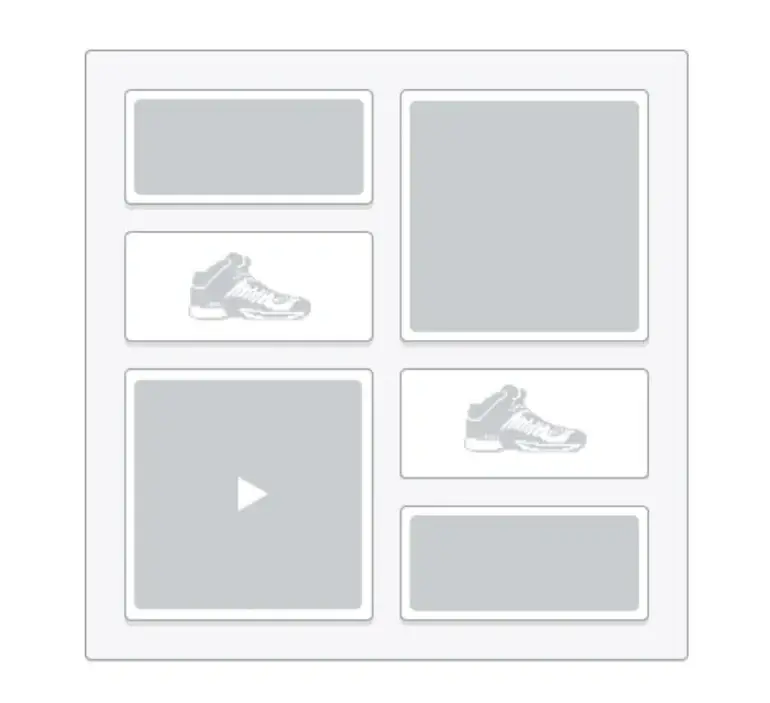
Blocks are content modules that can be added, removed, and rearranged within a section. This allows merchants to have fine-grained control over the look and feel of their store. Each section can contain up to 16 blocks.
Basic theme block construction
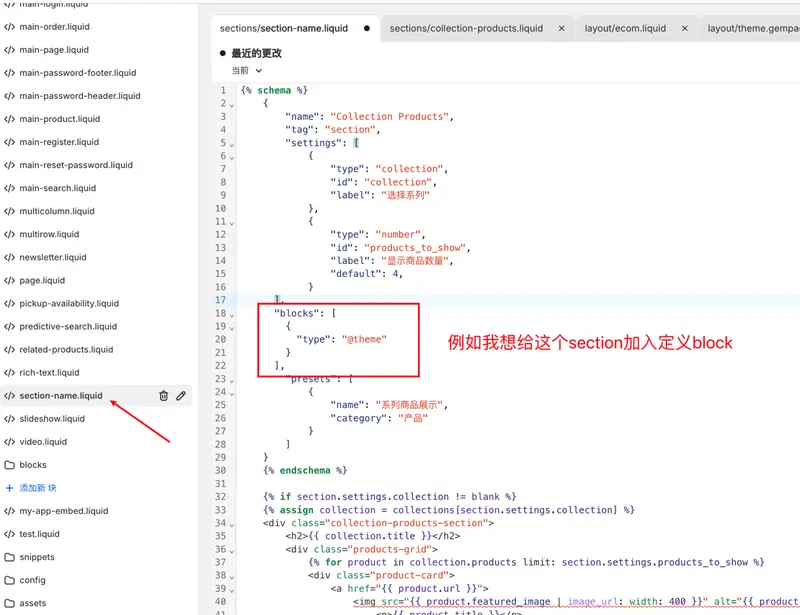
When you start building blocks, you'll likely spend a lot of time within the section file's schema. This is where you define various block settings and values. If you're not yet familiar with this section schema format, you can learn more about the attributes and properties organized using JSON in the developer documentation.
Use theme blocks for most elements in the section.
Merchants have diverse requirements for their layouts. When developing a theme, it's recommended to incorporate as much flexibility and customization options as possible. Section blocks help developers achieve this. Online stores will inevitably have areas where fine-grained control over section elements is necessary.
Add support for App Blockers
With the launch of Online Store 2.0, theme app extensions were introduced. This is an improved approach to integrating apps into the storefront. These extensions allow app developers to insert inline content and components as app blocks into pages, and merchants can add and configure them directly in the theme editor.