Hi, I'm Ezra, CEO of SmartMarketer.com. I've sold over $5 million in design, development, and marketing services to e-commerce business owners. I've attended hundreds of sales meetings and I've learned one thing: there's one question that prospective clients want answered, and if I answer it well, I get the contract and acquire a new client. If I answer it poorly, I leave empty-handed.
The key question is this: "What can your company do to help our business succeed?"
I previously served as a judge for the Shopify Commerce Awards, and one of the categories was "Best Abandoned Cart Recovery Experience."
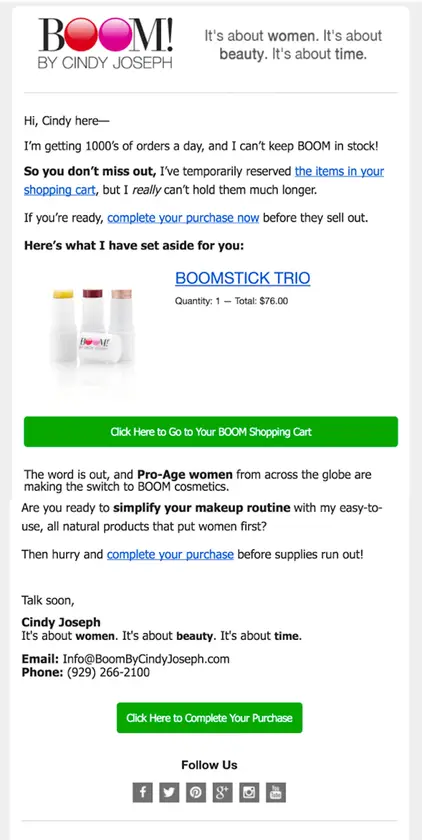
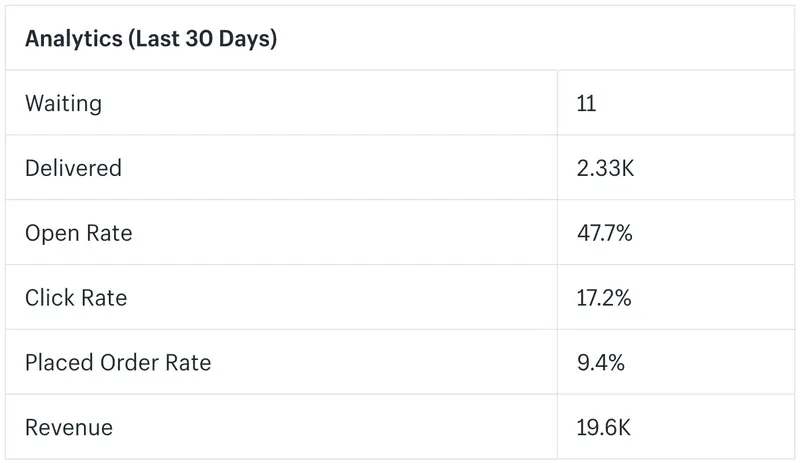
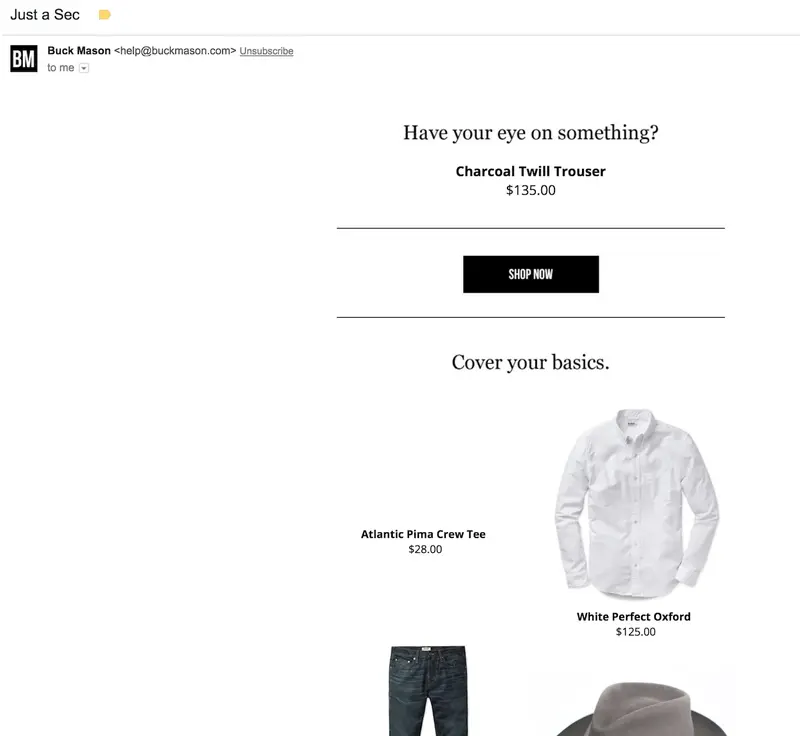
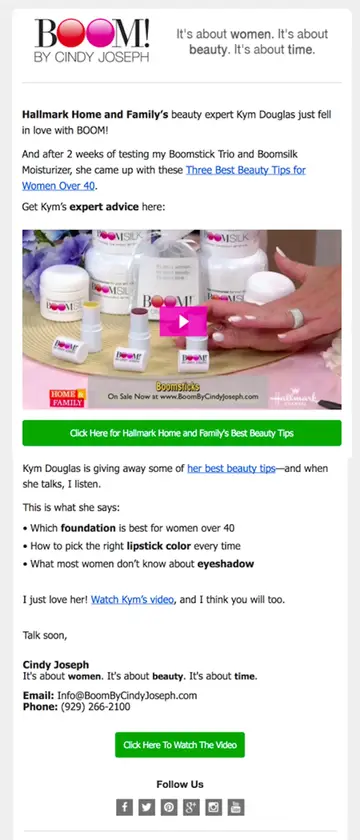
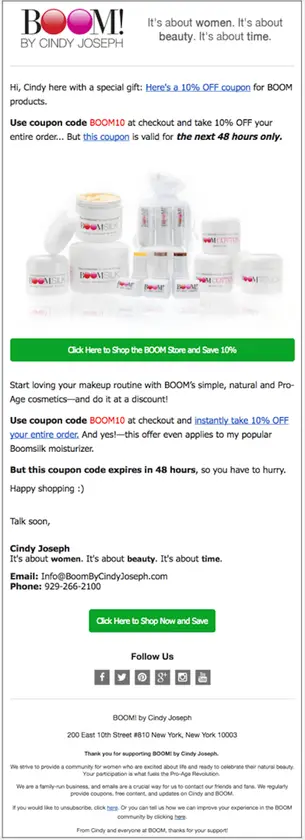
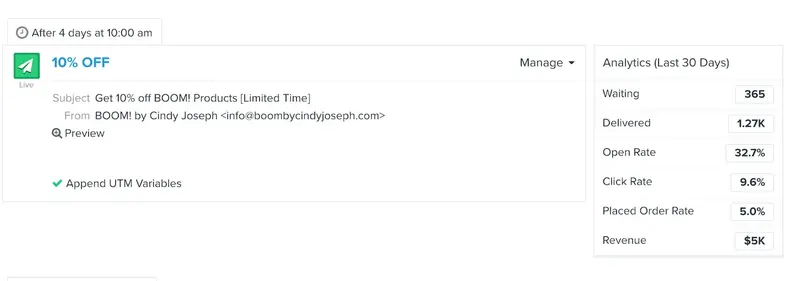
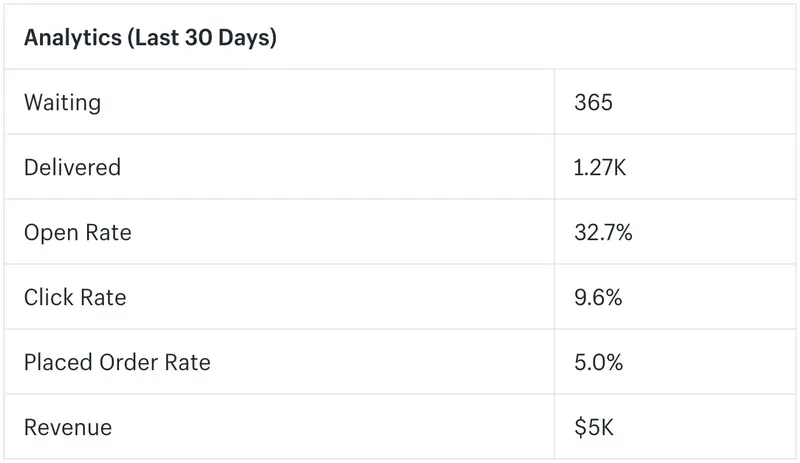
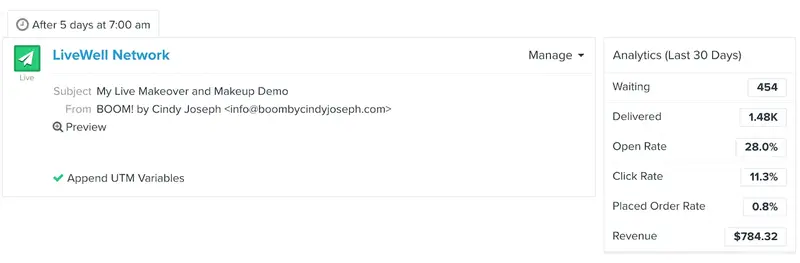
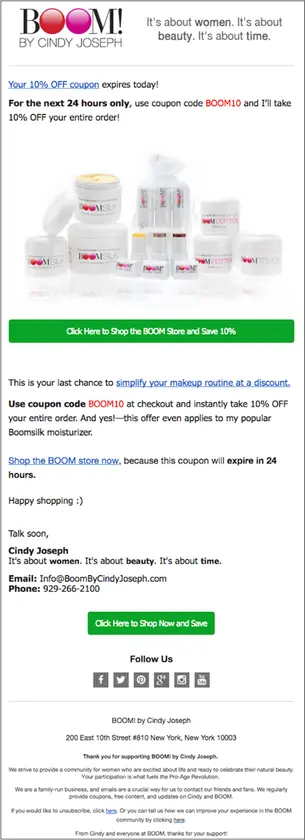
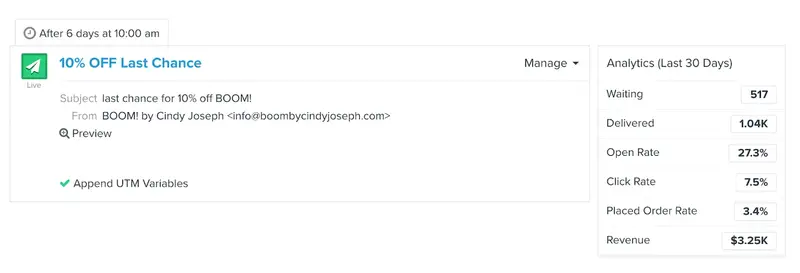
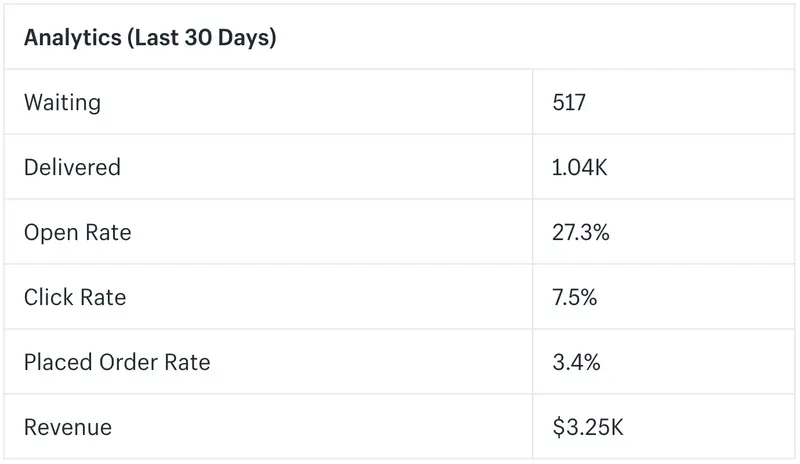
A good example of an abandoned shopping cart email.
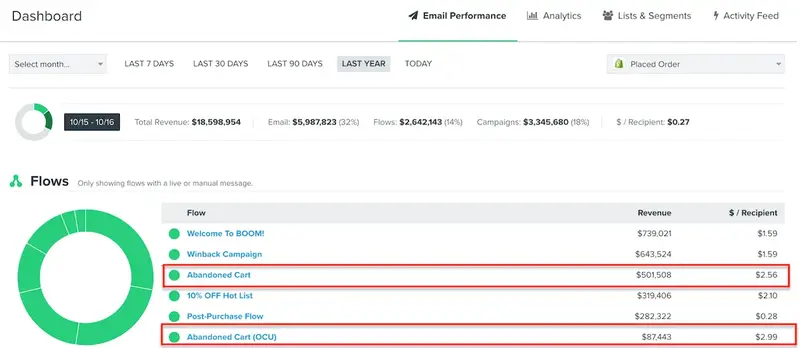
When building an abandoned cart email strategy, first understand that you will be sending 100 percent more emails. I recommend at least one email per day for five days.
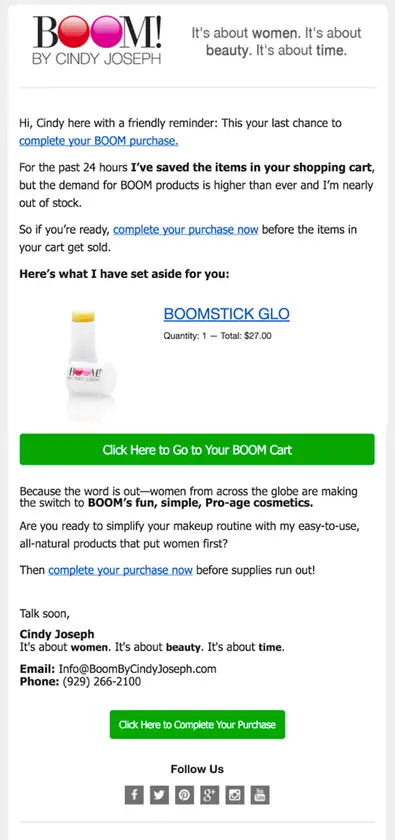
Email #1
This email informs potential customers that their orders are being saved and they can return to their cart to complete their purchase. It leverages the fact that the store operates with a limited supply chain as an element of urgency. Since the orders are only "temporarily saved," it urges customers to complete their purchase "before it sells out."
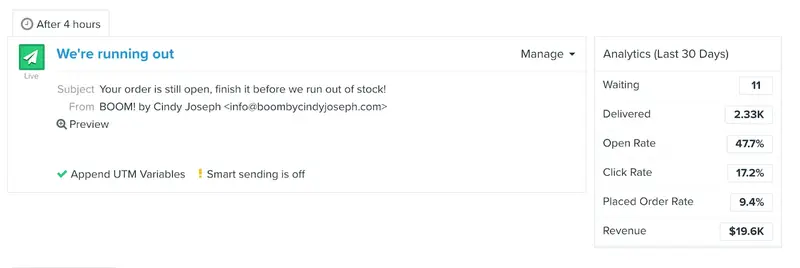
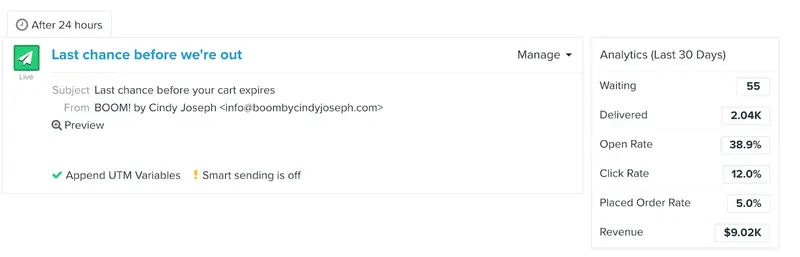
Email #2
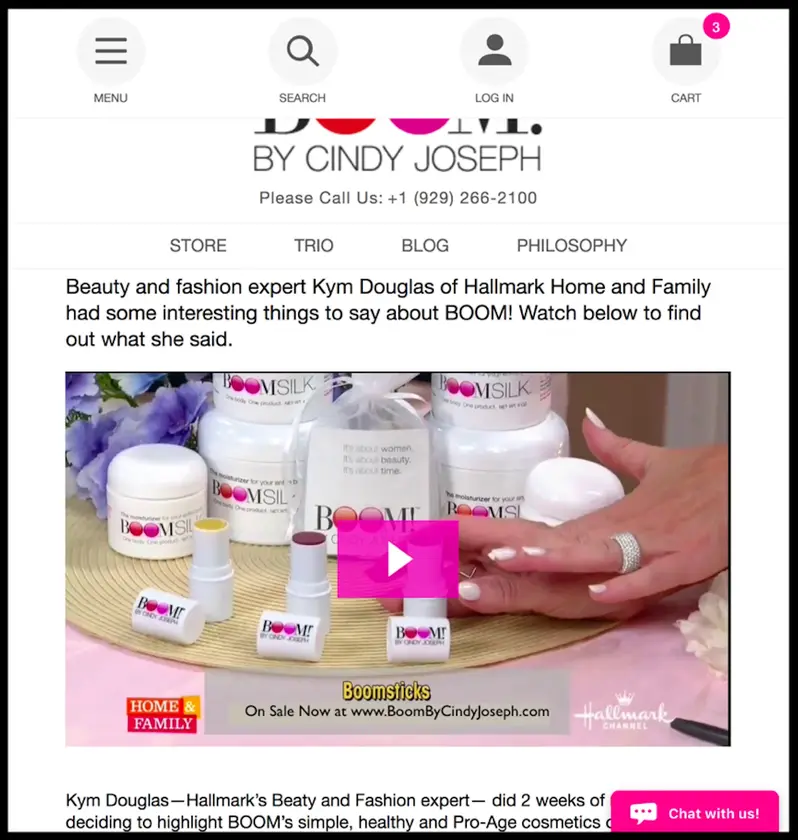
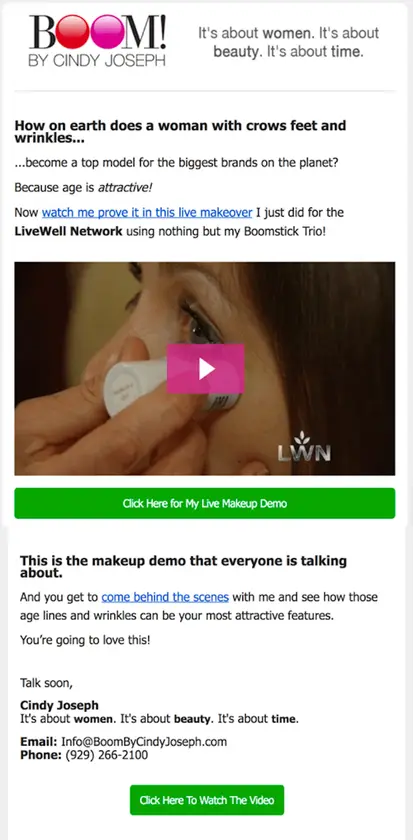
This email uses almost the same content as the previous one. It informs the prospective customer that their order is on hold and asks them to complete the order.
Customer segmentation involves first determining the operational actions to be taken, and then selecting the criteria. A segment should be able to explain why these customers received the same message.
How to install TikTok Pixel on your Shopify standalone website? Log in to your Shopify admin panel, click on "Channels" on the left, select TikTok in the pop-up window and install it, add a channel, link and log in to your TikTok For Business account, confirm, and finally confirm again in your TikTok Ads admin panel. Log in to your TikTok admin panel and click on "Assets" > […].
This beginner's guide to TikTok advertising shares: the requirements for opening a TikTok advertising account (domestic company qualifications) and common reasons for approval failures; preliminary preparations - website setup, payment processing, sourcing and logistics, product selection, installing the TikTok pixel, and opening a TikTok advertising account; and the step-by-step process for creating a TikTok ad - promotion goals, target audience types, event optimization, ad placement, audience targeting, budget, and bid.
How do I register an Instagram account and create an Instagram profile? Download the Instagram app from the App Store (or Android app store), complete the registration, tap "Edit Profile," and add your website link and bio (or other URLs).
 跨境独立站开店