 跨境独立站开店
What is parallax scrolling? An overview of the scrolling effect, how to add it to your site, and examples.
This guide introduces the parallax effect and scrolling capabilities. Learn how to add it to your website or Shopify store with practical examples to help you create a more engaging user experience.
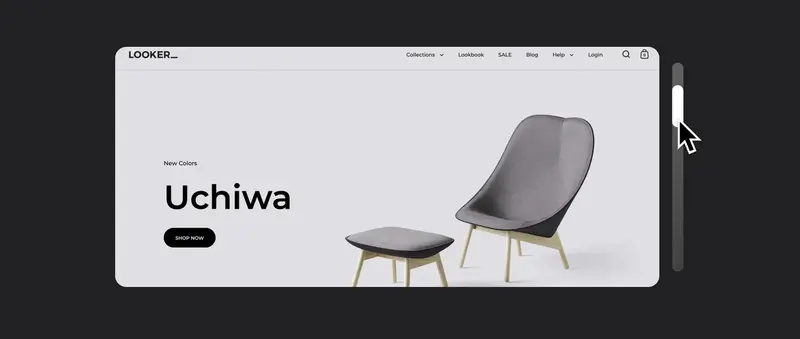


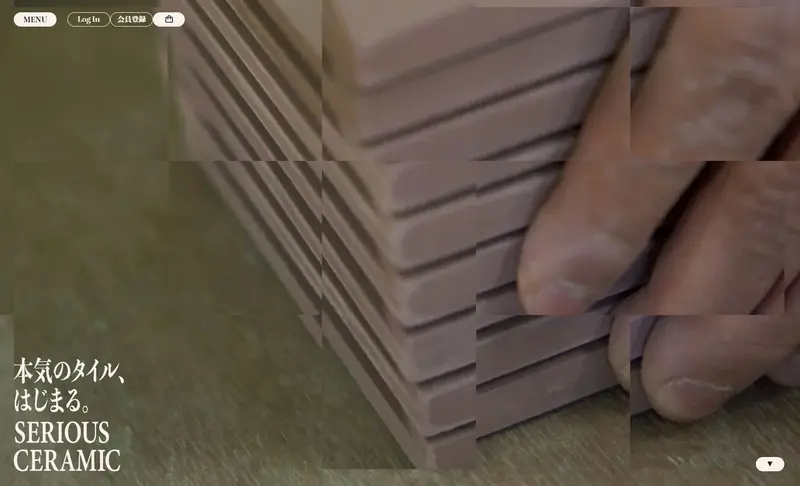
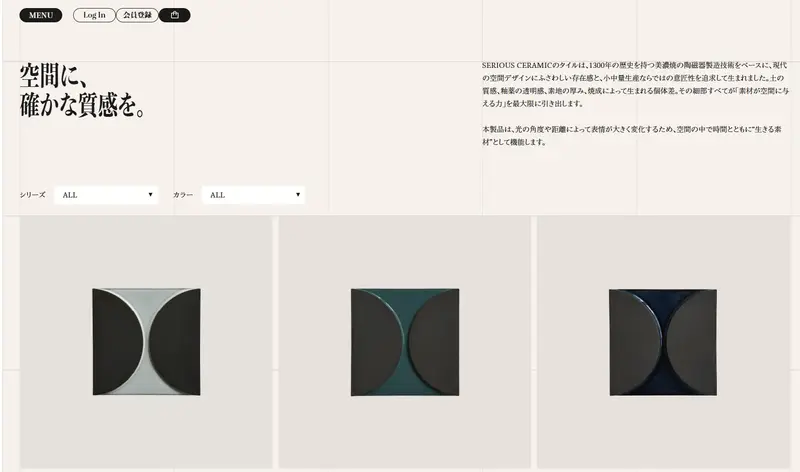
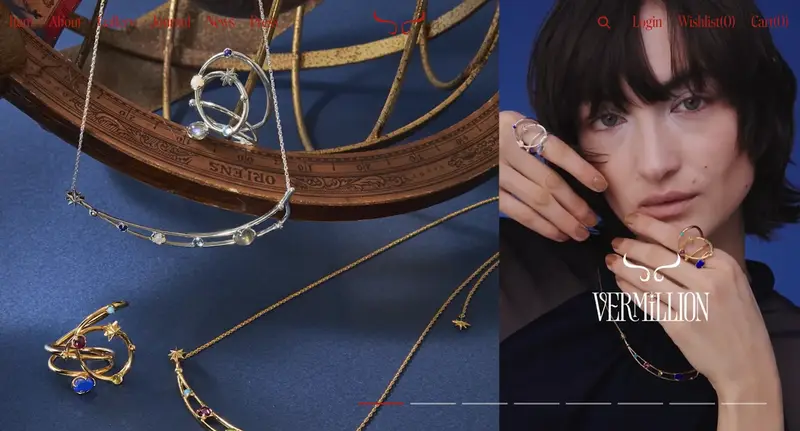
What is parallax?
Parallax scrolling is a design technique that uses different speeds to move background and foreground elements on a webpage, creating a sense of depth. By varying the movement of elements in accordance with scrolling, it can make a flat screen appear three-dimensional.
The mechanism of parallax
Parallax is a mechanism that utilizes the human visual property that nearby objects appear to move faster and distant objects appear to move slower. Even elements on the same screen can appear to be at different distances by varying their movement when scrolling.
How to add parallax to your website
There are two ways to implement parallax scrolling on a website: using a compatible theme or editing the code. This article will explain how to implement it in a Shopify store and the points to check after implementation.
Use a theme that supports parallax scrolling.
If you're not familiar with HTML or CSS coding, you can easily implement parallax effects by using a Shopify theme that supports them. For example, the "Parallax" theme from Out of the Sandbox allows you to experience the parallax effect in their demo store.



