 跨境独立站开店
What is paid advertising? We'll explain its types, benefits, and how it works.
This article provides a clear explanation of what paid advertising is, its different types, and its benefits. It also explains how to manage paid advertising campaigns.





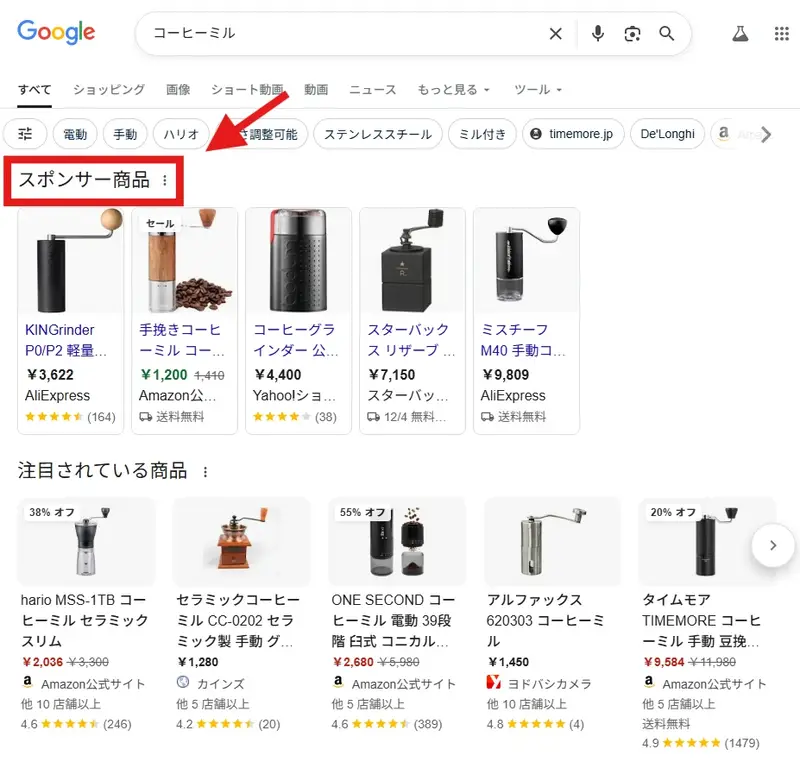

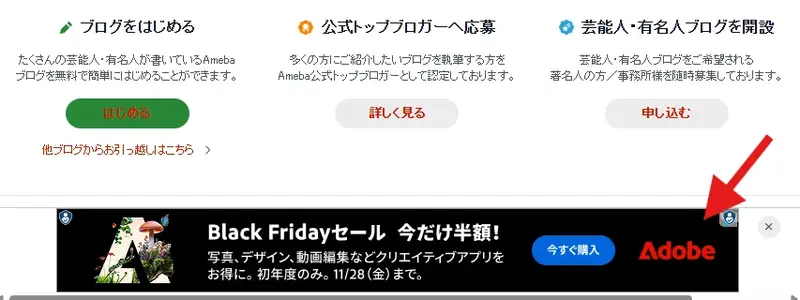

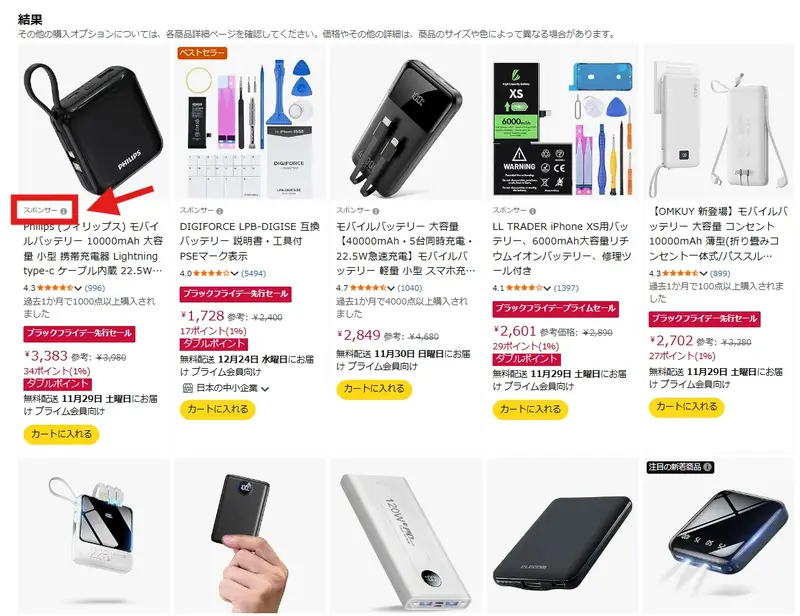


What is paid advertising?
Paid advertising refers to advertisements that are delivered to target customers after a fee is paid. Strictly speaking, the definition includes TV and radio commercials, but currently, it often refers to web advertisements placed on search engines, social media, and websites. This is because "organic marketing," which involves free methods such as social media and SEO, has become widespread in internet marketing, and the term "paid advertising" is used as a contrasting concept.
The main mechanism of paid advertising
Paid advertising operates on an auction system where advertisers compete for the right to display ad space. The higher the bid, the more likely the ad is to appear in the desired ad space. For example, in Google Search Ads, companies targeting the same keywords compare their bids to determine the display position.
1. You can get a reach immediately.
Paid advertising is prioritized in search results and social media immediately after launch, allowing you to reach a large number of users. Compared to methods like organic posting and SEO, which can take weeks to months to see an increase in impressions, a major advantage of paid advertising is the significantly faster rate at which results are achieved.
2. Enables highly accurate targeting.
Paid online advertising platforms allow for highly precise targeting based on user behavior history, interests, search keywords, and product categories viewed. For example, you can show ads specifically to men in their 30s who searched for "outdoor equipment." By delivering ads only to demographics highly likely to make a purchase, you can improve your ROAS (Return on Advertising Spend).


