跨境独立站开店
What is a mega menu? Its impact on UX and how to set it up on Shopify.
This article explains the meaning of mega menus and the benefits of implementing them on e-commerce sites. Learn how to set them up in Shopify to help design a site where users can easily find the products they're looking for.


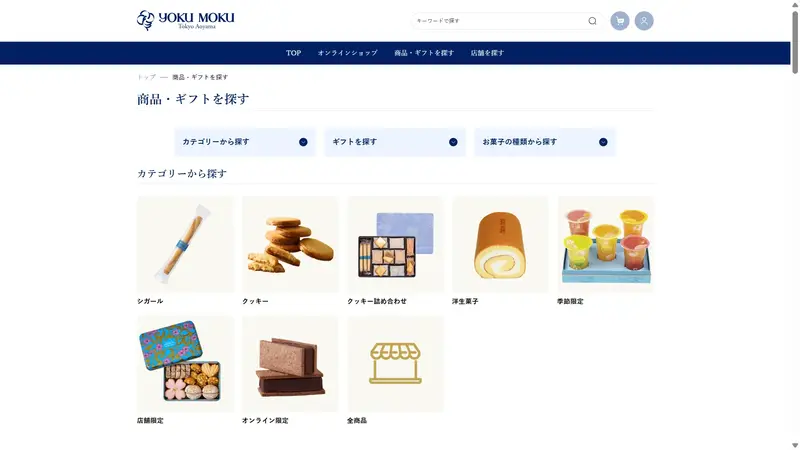
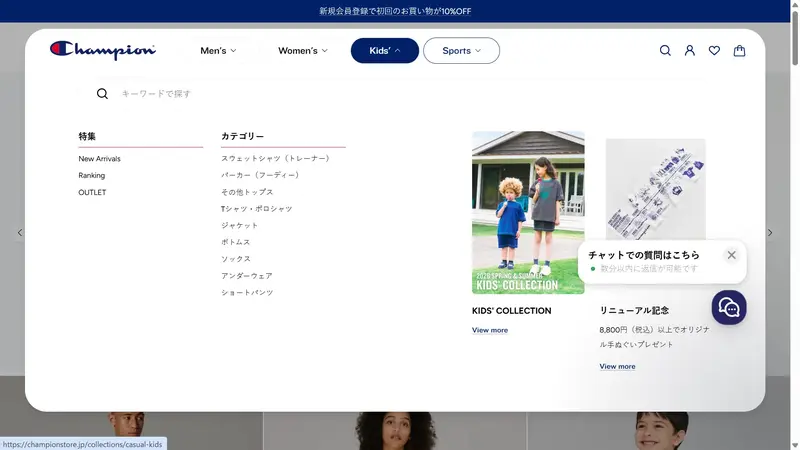
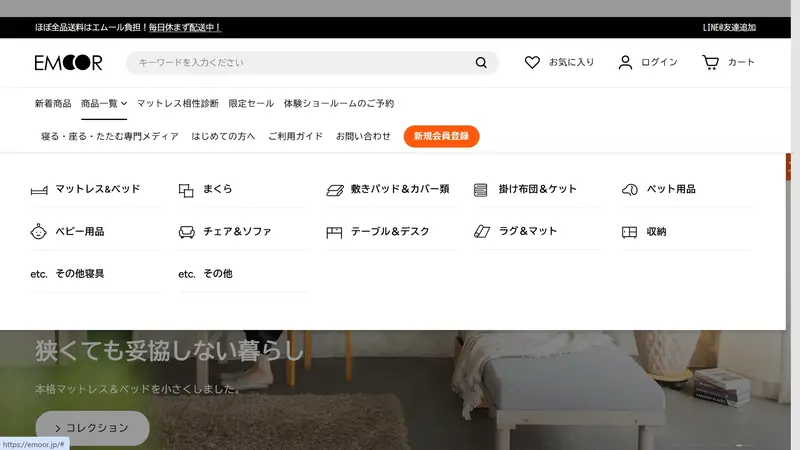
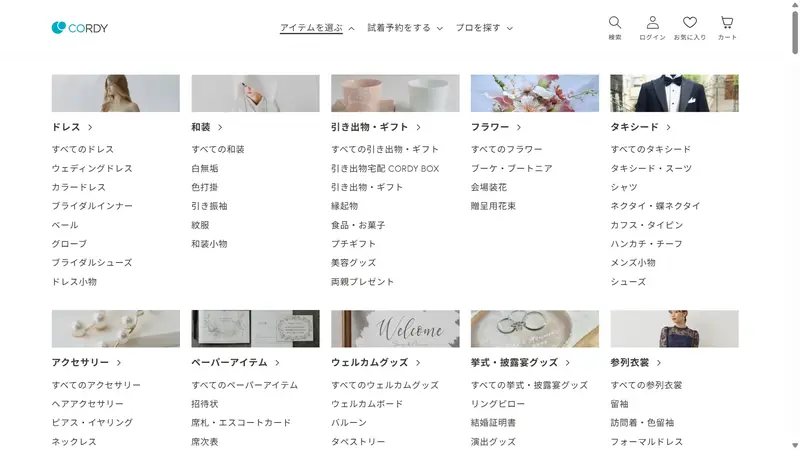
What is a mega menu?
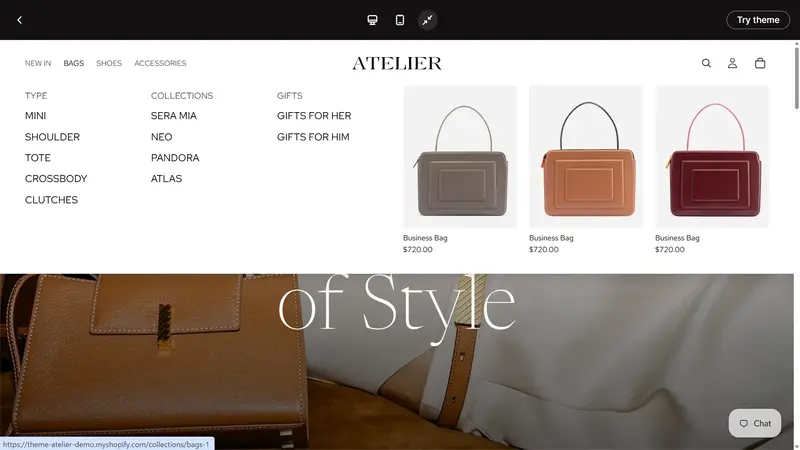
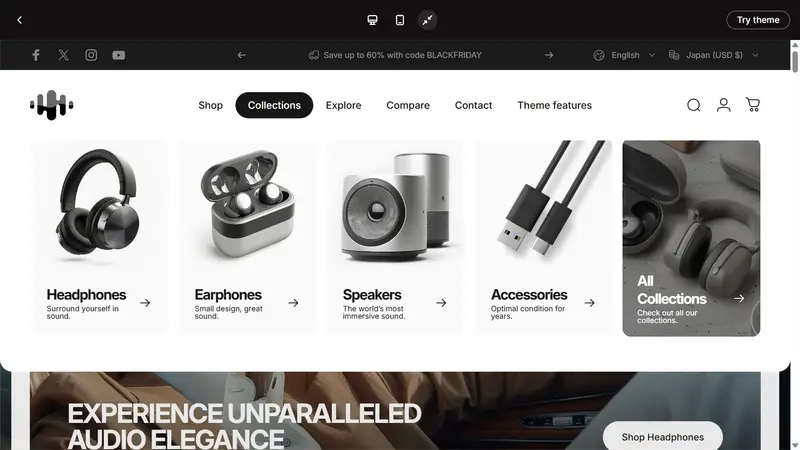
A mega menu is a navigation menu that uses a larger display area than a regular dropdown menu, allowing you to display multiple categories or links in a list. On e-commerce sites, it is often placed in the header at the top of the page, and a large panel expands when you hover over or click on the main menu.
Design points for mega menus
Design a hierarchical structure: Organize main categories and subcategories hierarchically, and group related information together. Use a layout with rows and columns to clearly show the relationships between the information.
Benefits of Mega Menus
It becomes easier to find the desired products and information: The path to the desired product becomes easier to see, allowing users to navigate to the desired page without getting lost. This reduces the burden of searching for products and also shortens the time spent searching.
How to set up a mega menu in Shopify
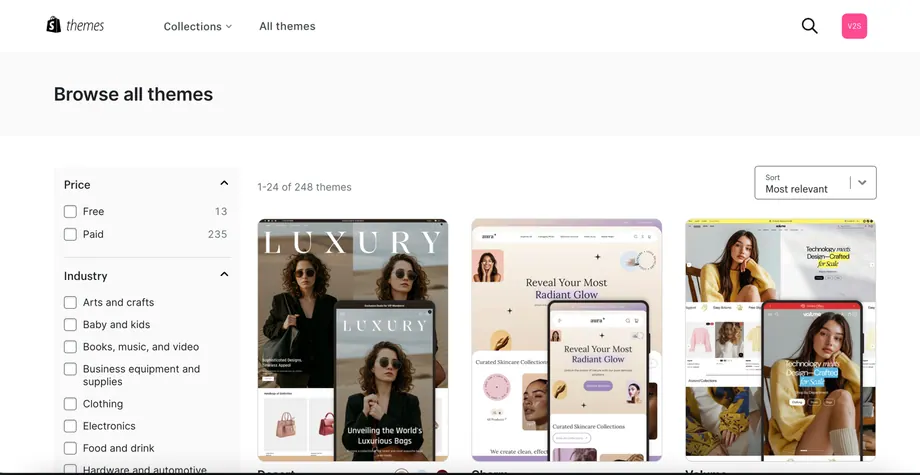
There are two ways to implement mega menus on Shopify: using a compatible theme or installing a dedicated app. Choose the method that best suits your design, functionality, and customization needs.