 跨境独立站开店
What are marketing channels? Types and successful case studies to learn from.
This article explains the different types of marketing channels and how to choose the right one. By understanding successful case studies and the characteristics of each channel, you can develop effective customer acquisition and sales promotion strategies.






What are marketing channels?
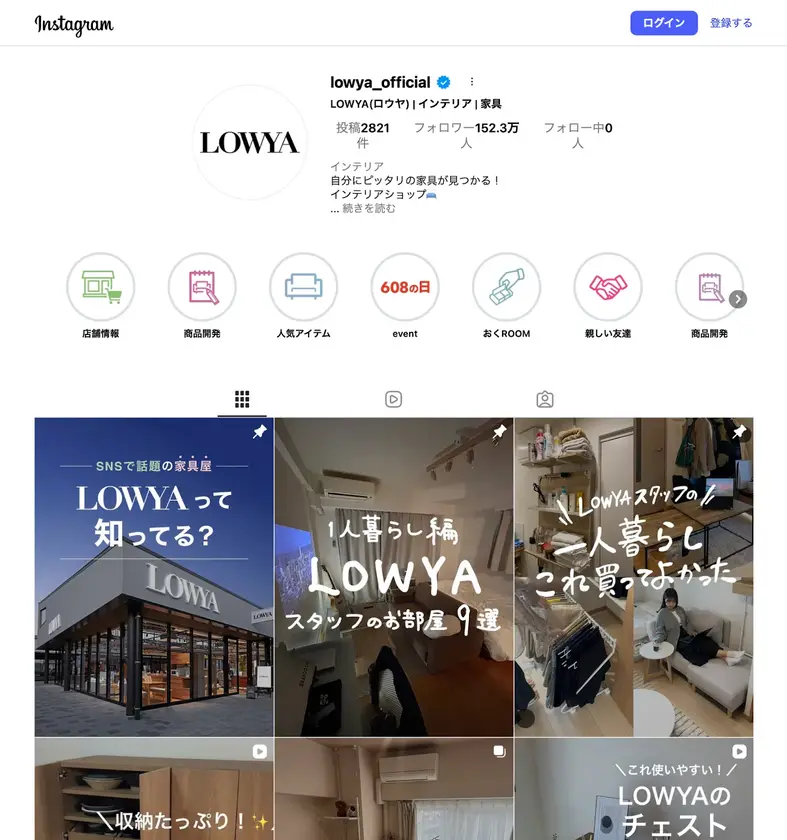
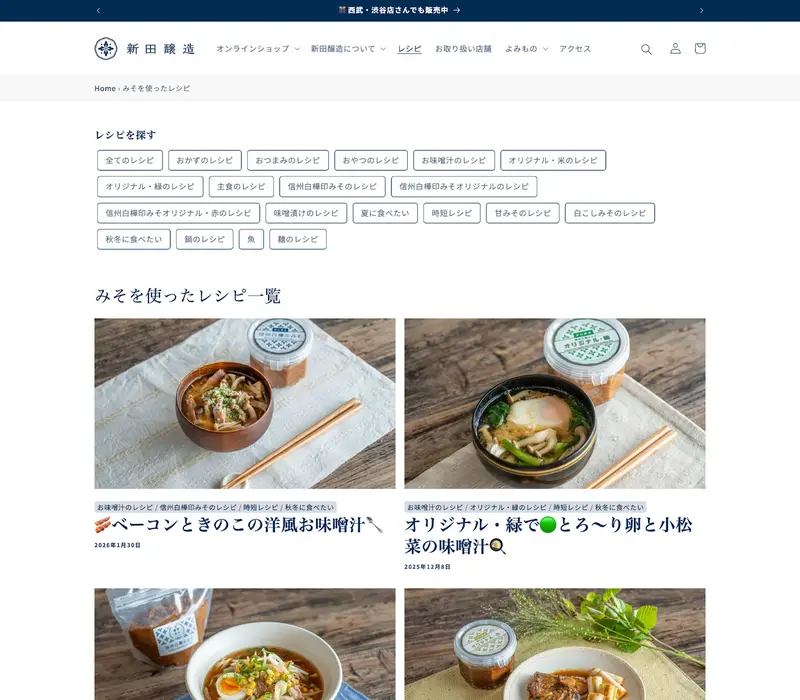
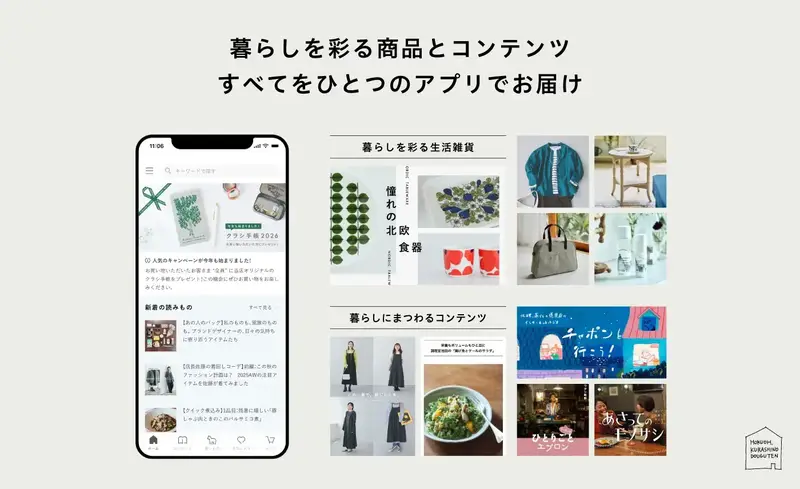
Marketing channels are the paths used to deliver brand and product information to customers, increase their interest and engagement, and ultimately lead to purchases and continued use. For example, a potential customer might learn about a product on Instagram, research it further using a search engine, visit an e-commerce site, consider purchasing it after receiving an email notification, and finally make a purchase through a retargeting email. In this way, each touchpoint a customer makes before making a purchase functions as a marketing channel.
Online and offline channels
Online channels, which create customer touchpoints over the internet, have the advantage of making it easy to design customer touchpoints at each stage, from awareness acquisition to comparison and consideration, and ultimately to purchase.
Free and paid channels
Free channels are places where you can publish content to your target audience without paying money. Examples include social media posts, organic search, and email. While it may take time to see results, a key feature is that they can easily become a valuable asset for your company if you continuously manage and cultivate them.
Classification by channel role
Communication channels: These are touchpoints that help people learn about the product, become interested in it, and encourage purchases and repeat purchases.


