跨境独立站开店
Introducing a free logo creation tool for making YouTube icons.
Introducing Shopify Logo Maker, a useful logo generator that lets you easily create free logos for YouTube icons, social media accounts, and corporate logos for commercial use.

This guide will show you how to use "Shopify Logo Maker," a free logo creation tool for making icons for your YouTube channel.
I want to create a logo for my YouTube channel. Preferably for free.
The Shopify Logo Maker, a free logo generator provided by the e-commerce platform Shopify, can fulfill that wish.
This is a handy tool that lets you easily create logos suitable for YouTube channels, Instagram, X, and even commercial use by companies. You can create professional-looking logos instantly and for free! I've made several myself, and it takes less than 10 minutes.
This article provides a simple, image-based guide on how to use the convenient Shopify logo maker.
What is the Shopify logo maker that lets you create YouTube channel icons for free?
Shopify Logo Maker is a free and easy-to-use logo generator. Available on desktop or via the app, it automatically generates a logo for your company or brand in just a few simple steps.
When you start a YouTube, Instagram, or X account, one of the things you'll struggle with is your profile logo. Creating a logo that effectively represents yourself or your brand is incredibly difficult. It's a lot of work to create a logo that you'll be using for a long time. Hiring a professional designer is also a high hurdle and expensive. That's where the free Shopify logo maker comes in. You can use it to create a logo that looks like it was made by a professional designer.
How to use the Shopify logo maker
Using the Shopify logo maker is very easy. Today, I'll explain how to use it on a desktop.
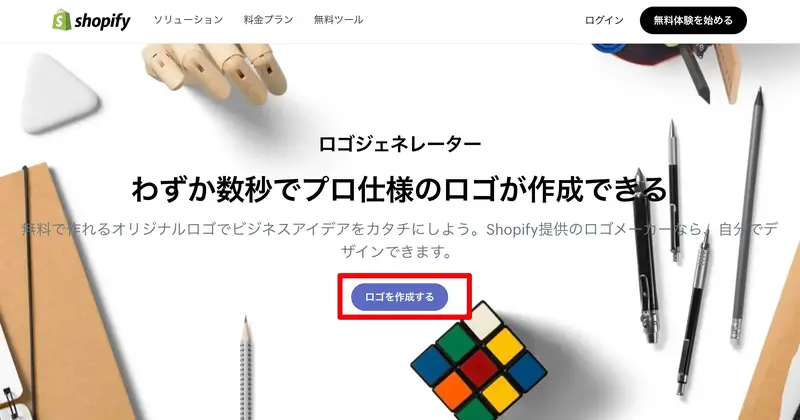
1. Access the Shopify logo maker and click "Create a logo".
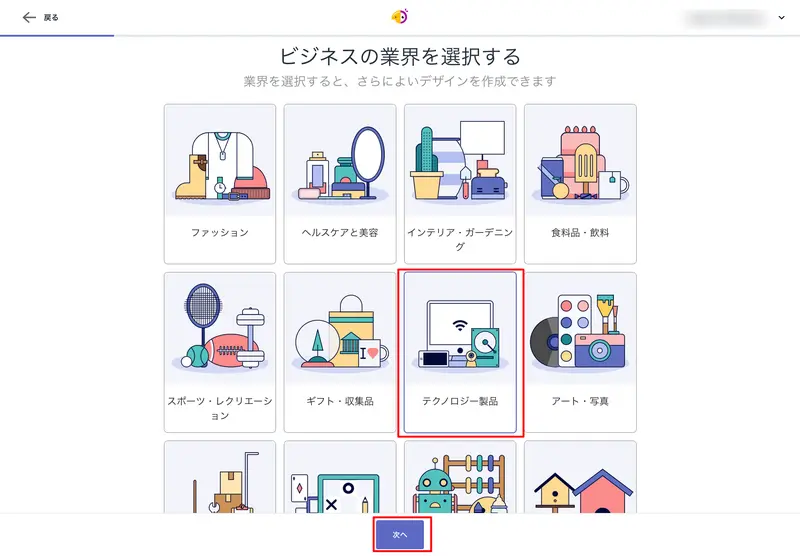
2. Select the industry of your YouTube channel and click [Next].
This determines the style of the logo.
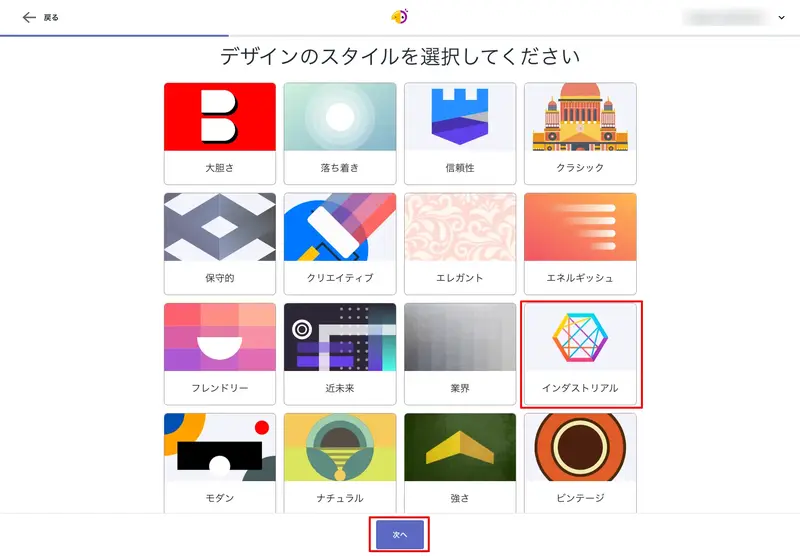
3. Select your preferred style and click [Next].
You can select up to three items on the desktop.
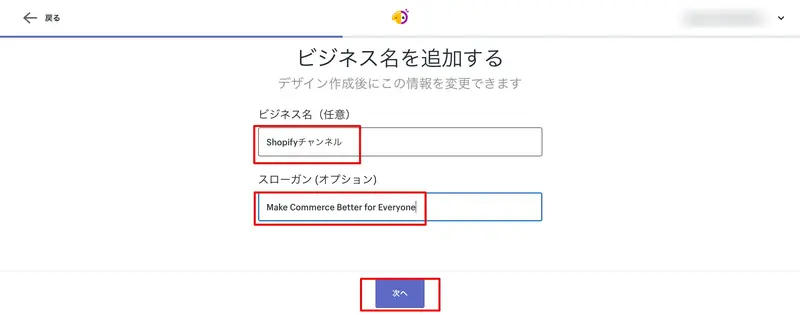
4. Enter the name of your YouTube channel and click [Next].
If you have a slogan you'd like to include in the logo, please enter that as well.
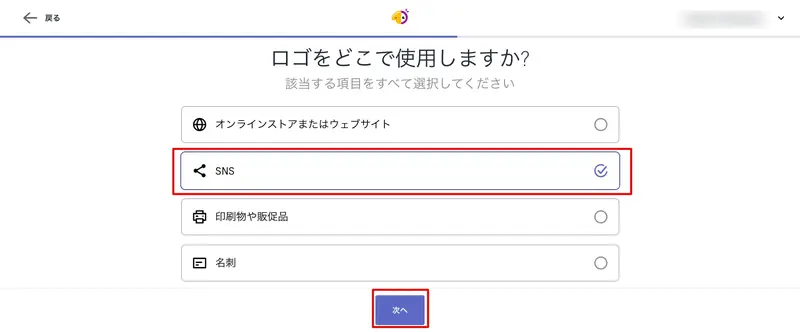
5. Select the intended use of the logo and click [Next].
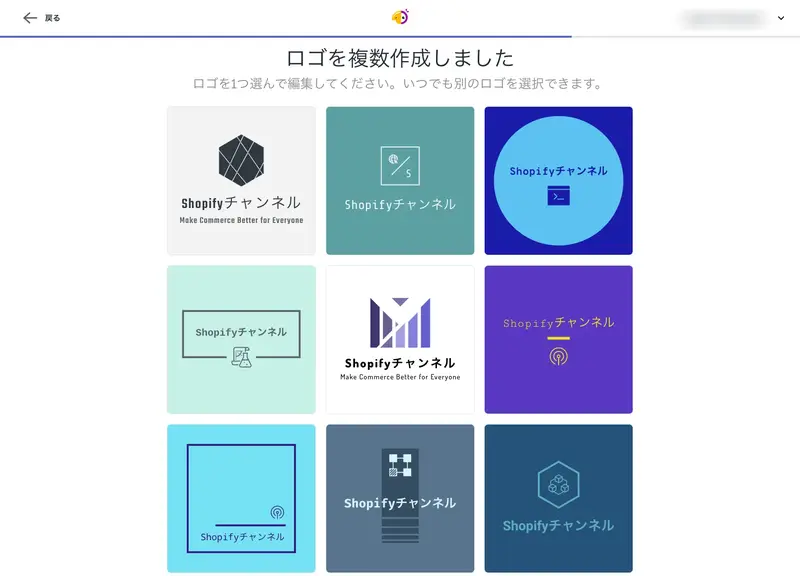
6. Select your favorite logo from the automatically generated list.
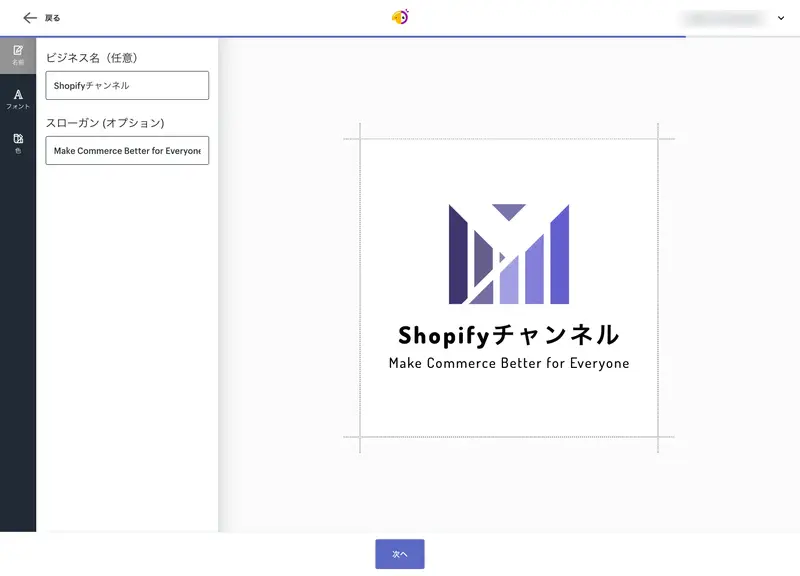
7. Adjust the font and color of the logo.
Some logos allow you to change the icon.
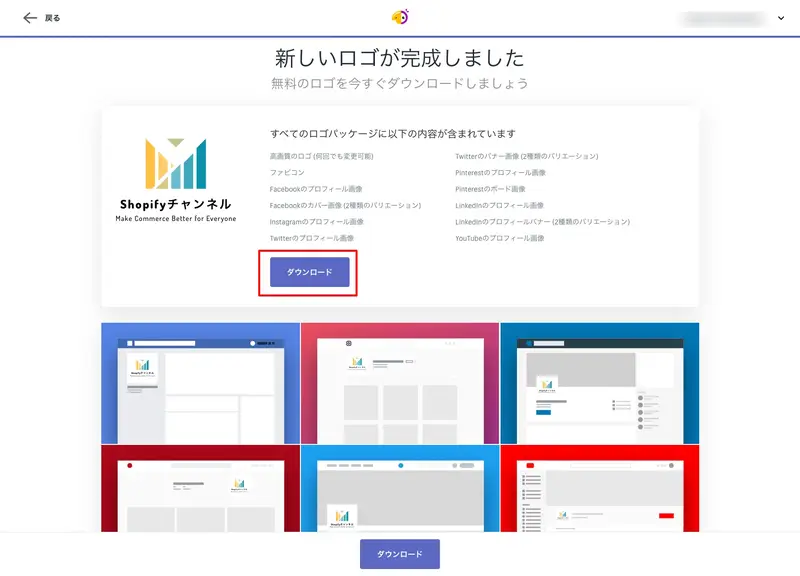
8. Click Download
To download, please create an account. The file will be sent to the email address you enter in zip format.
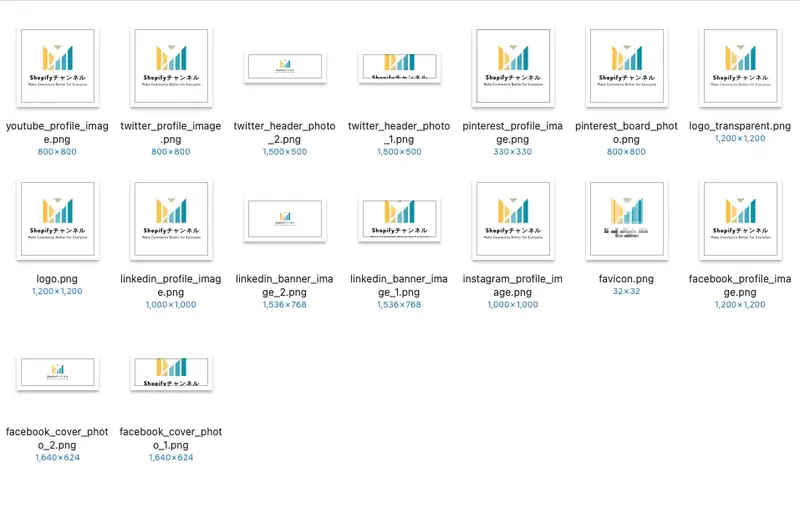
9. Check the downloaded logo set.
I've pasted below the files optimized for YouTube (the ones starting with "youtube_") from the downloaded set. Simply add this to your YouTube channel and you're done. I know this might sound strange, but don't you think it turned out pretty well considering how closely it was adapted?
In addition to the YouTube logo, you can also download logos in sizes compatible with X, Facebook, LinkedIn, and Instagram icons and favicons.
You are welcome to use the logo you create for commercial purposes. Please feel free to use it in various places and report on how you're using it!
read more
- Create free logos for your company or brand! Make a cool logo with Hatchful, the logo generator.
- Top 10 Recommended Free Video Editing Software Programs! (For PCs, Windows 10)
- Shopify adds a new feature: Manage Google and Facebook ads in the marketing section.
- What is a customer journey map? A clear explanation of its purpose, flow, and how to implement it.
- Learn how to use Instagram to boost your shop's sales: Strategies from international brands.
- Boost your e-commerce sales! "How to Start a YouTube Channel"
- Shopify Sales Success Strategies - How to Utilize Social Proof with Instagram
- How to Create a Brand Story: Storytelling Techniques Learned from Retail Branding Professionals
- A comprehensive guide to fashion and apparel e-commerce sites.
- Win the cross-border e-commerce holiday season! [Email Marketing Techniques]
Frequently Asked Questions about the Shopify Logo Maker that can create YouTube logos
What is the Shopify logo maker?
Shopify Logo Maker is a free tool that allows anyone to easily create stylish logos and icons in just a few clicks. It's recommended for those just starting a business or those who want a new icon for social media.
What kinds of logos can I create with the Shopify logo maker?
You can download 1200x1200px logo images, transparent images, favicons, cover images and profile pictures for Facebook, profile pictures for Instagram, profile pictures and banners for LinkedIn, profile pictures for Pinterest, profile pictures and headers for Twitter, and profile pictures for YouTube.
Can I create icons and logos for free using the Shopify logo maker?
The Shopify logo maker is available for free.
Is it possible to use a logo created with the Shopify logo maker for commercial purposes?
Logos created with the Tableify logo maker can be used commercially.
Share this article
- Share on Facebook
- Share on X
- Share on LinkedIn