 跨境独立站开店
How to create a brand logo for free with Hatchful
You can create a brand logo for free using logo creation tools, without needing to hire a designer. Here, we'll introduce Hatchful, a brand logo maker, and how to use it.

1. Create an account
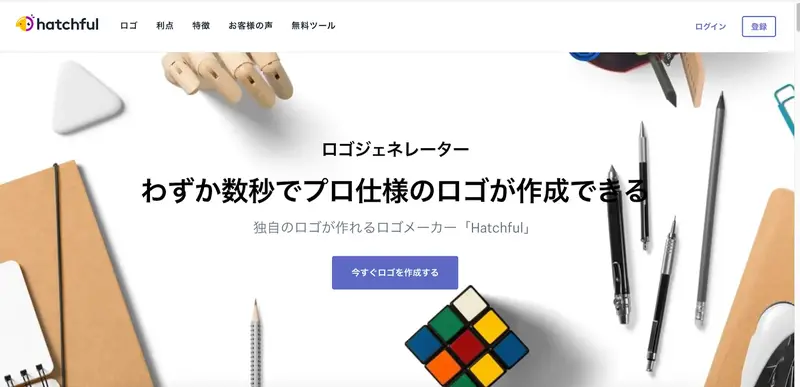
Visit the Hatchful official website and create an account by clicking "Register" in the upper right corner of the screen. Registration is quick and easy; simply enter your email address and password.
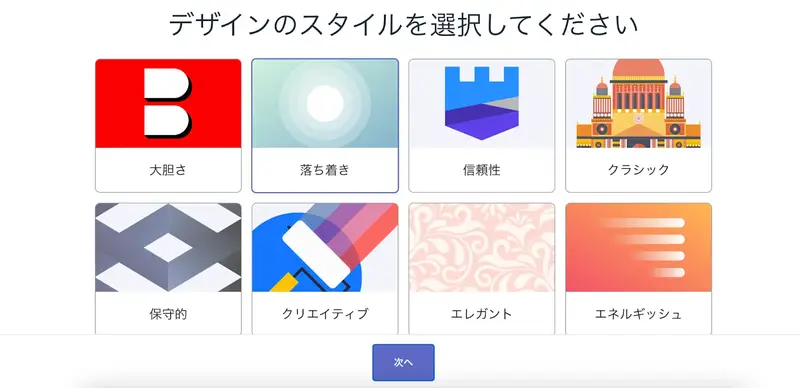
2. Choose your business and design type.
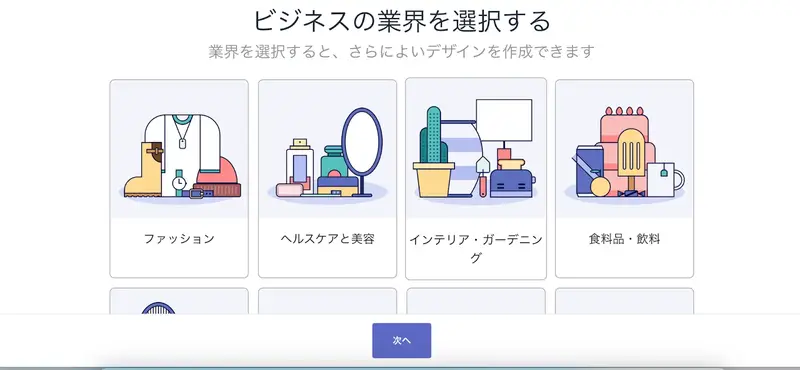
A screen will appear asking you to "Select your business industry," so choose the option that best suits your brand. You can choose from the following 13 categories.
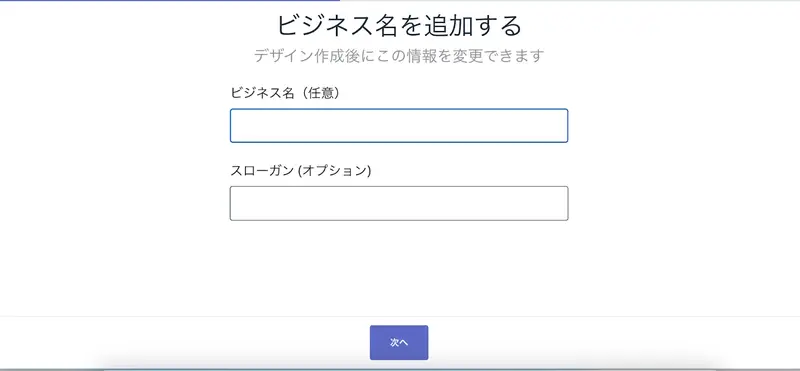
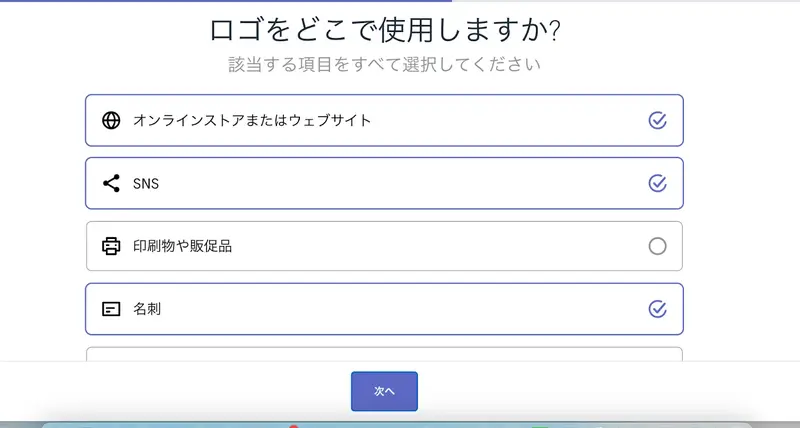
3. Enter your business name and the purpose of your logo.
Enter your brand name or e-commerce shop name in the business name field. You can also optionally add a slogan.
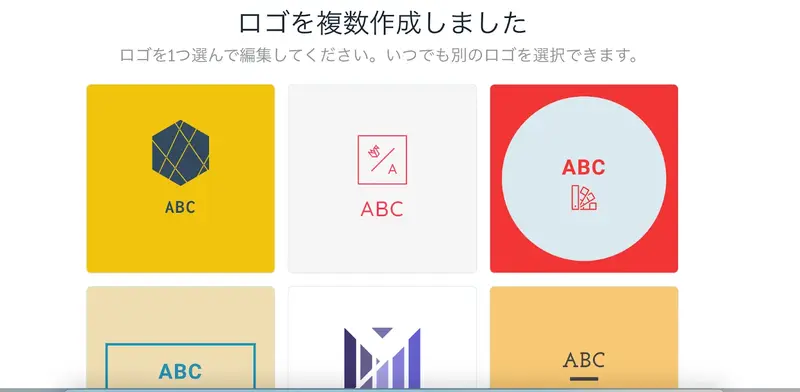
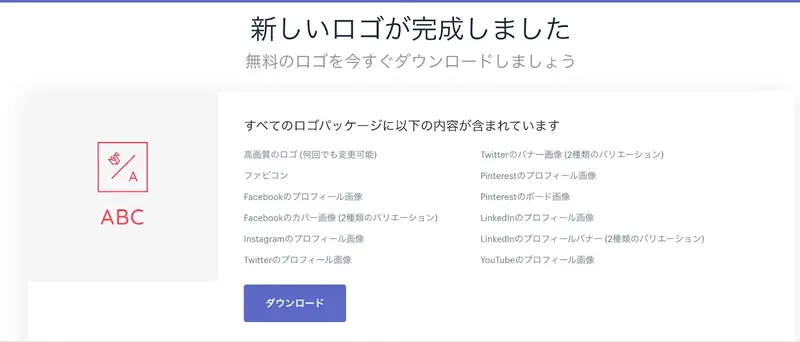
4. Choose from the created logos.
A logo created based on the data you've entered so far will be displayed. Many logos will be shown, so find a design that catches your eye.



