 跨境独立站开店
Instagram Story Ideas: Posting Ideas and Tips for Using Them
Here are 30 ideas to help you showcase products and build relationships with customers on Instagram Stories.




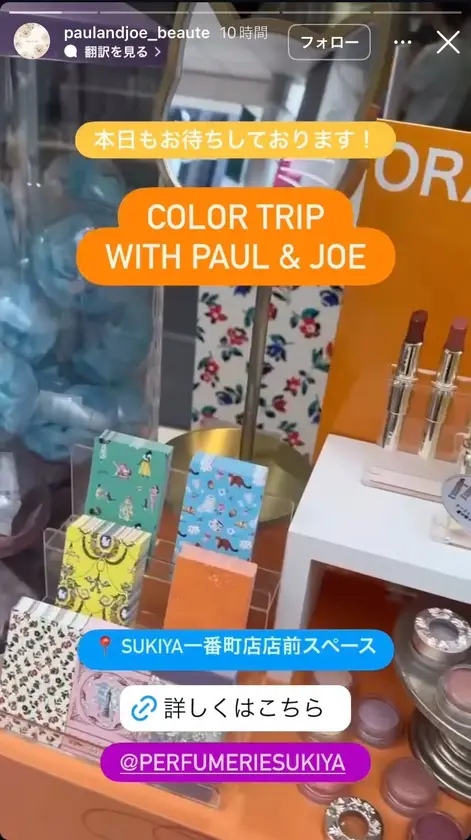

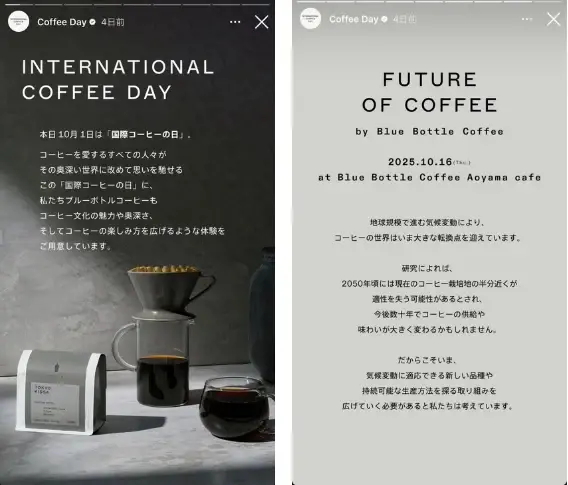
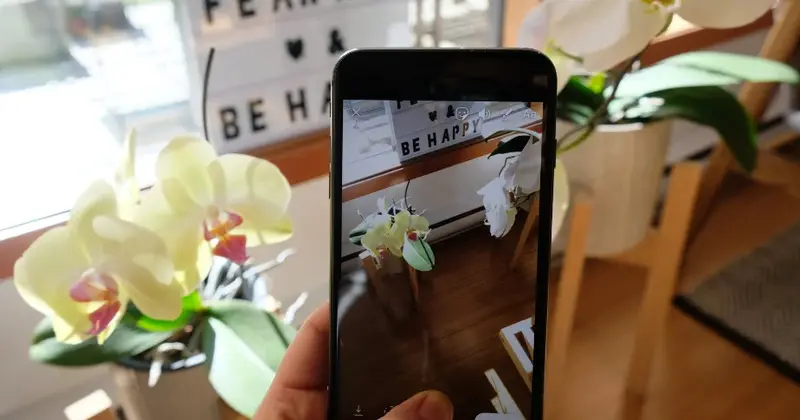
Instagram Stories ideas for product PR and promotion
Instagram Stories, with their 24-hour disappearance feature, can be used for countdowns leading up to a launch or teaser posts that offer a sneak peek at a new product. Create a sense of excitement before the launch while introducing your new product.
Ideas for interactive Instagram Stories to deepen connections with your followers
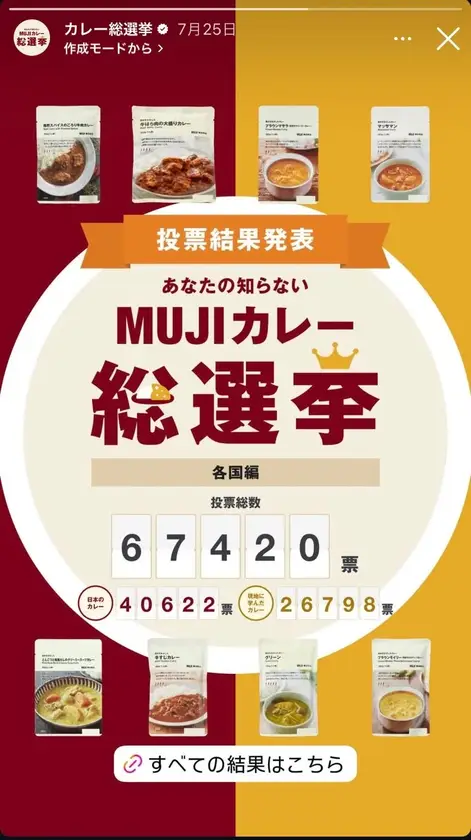
To bridge the gap with your followers, posts that allow for easy one-tap reactions are effective. For example, you can create features that make it easy for them to participate, such as "If you like today's recommended outfit, react with a heart," or "Vote for the item you want to see in the next post with a stamp."
Instagram Stories ideas to foster empathy for your brand story and values
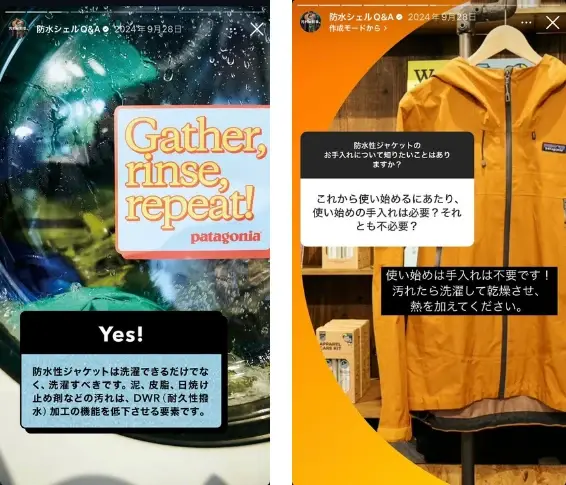
Posts that showcase a product's brand story and manufacturing process are very effective in conveying the brand's commitment and values. The story allows you to show not only the finished product, but also the process of how it's made and the thoughts and feelings behind its delivery, all through short videos.
Use highlighting to organize information for easier viewing.
Stories disappear after 24 hours, but you can use the highlights feature to save your posts together on your profile. For example, organizing them by theme such as "New Products," "Reviews," "Staff Introductions," "FAQ," "Media Coverage," and "Member Benefits" makes it easier for first-time visitors to understand the overall picture of your brand.


