 跨境独立站开店
How to make your Instagram Stories stylish: Filters and editing techniques
The main features of Instagram Stories, as of May 2024, are as described above. Since Instagram is constantly updating, features may be added or removed, so we recommend always checking for the latest information. Our article on how to post, save, and delete Instagram stories also includes clear, image-based instructions on how to post stories.




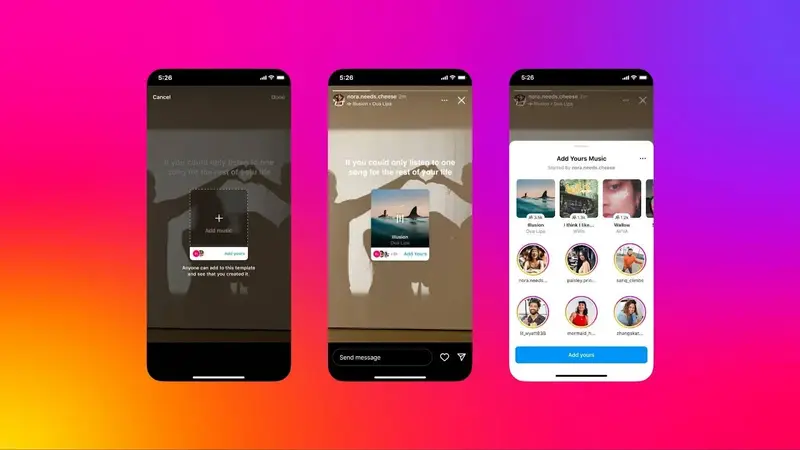
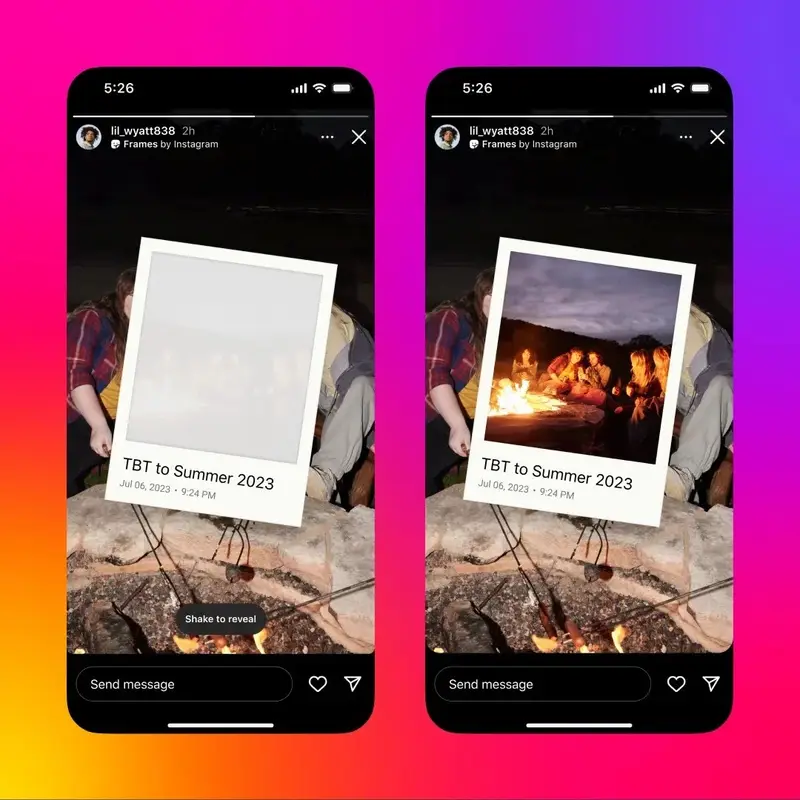
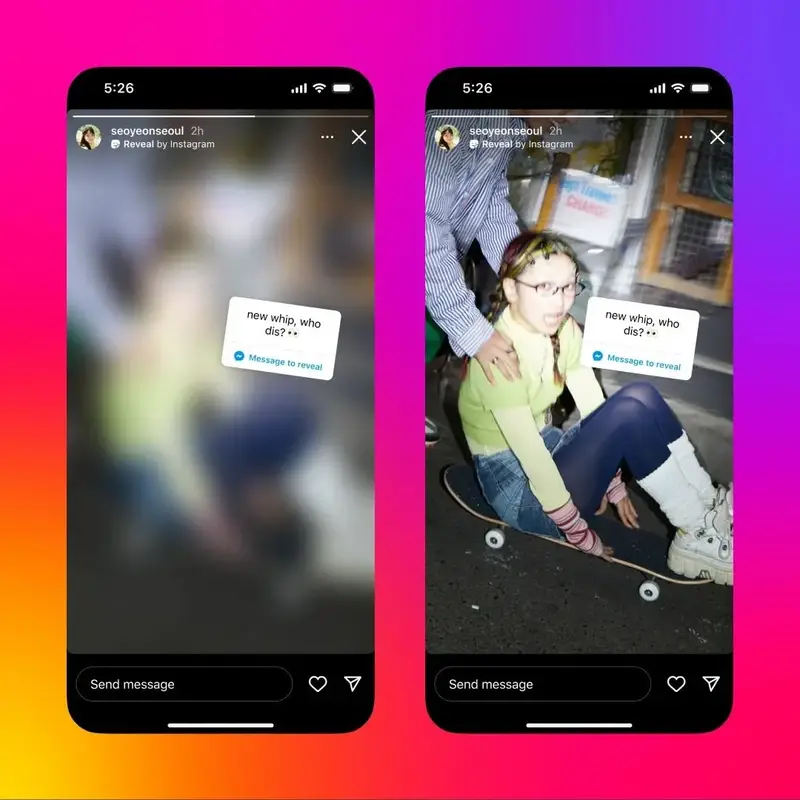
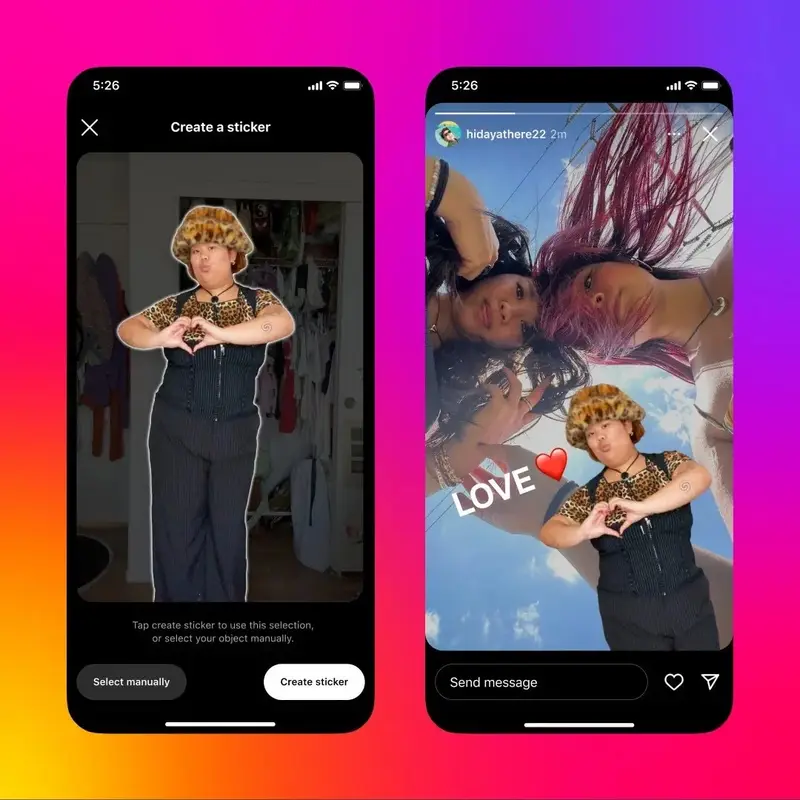



You can post short videos.
You can only upload short videos of 60 seconds or less; longer videos will be automatically split. In addition to videos, you can also upload photos and images and process them into collages, slideshows, or GIFs.
You can edit it with stamps, effects, and filters.
One of the key features of Instagram Stories is the ability to edit them with stamps, effects, and filters. Unlike feed posts and Reels posts, you can't add captions, but the wide variety of editing options and the ease with which even people who have just created an Instagram account can post stylish content are the reasons for its popularity.
You can see who has viewed your post.
Stories allow you to see who viewed your posts and who liked them. There's an "Activity" section in the bottom left of each post; clicking it will show you the details. To view the viewing history of stories older than 24 hours, first tap the hamburger menu in the upper right corner of your profile screen, then click "Archive" under "How to Use Instagram." From the archived stories, open the one you want to check the history for and swipe up to display the viewing history.
The highlight feature allows you to permanently display your stories on your profile screen.
The highlight feature allows you to permanently display your stories on your profile screen instead of having them disappear after 24 hours. Because they appear in a prominent location on your profile, this feature is useful for permanently displaying well-edited stories, self-introductions, or posts with links to your blog or e-commerce site.


