 跨境独立站开店
From how to post on Instagram for beginners to how to save and delete posts.
This guide provides a beginner-friendly explanation of how to post on Instagram. It includes simple editing techniques, instructions on how to hide or delete posts, and more, all illustrated with photos.



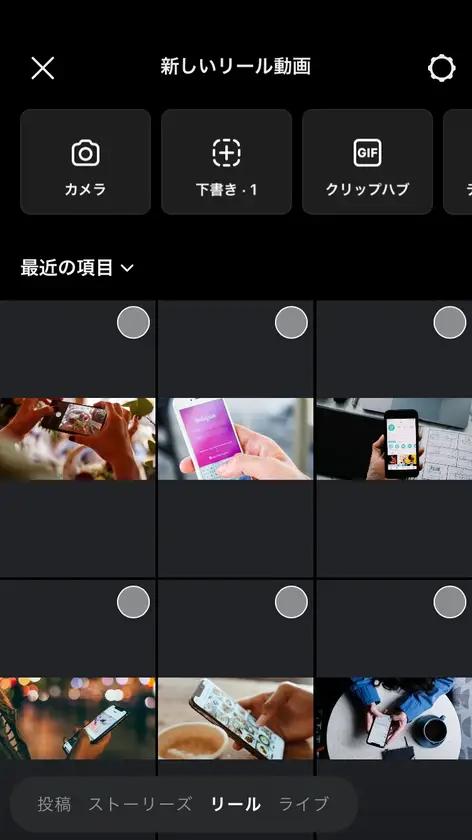
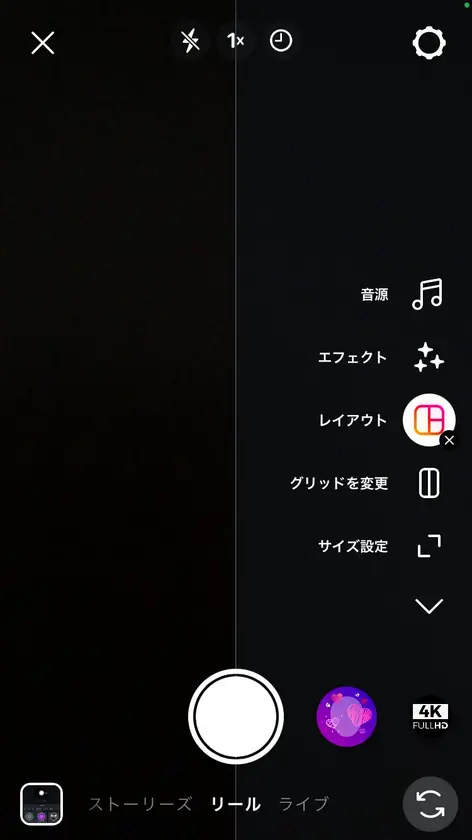
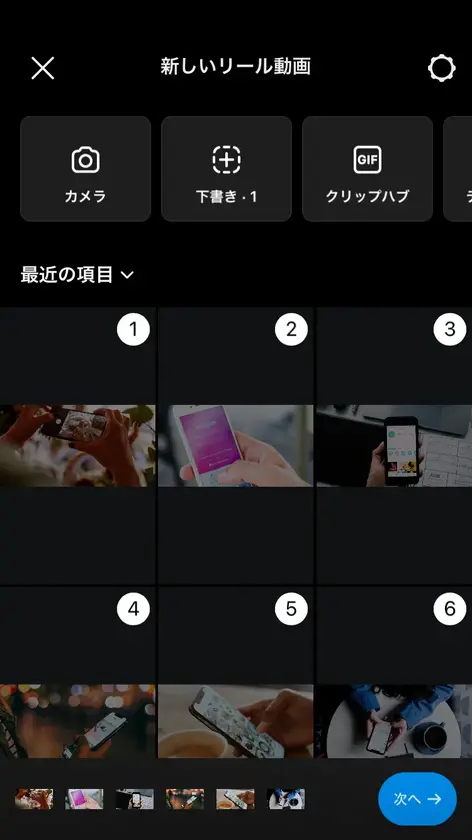
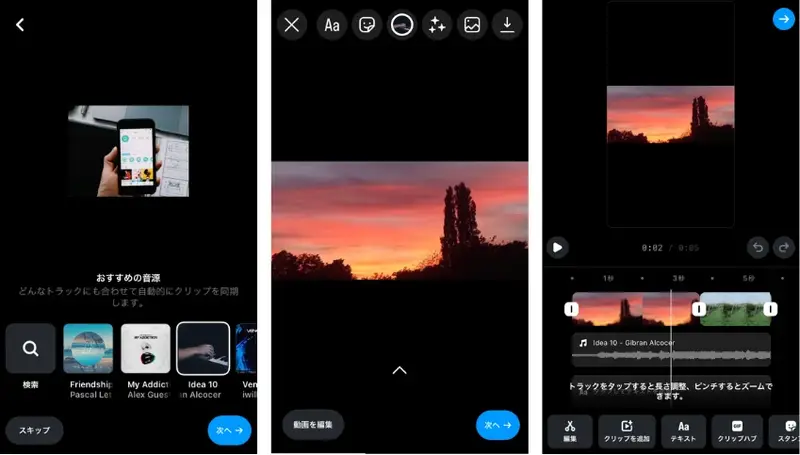
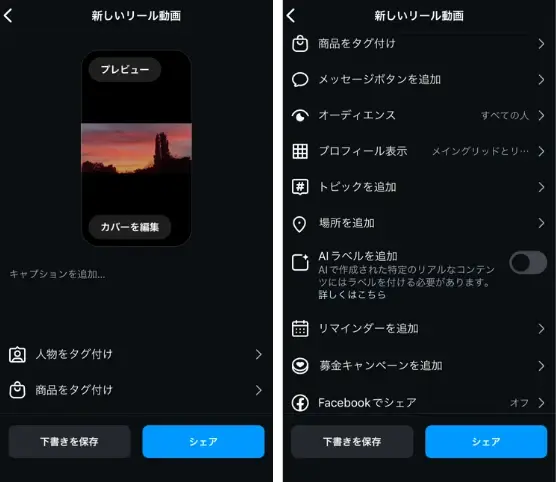

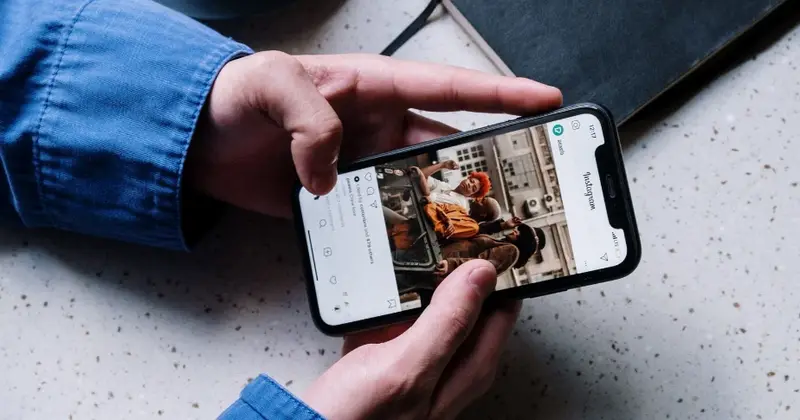
Types of Instagram post content
There are mainly three types of content you can post on Instagram. We'll explain the characteristics of each, the posting process, and things to keep in mind.
What is an Instagram feed post?
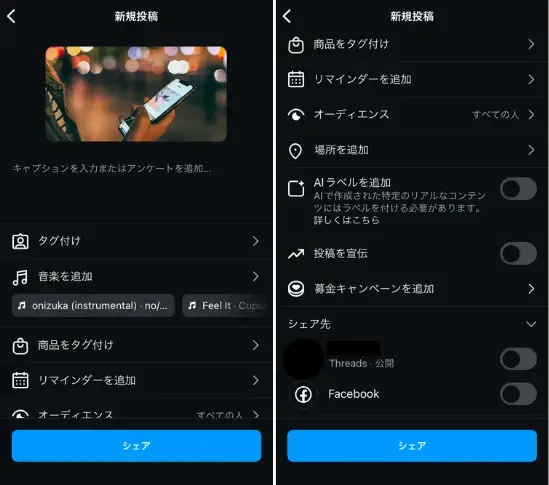
A feed post is a post that appears as the main content on the Instagram home screen. Feed posts can appear not only on your followers' home screens but also as recommended posts to accounts that are not your followers. You can also upload up to 10 images and videos in a single post; this feature is called a carousel. Your feed posts are displayed in a list on your profile screen.
How to post to your Instagram feed
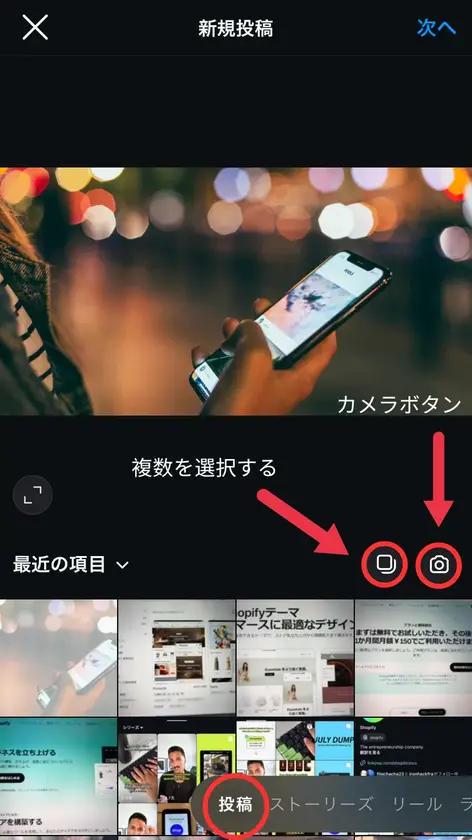
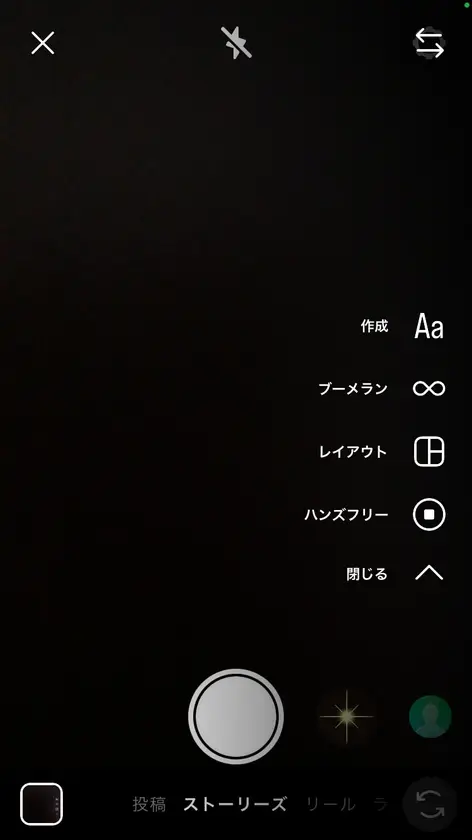
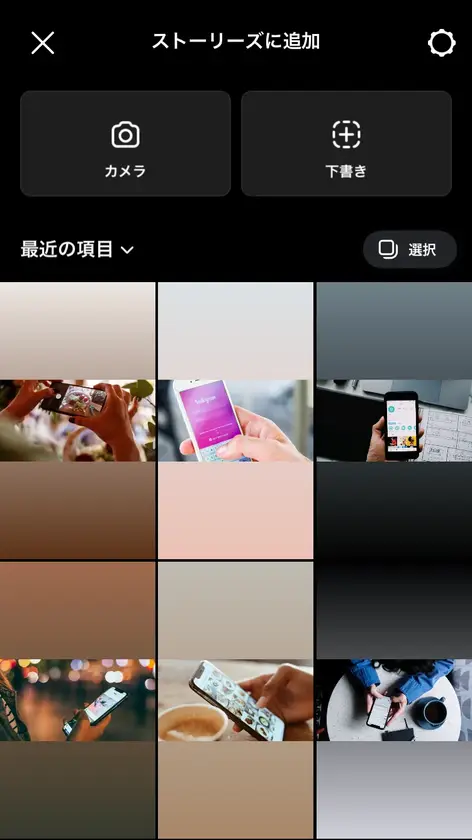
Open Instagram and tap the "+" icon in the bottom center of the screen to select "Post," "Stories," "Reels," or "Live." Since we're making a feed post here, tap "Post." You can also access this screen by swiping from left to right on the app's home screen.
How to delete or archive your Instagram feed
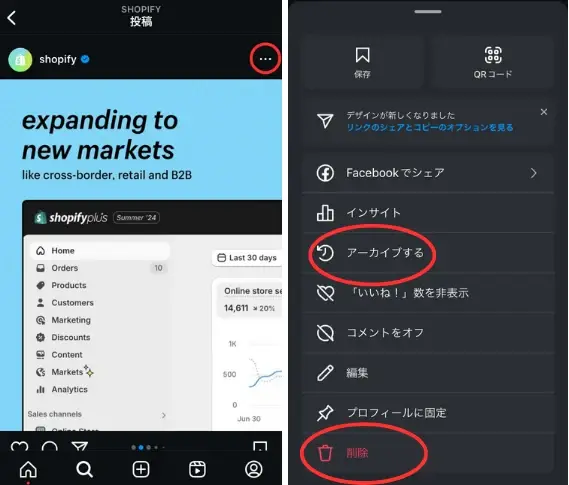
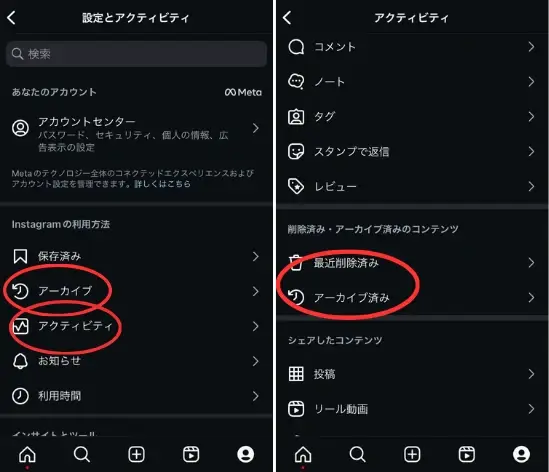
To delete an image you've posted to your feed, first open the post in question. Tap the three dots "..." in the upper right corner of the post to open a menu, then tap "Delete." You can restore deleted images from your account settings for 30 days, but after that, they will be permanently deleted. Also, be aware that any Reels videos or Stories containing the deleted post will also be deleted.


