 跨境独立站开店
What is Instagram Marketing? Success Strategies and Marketing Strategies
To help you succeed in Instagram marketing, we'll introduce specific marketing strategies along with successful case studies. Let's leverage the different types of Instagram posts to make your Instagram marketing a success.





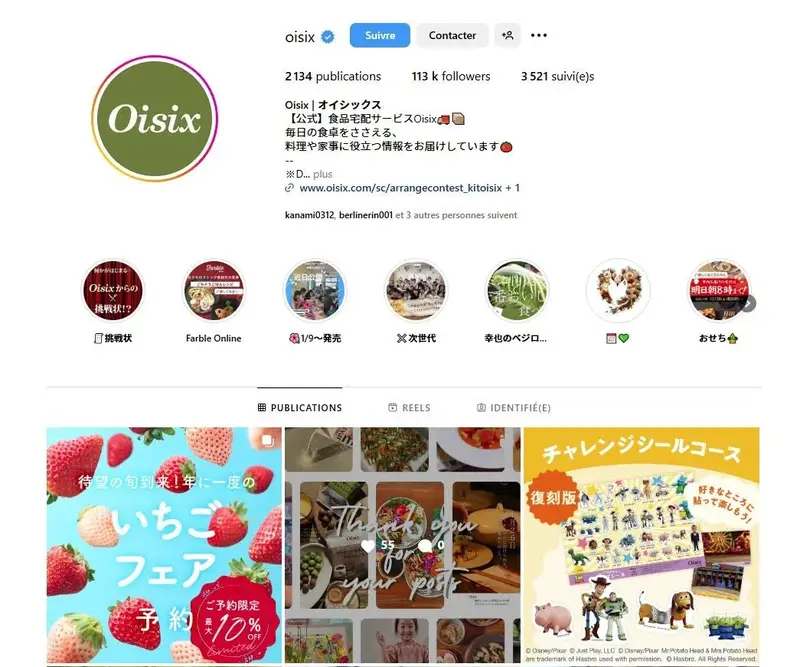
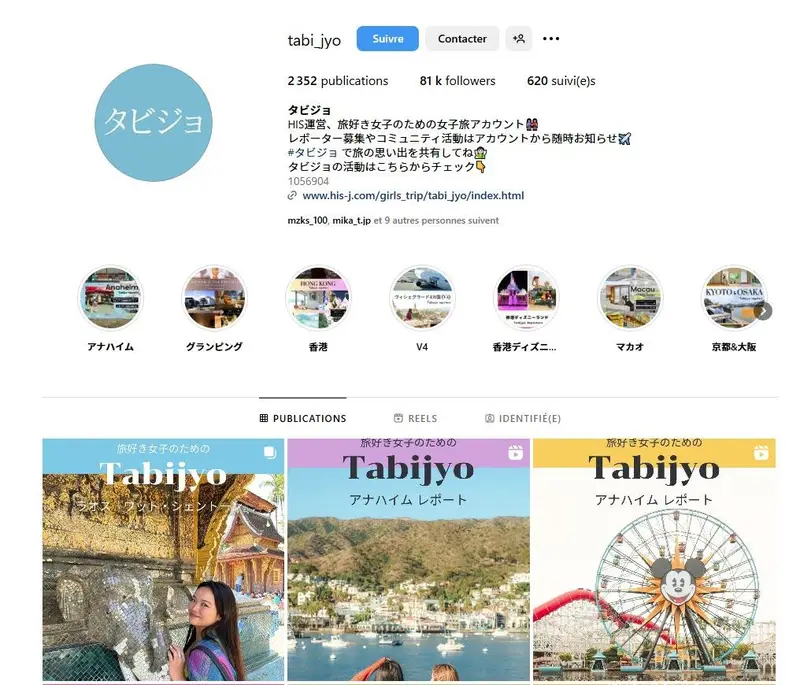



What is Instagram marketing?
Instagram marketing is a marketing method in which companies and individuals use Instagram to visually reach their target audience, increase brand and product awareness, and drive sales.
How is Instagram being used for marketing?
Similar to social media marketing on TikTok and Snapchat, Instagram is a platform where brands, businesses, and individual creators can conduct visual marketing. In addition to advertising features such as Instagram Ads, sponsored posts, and partnership ads, you can also implement marketing strategies using Instagram posts, Stories, and Reels.
Why Instagram is used for marketing
With over 50% of Instagram users falling into the 18-24 and 25-34 age groups, its strength lies in its ability to reach Gen Z and Millennial consumers. It also has a large number of Gen Alpha users, and reports indicate that the number of teenage users is increasing alongside TikTok's growth. If your target audience falls within these age groups, Instagram marketing can not only increase brand and product awareness but also lead to customer acquisition.
1. Clearly define your target audience.
It's essential to clearly define your target audience on Instagram and predict what kinds of content they'll be interested in. Defining your target audience is crucial for overall business branding and marketing, but here we'll focus specifically on Instagram users and explore their commonalities and interests. Creating personas will deepen your understanding of your audience and make it easier to create content that meets their needs.


