 跨境独立站开店
What is an Instagram feed? How to use it differently from posts and stories.
Instagram's feed is the basic screen for your Instagram account, but are you using it effectively? Here, we explain the latest information on Instagram's feed, the difference between feeds and Reels, and how to use them in conjunction with Stories.





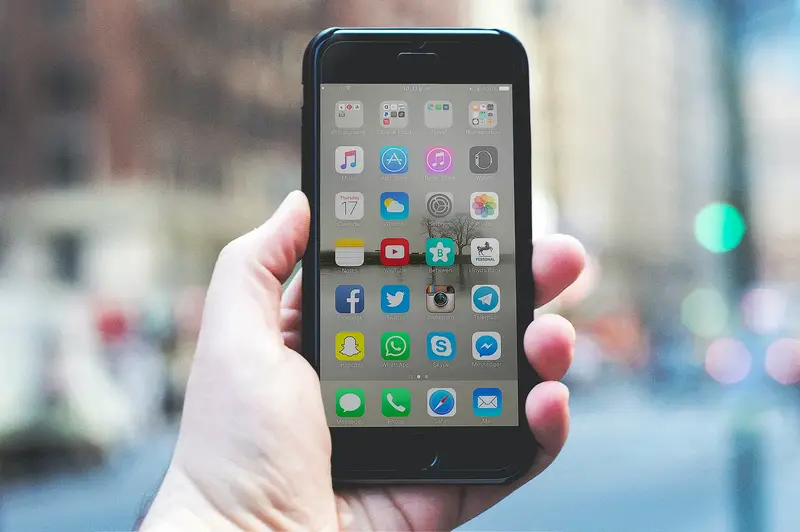
What is an Instagram feed?
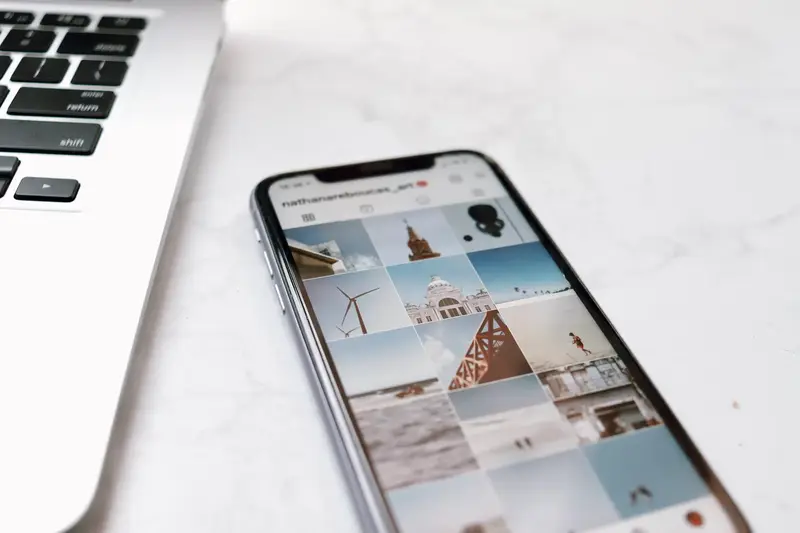
The Instagram feed is the area where images and videos are displayed on the Instagram home screen, or on the "Following" and "Favorites" screens that appear when you click the "Instagram" logo in the upper left corner of the home screen. Here you can view posts from accounts you follow, recommended posts, and advertisements.
Size and video length that can be posted to an Instagram feed.
For Instagram feed posts, images should ideally have an aspect ratio (width-to-height ratio) of 1.91:1 to 4:5, with a width of 320 to 1080 pixels and a height of 566 to 1350 pixels. Videos can be up to 15 minutes long (60 minutes if uploaded from a computer).
Image size limits for posting to the feed
If an image's aspect ratio is not optimal, it will be cropped to match the recommended ratio. Similarly, if the image size is not recommended, it will be enlarged or reduced to the recommended size. You can check this cropping and resizing when posting to your feed.
The length of videos that can be posted to the feed
Videos posted to your feed from your smartphone can be up to 15 minutes long, but videos posted from a computer can be up to 60 minutes long. Also, the maximum size of a video you can post is 4GB, so if your video is larger than this, be sure to adjust its size to reduce its capacity.


