 跨境独立站开店
How to change or create your Instagram icon: Make your profile stylish!
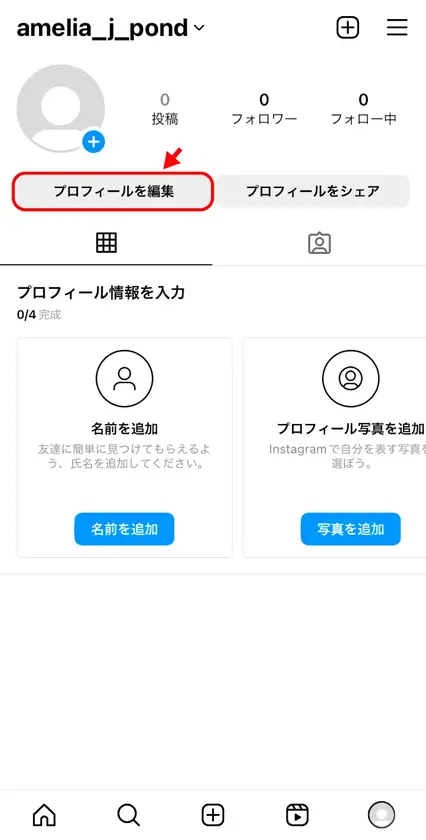
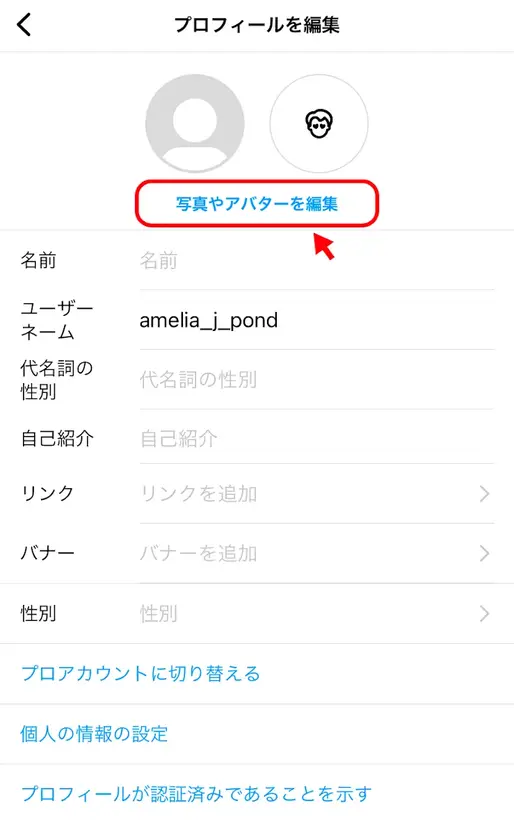
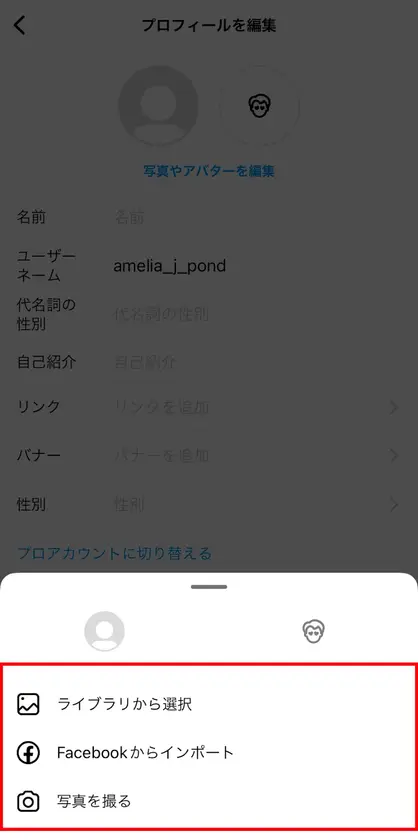
Instagram icons, used for both profile pictures and highlights, are small but important elements that influence follower rates and other factors. This article explains how to change your Instagram icon and how to create a stylish one.




It aligns with the account's worldview.
It's important that your Instagram icon aligns with your account's image and concept. Ensure consistency in color, style, tone, and overall feel with your posts.
The logo is incorporated.
For corporate accounts, incorporating the company logo into the icon allows fans to recognize it at a glance. If you don't have a logo yet, take this opportunity to create one using a logo maker or similar tool. Using a logo allows users to instantly identify which account's post it is, even on their home screen. If you have established brand colors, designing your account to reflect those colors can also be effective.
A face is visible
For personal accounts, showing your face has significant advantages. Studies have shown that people tend to look at a person's face before text. There are also research findings that indicate the part of the human brain responsible for memory is activated more when viewing a face than when viewing objects or images. In other words, a face icon is more eye-catching and easier to remember.
Don't choose a full-body photo.
Avoid using full-body photos as your profile icon. Instagram profile pictures are displayed as a 110 x 110 pixel circle on smartphones and a 180 x 180 pixel circle on desktops. In the Instagram feed, they are displayed as an even smaller 40 x 40 pixel circle, making full-body photos difficult to see and recognize as icons.


