 跨境独立站开店
How to run Instagram ads, cost guide, and effectiveness.
This guide provides beginner-friendly information on how to run Instagram ads, including pricing and setup. If you're interested in using Instagram for advertising, please refer to this guide.





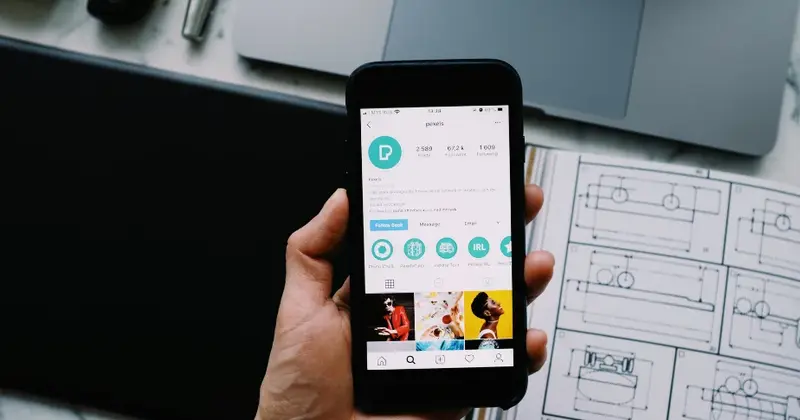


What are Instagram ads?
Instagram ads are a paid service that allows businesses to place image and video advertisements on Instagram. They are used by companies and individuals for purposes such as acquiring potential customers, selling products and services, increasing brand awareness, and promoting their websites.
How Instagram ads work
Instagram ads are a performance-based advertising model where costs are incurred based on impressions and clicks, making them accessible to anyone. You can set the ad duration and target audience, and comprehensive reporting features allow you to analyze the effectiveness of your ads. A key feature is the high degree of flexibility, allowing you to change targets and adjust advertising costs while running your ads, making it easy to manage your ads effectively. Furthermore, Instagram ads have a mechanism that makes it easy to reach your target audience. Because it's provided by Meta Inc., the same company that provides Facebook ads, you can leverage Facebook data when placing ads.
Core audience
This method targets users based on information registered on Instagram and Facebook, as well as their browsing history. In addition to using user attribute data such as age, gender, location, and language, it analyzes interests based on the types of posts users "like" and "follow," and their video viewing history, allowing for ad delivery based on topics of interest and accounts that users follow.
Custom audience
By utilizing your own user data, you can target specific users or exclude existing customers. You can create customer lists from your Instagram follower list and deliver ads to them, or you can deliver ads only to users who have taken specific actions, such as visiting your website or viewing posts.


