 跨境独立站开店
Marketing | A Guide to Influencer Marketing
This guide provides a clear and concise explanation of how to conduct influencer marketing, including its benefits, success stories, and how to contact influencers.









What is influencer marketing?
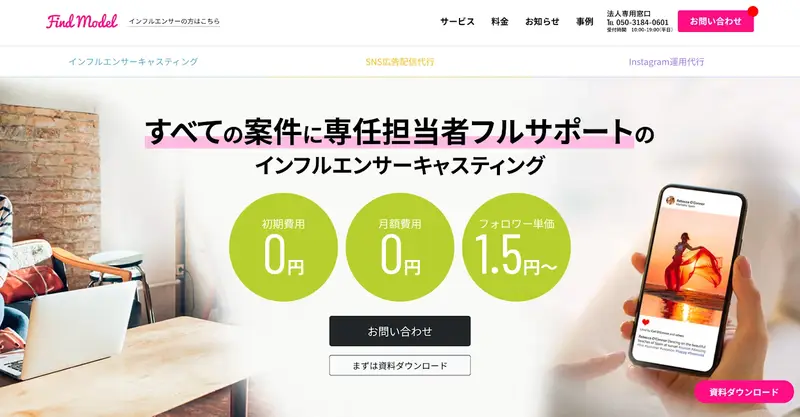
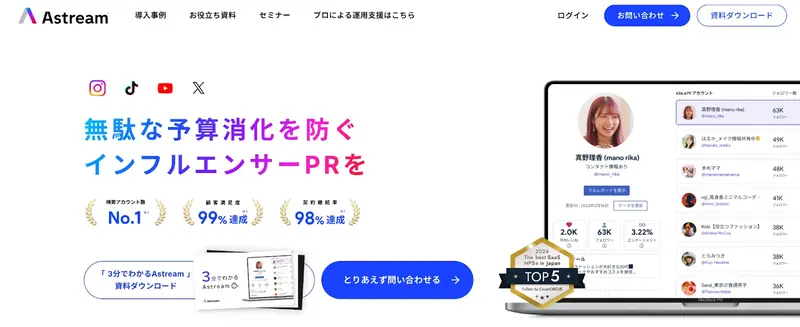
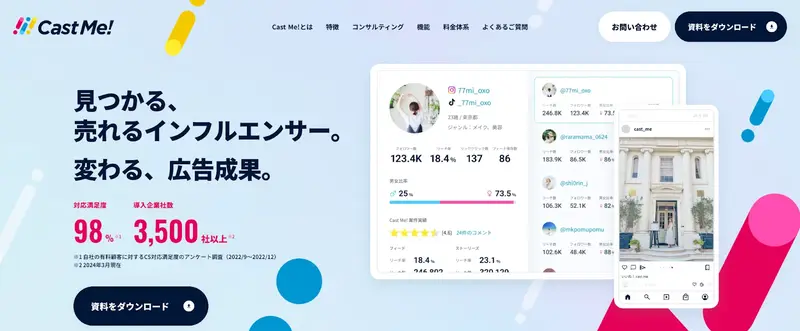
Influencer marketing is a marketing method that involves having influential influencers promote and advertise a company, product, or service to increase brand awareness and boost sales. Generally, it is conducted as a paid partnership agreement where influencers create and post content related to the brand and are paid a fee in return.
What is an influencer?
An influencer is a person who disseminates information through online media such as social media and blogs, and has a high level of influence and reach over a large number of followers and readers in a particular field.
1. High appeal through trust and empathy
Because influencers have built trusting relationships with their followers on a regular basis, their advertisements tend to be accepted more naturally and without resistance than advertisements directly from brands. In addition, influencers introduce products and services from a consumer's perspective, making it easier to gain user empathy and leading to purchases and usage.
2. Expanding reach
Content shared by influencers is easily spread through "sharing" and "saving" on social media, leading to word-of-mouth and secondary dissemination beyond the follower base. This makes it possible to gain new reach to audiences that were difficult to reach with traditional advertising methods. Furthermore, by utilizing platforms that remain online for a long time, such as blogs and YouTube, the content is indexed by search engines, and an increase in SEO effects and search traffic can be expected.


