 跨境独立站开店
How to add creators to Shopify Collabs
This guide explains how to add creators to Shopify Collabs. Learn about the affiliate program migration process and key points for building relationships with creators to help your brand grow.

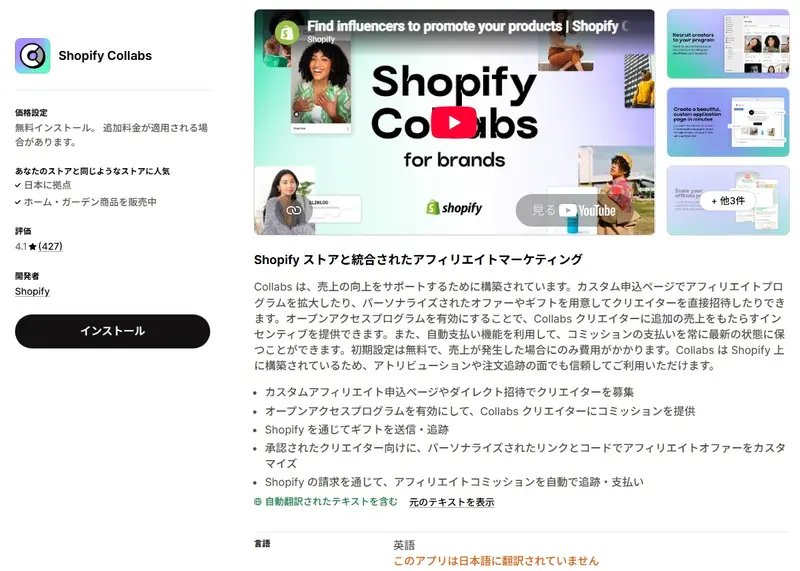
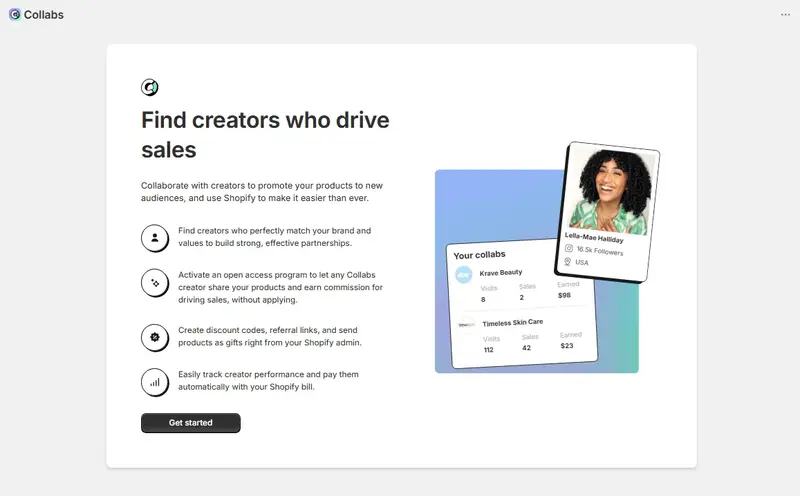
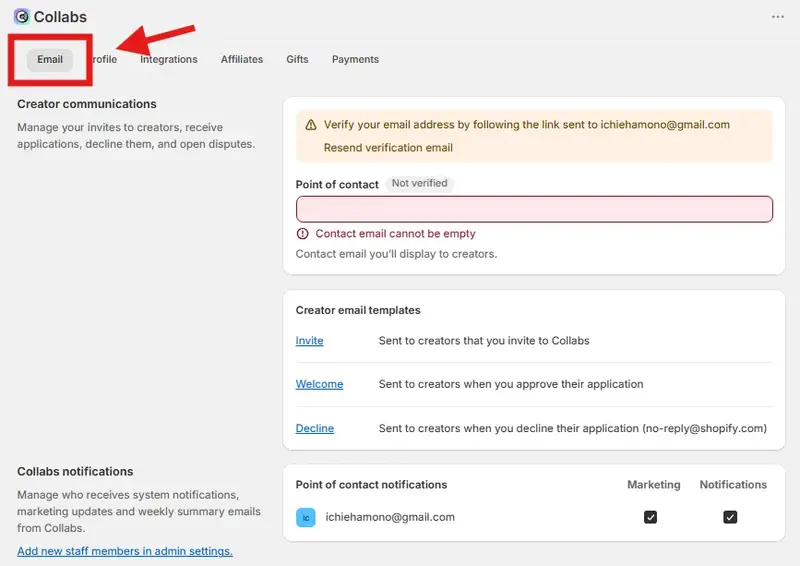
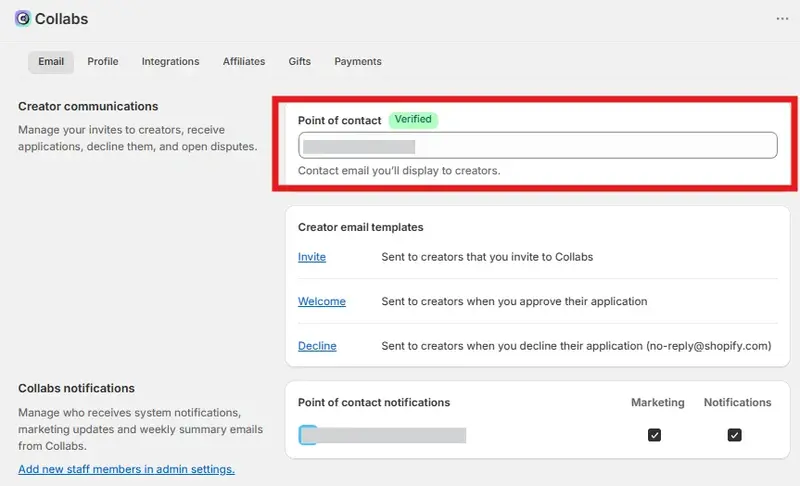
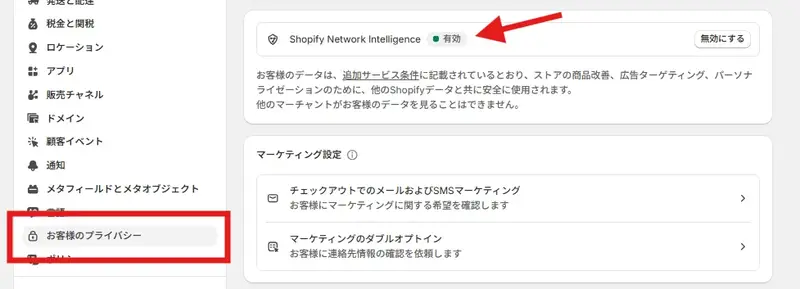
1. Perform the initial setup of Shopify Collabs.
If you're not already using Shopify Collabs, start by installing it from the Shopify App Store.
2. Set up the program
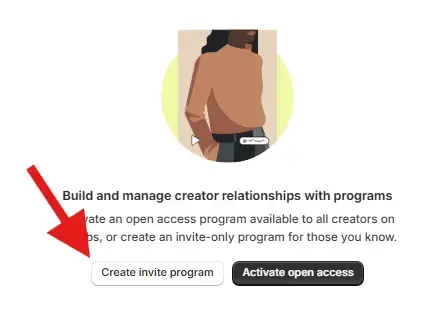
Let's configure the program according to the conditions you've provided so far. Shopify Collabs allows you to create the following two types of programs:
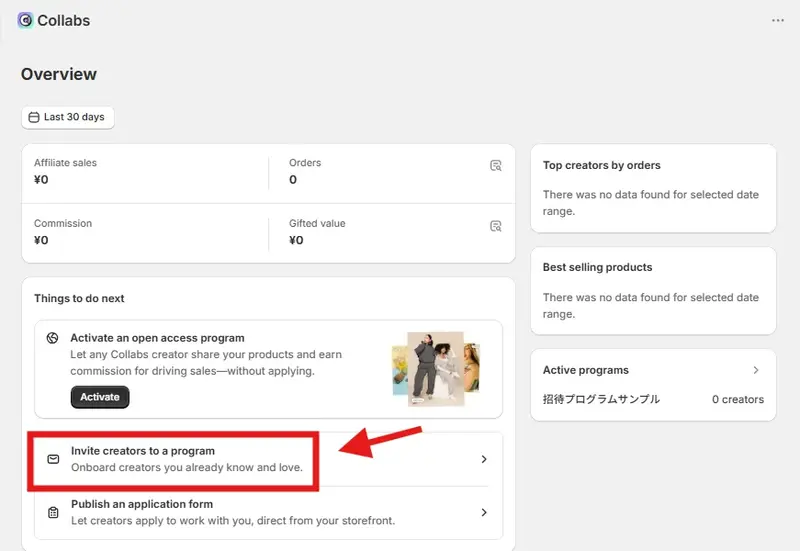
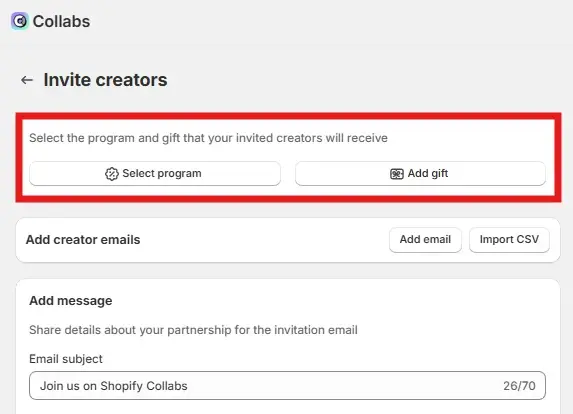
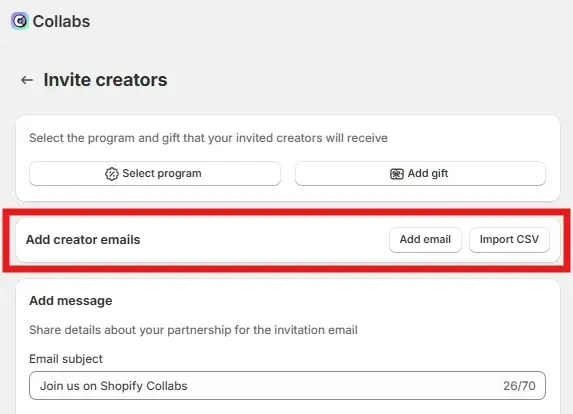
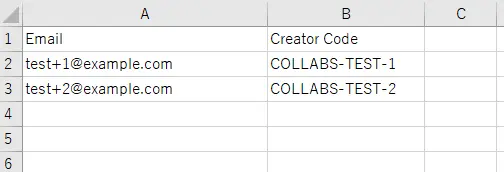
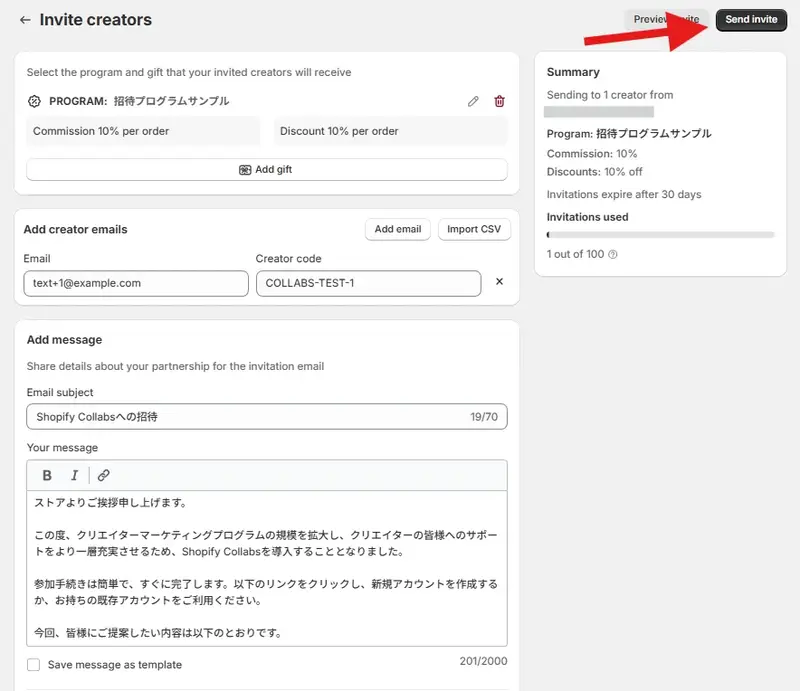
3. Invite creators
Before inviting your partner creators to Shopify Collabs, be sure to inform them about the migration in advance. Providing information about the planned migration date and the necessary settings on their end will help ensure a smooth transition.
4. Confirm creator participation and clean up the old platform.
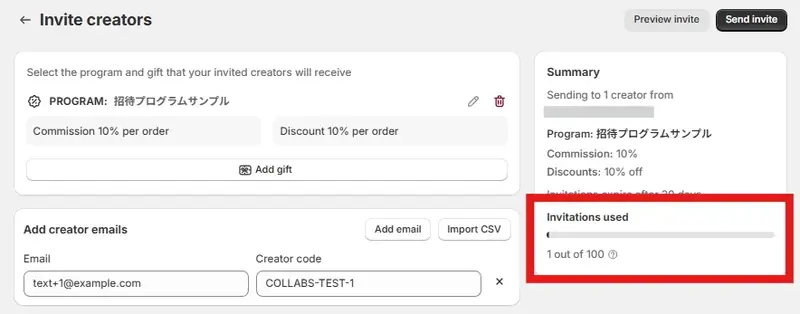
Once the creator accepts the invitation via email, the partnership with Shopify Collabs will begin. Please note that the invitation is valid for 30 days. If the creator does not accept within this period, please contact them again if necessary.



