 跨境独立站开店
What are Instagram Stories? A guide to using Stories
Instagram Stories are becoming increasingly important in Instagram marketing. This article summarizes how to use Instagram Stories and how to leverage them for marketing.

















What are Instagram Stories?
Instagram Stories are posts that are automatically deleted 24 hours after they are posted. While the official name is "Stories," in Japan they are sometimes simply called "Stories."
highlights
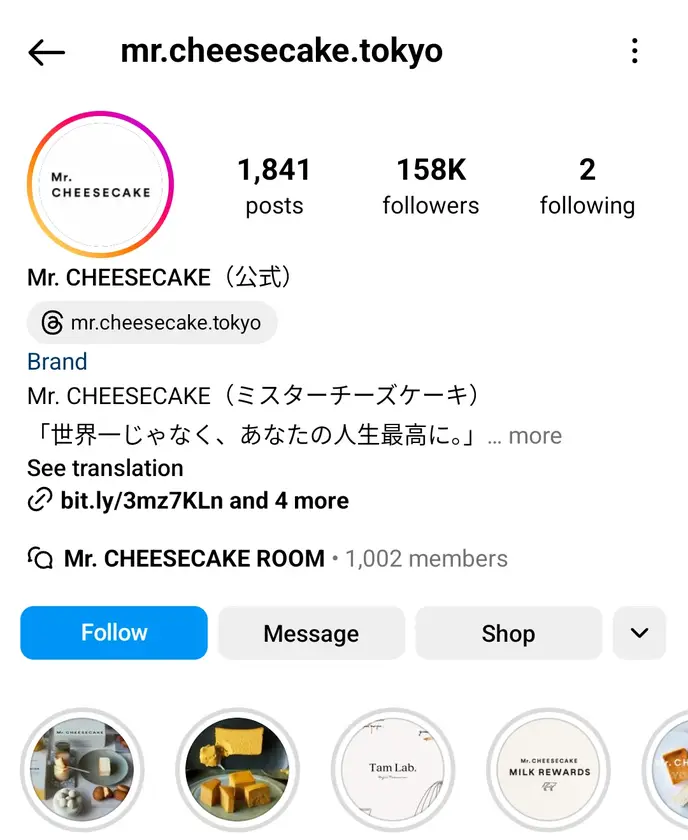
By gathering content you want to keep public from your Stories onto your profile page, you can make it easier for page visitors to view it, which is also useful for Instagram marketing. Furthermore, Highlights allows you to group multiple posts into categories, not just display individual posts, making it effective for showcasing your account's characteristics and brand identity through your Instagram profile.
Repost
For example, reposting user-generated content (UGC) and spreading reviews can lead to increased consumer trust and improved purchasing behavior. Furthermore, if reposting UGC sparks communication between companies and customers, or among customers themselves, it can also increase brand engagement.
Instagram Live
The main advantage of using Instagram Live is the ability to communicate with users in a two-way manner. For e-commerce businesses, it allows for live commerce, where they can promote their products while communicating with consumers. Since Instagram Live allows you to hear real user feedback, it's also effective for improving products and services.


