 跨境独立站开店
How to use Canva AI: Magic Studio features
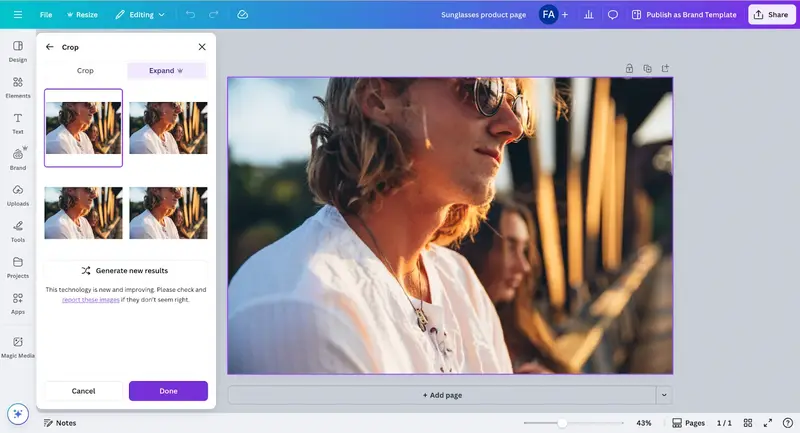
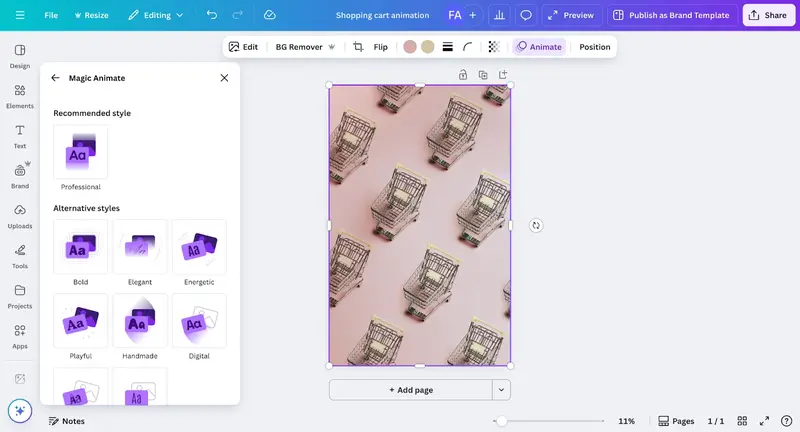
Canva's AI tools allow you to create images and video clips, remove and replace objects in photos, expand backgrounds, add animations, and more.

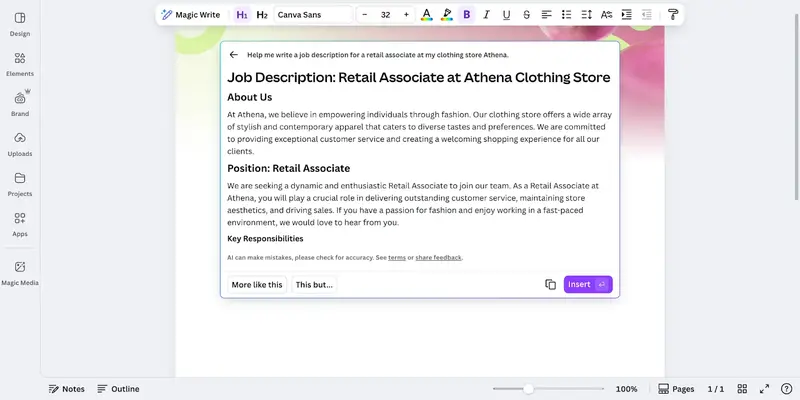
What is Canva AI?
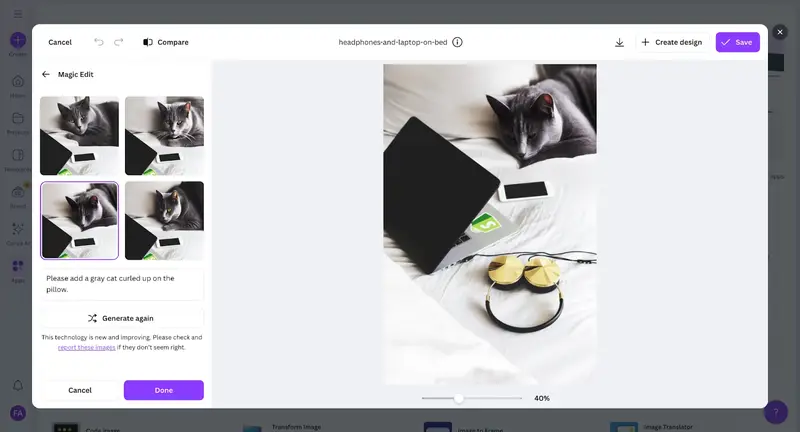
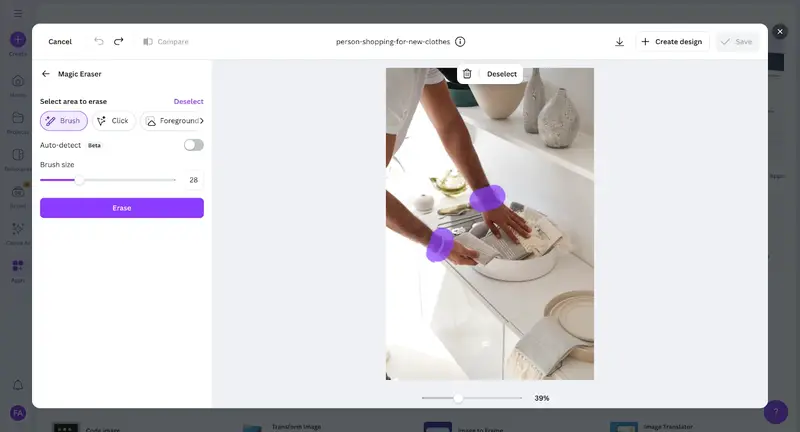
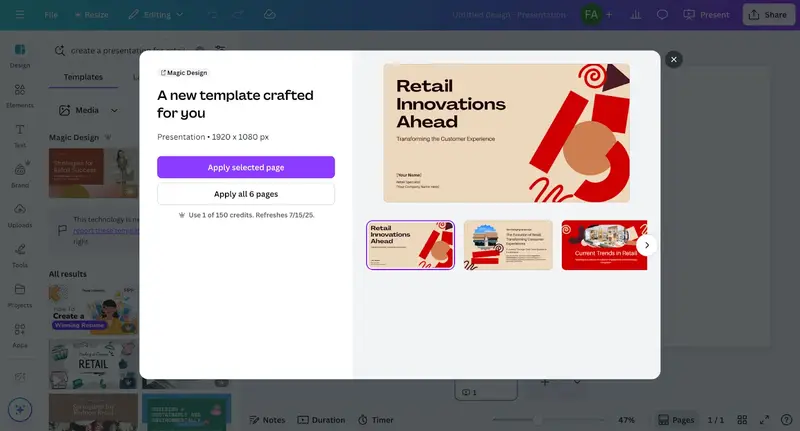
Canva is a web-based design platform that lets you create anything from social media graphics and presentations to posters, videos, and logos. Its AI capabilities, called Magic Studio, bring automation to the design process. Magic Eraser, Magic Switch, Magic Morph, and Magic Animate are all built directly into the Canva interface.
Pricing plans
Canva's pricing structure includes a free plan, a Pro subscription, and other options to suit your needs.
9 AI design features to try in Canva Magic
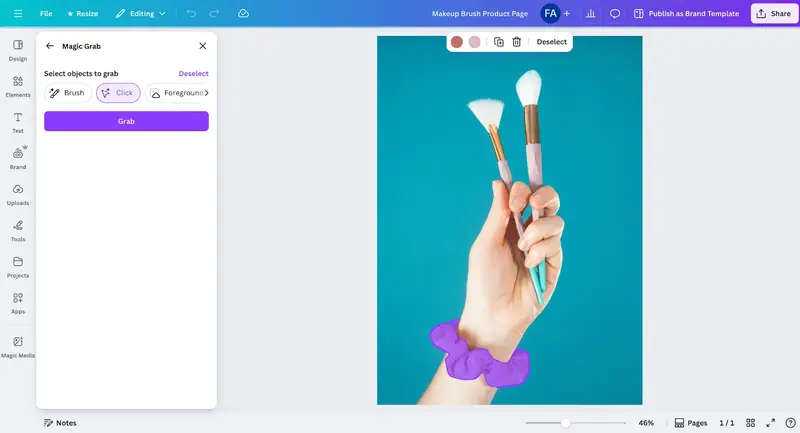
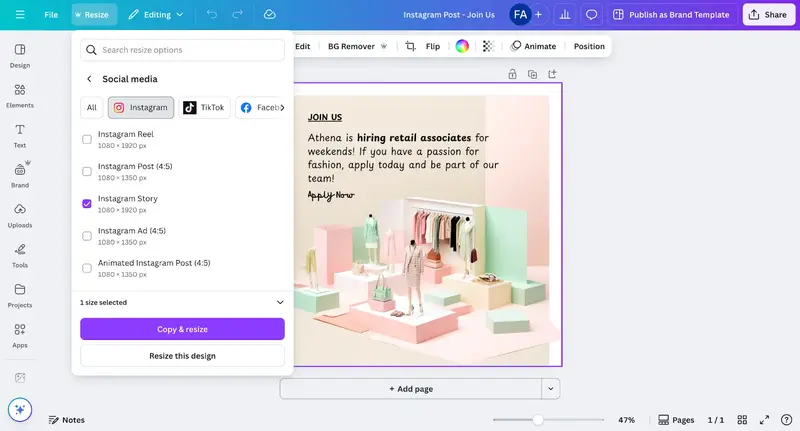
Canva Magic tools work together seamlessly. You can generate an image with Magic Media, rearrange your subject with Magic Grab, and then fine-tune it for Instagram, LinkedIn, or email headers with Magic Switch. In short, you can handle various design tasks without switching between multiple apps.
1. Magic Media
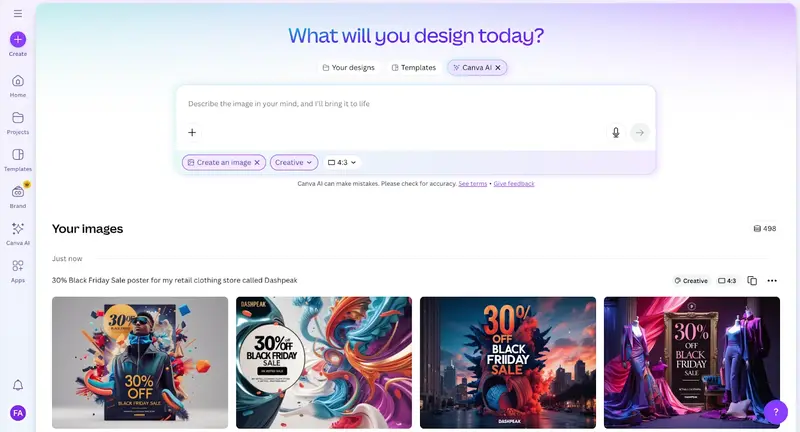
Magic Media is a feature that allows you to generate images and videos from text prompts. This text-to-image conversion tool lets you create custom photos, graphics, and cutaway videos without starting from scratch. There's no need to search stock libraries or shoot your own content.



