 跨境独立站开店
Guides
How to succeed with a Shopify store using Kickstarter
Kickstarter is the perfect platform for raising the funds needed to turn a product idea into a real product.
Check Shopify registration offers in your regionSee current offer


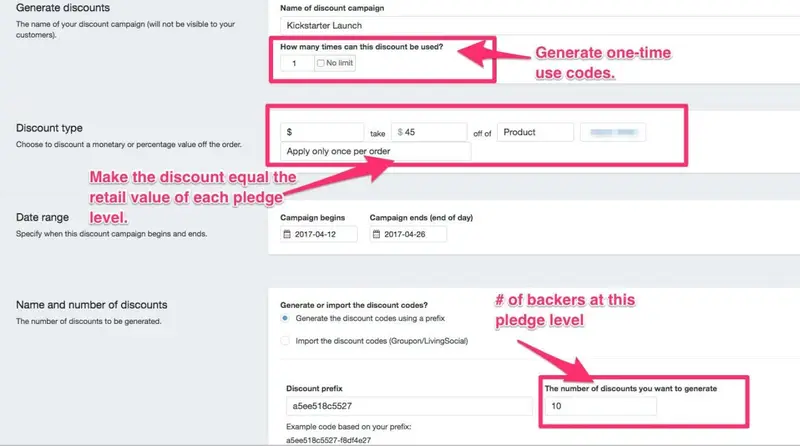
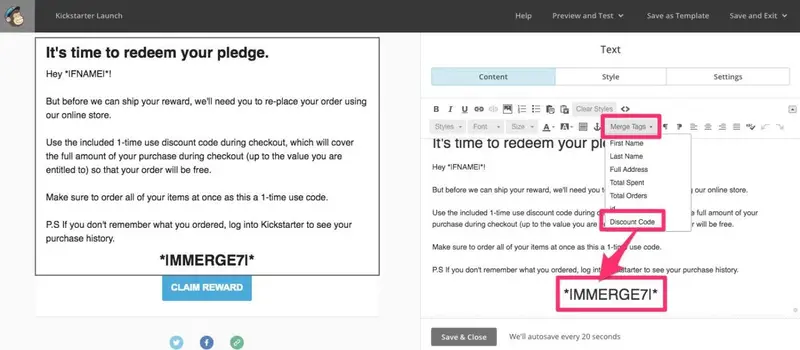
Why you should build an e-commerce store before launching your business.
Running a Kickstarter campaign already requires a lot of effort, so why would you want to add even more burden to it?
Pre-launch: Setting up your e-commerce business
At a minimum, set up a separate landing page to complement your Kickstarter campaign. This can be easily created with Shopify.
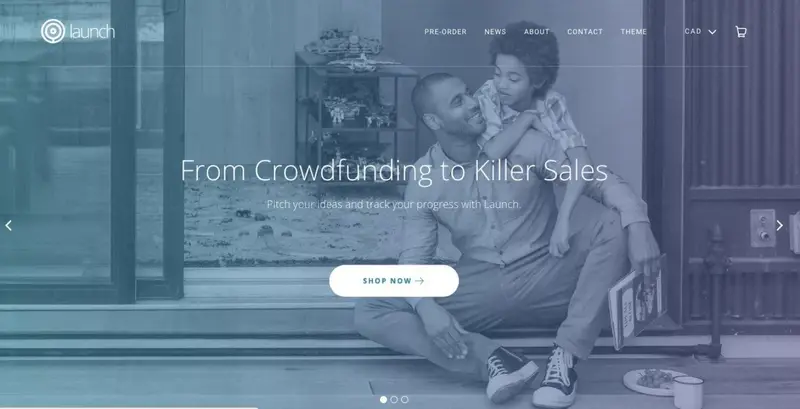
Choose a theme
To set up your store, first choose a theme. You can do this by accessing the theme store or by going to Online Store > Themes in the admin panel.
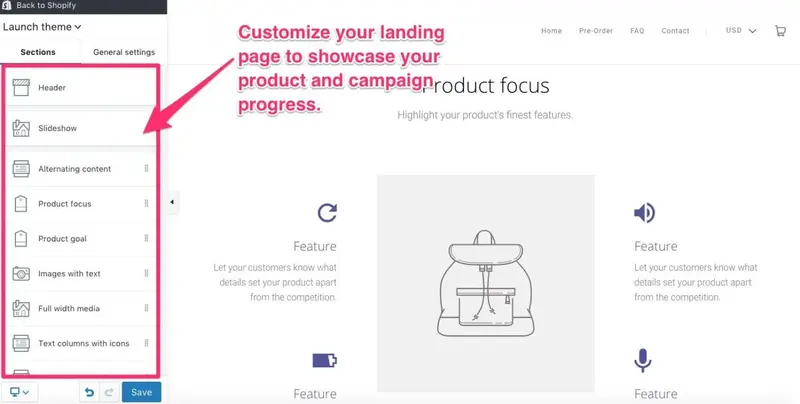
Customize the theme and build your landing page.
Once you've selected a theme, click the "Customize Theme" button under Online Store > Themes to begin building your landing page. Edit, add, and delete sections to create a landing page that suits your needs.



